Samsung One UI 9 Update Breaks Android Auto for Galaxy Users
Galaxy owners who installed One UI 9, Samsung's first Android 17 build, report that Android Auto fails to connect or keeps dropping out while driving.
Samsung's One UI 9 update, the company's first software release based on Android 17, is causing trouble with Android Auto for owners of Galaxy smartphones. Users report that after installing the update, their phones either cannot connect to the car's infotainment system at all or lose the connection repeatedly while driving.
What users are reporting
The complaints fall into two main groups. In the first, the phone simply fails to establish a connection with the vehicle's multimedia system. In the second, the connection works at first but drops at random during a drive, which interrupts navigation, music or calls routed through the car.
Some users also describe a laggy interface, with Android Auto stuttering and responding slowly. The reports do not point to a single car brand or Galaxy model, and the scale of the problem has not been confirmed.
Why it matters
Android Auto is a daily tool for many drivers, and an unstable connection is more than an inconvenience: it can force people to fiddle with their phone behind the wheel. The issue adds to earlier complaints about problems with the new One UI 9 software.
For anyone who has not yet updated and relies on Android Auto, it may be worth waiting for feedback or a follow-up patch before installing the new version.
Samsung has not yet been cited with an official fix or timeline in the available information. Users affected by the bug will have to wait for a corrective update.
Apps worth a look
 SUMO: the number puzzle
Tap the right tiles, add them up, hit the target. Easy to learn, hard to master. Free, for all ages.
 Dialo: learn languages by speaking
Talk to an AI conversation partner; every sentence comes back corrected and explained in your language. 9 languages, A1 to C2.
 ediviewer: read EDI files like documents
Open EDIFACT and X12 messages, see every segment explained, convert to JSON/XML, export PDF and Excel. Runs locally, no upload.
More from this day
See all →
Tanmiya Capital closes $130 million Fund II backed by EIB

ABA Life secures $40 million from Admaius Capital Partners

Aramco Completes 49% Stake in HUMAIN With $2.6 Billion Cash

VOLTA malware steals passwords and asks AI what victims are worth
More in: Mobile
See all →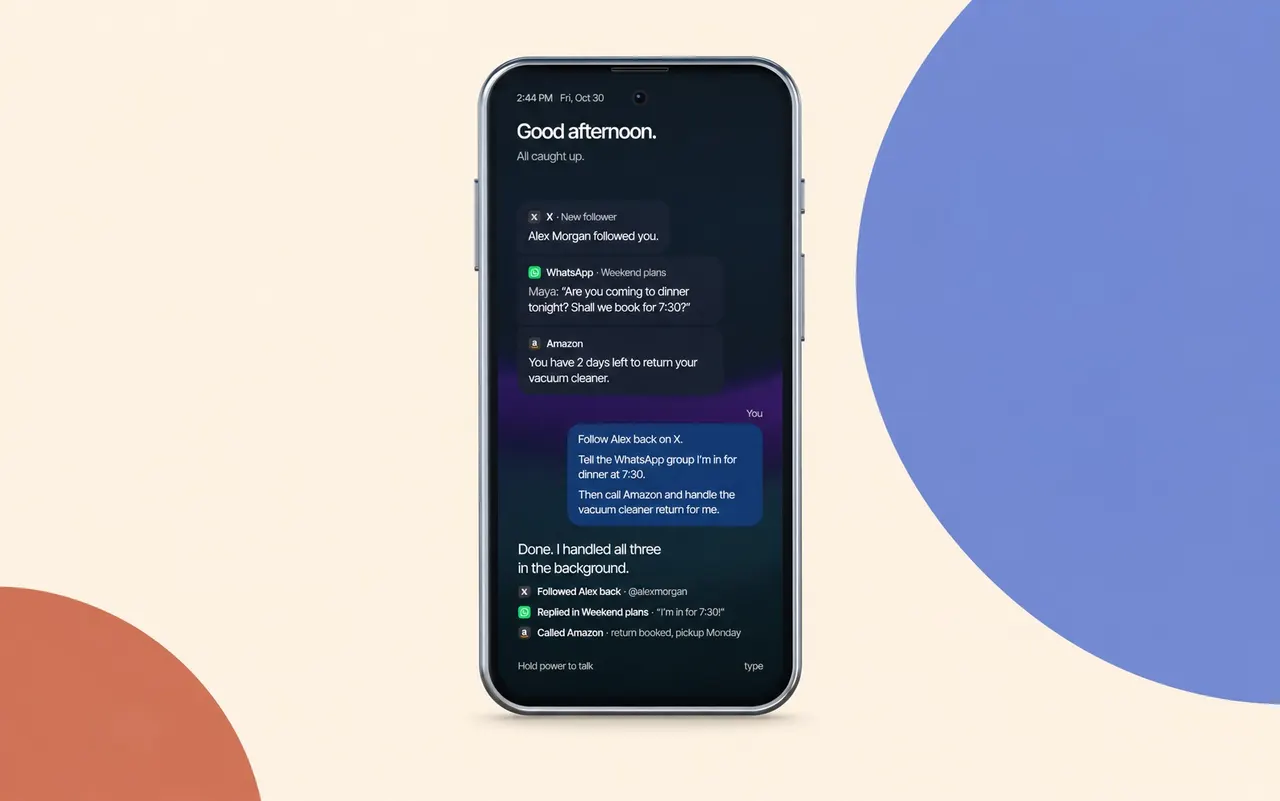
Cyclon unveils an AI-run smartphone that uses apps for you

Vivo Y32 5G Launches With 8,000mAh Battery and 120Hz Display
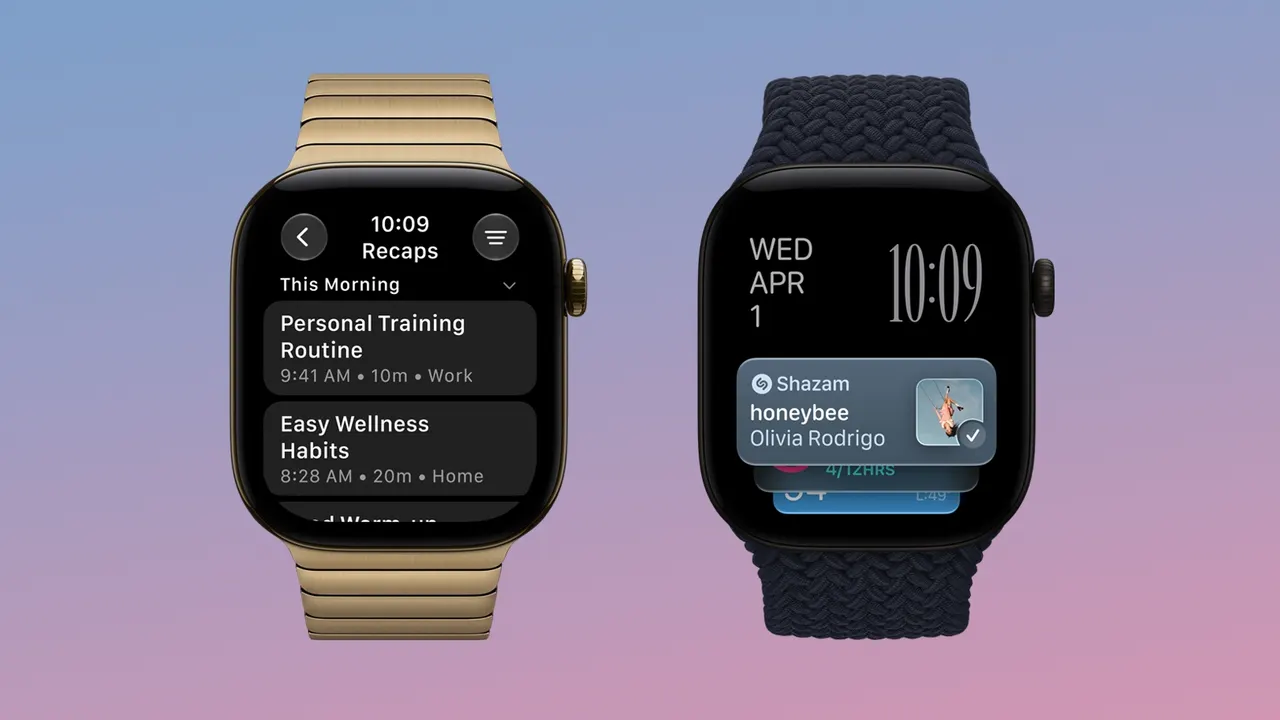
watchOS 27.3 Beta Adds Live Rewind and Siri Recap to Apple Watch