Instagram Launches Apple TV App With Reels and Live Shows
Instagram has released a dedicated Apple TV app that brings Reels, longer videos and live shows to the big screen. It requires tvOS 26.0 or later.
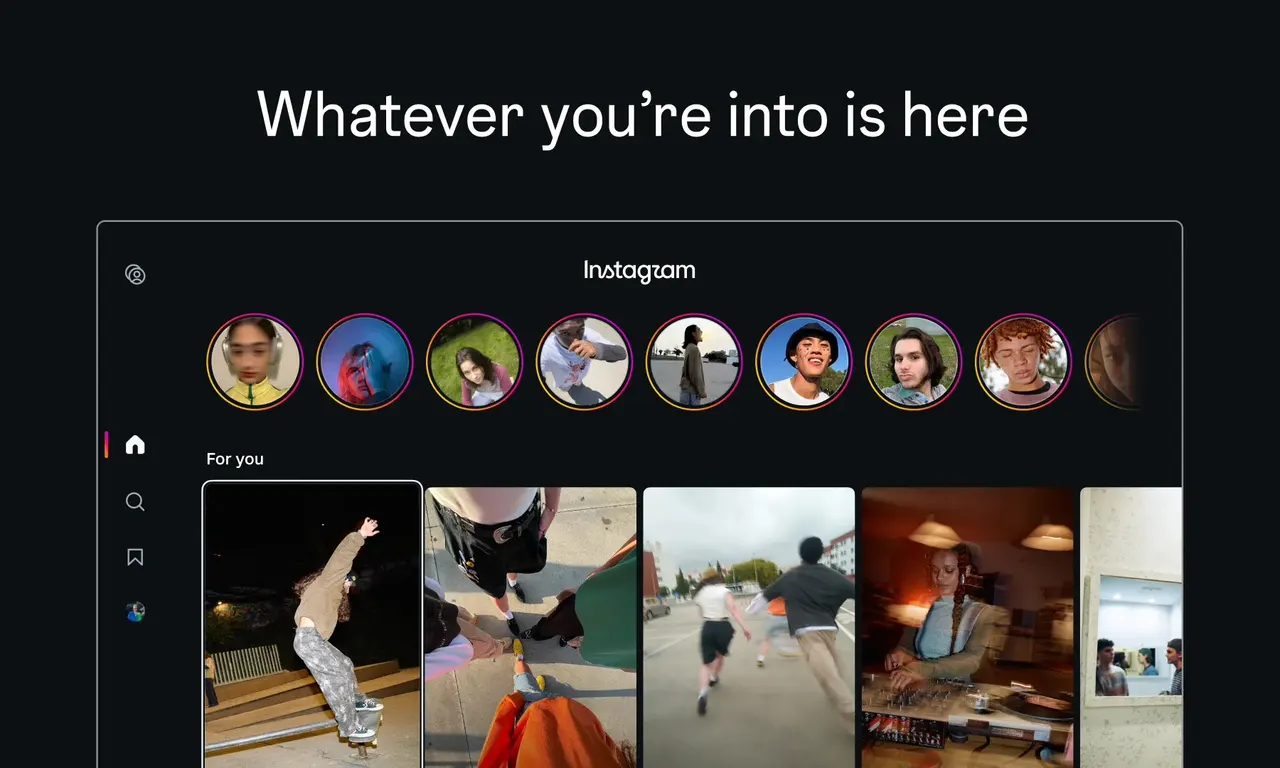
Instagram now has its own app on Apple TV. The new app brings Reels, longer videos and live shows to the living-room screen, and it requires tvOS 26.0 or later. Its arrival appears to date to October 23, based on the listing in Apple's App Store.
The app lets users watch videos from their favorite creators, discover new content and pick up where they left off across devices. Instagram is positioning the experience as something to enjoy with friends and family, rather than something each person does alone on a phone.
Part of a wider TV push
The Apple TV release extends Instagram's expansion onto television. The company first tested a TV app on Amazon Fire TV devices in December 2025, then moved to Google TV in February 2026 and Samsung smart TVs in June. Those earlier versions centered on Reels organized into interest-based channels, with videos playing automatically.
The Apple TV listing also mentions longer videos and live shows, which points to ambitions beyond short clips. Instagram has been steadily widening its video offering, and the TV is a natural place to test how longer content performs.
How to get it
Installing the app is simple: search for Instagram in the Apple TV App Store and download it. Owners of older Apple TV software will need to update to tvOS 26.0 or later first.
For viewers, the app offers another way to watch creator content together without passing a phone around the sofa. Whether it makes shared viewing better or simply makes it easier to lose an evening to the algorithm is an open question, but the TV is now officially part of Instagram's territory.
More from this day
See all →
Apollo Economist: AI Has Delivered Zero Financial Payoff Outside Tech
OpenAI Checked Fired Researchers' Phones for Signal Chats

Northwestern Physicists Trap a Single Positron for Months
Deepwater Horizon Spill Caused Deep Gulf Ecosystem Collapse
More in: Mobile
See all →
Huawei Pura 90 Plus Live Images Reveal Kirin 9025 Chipset
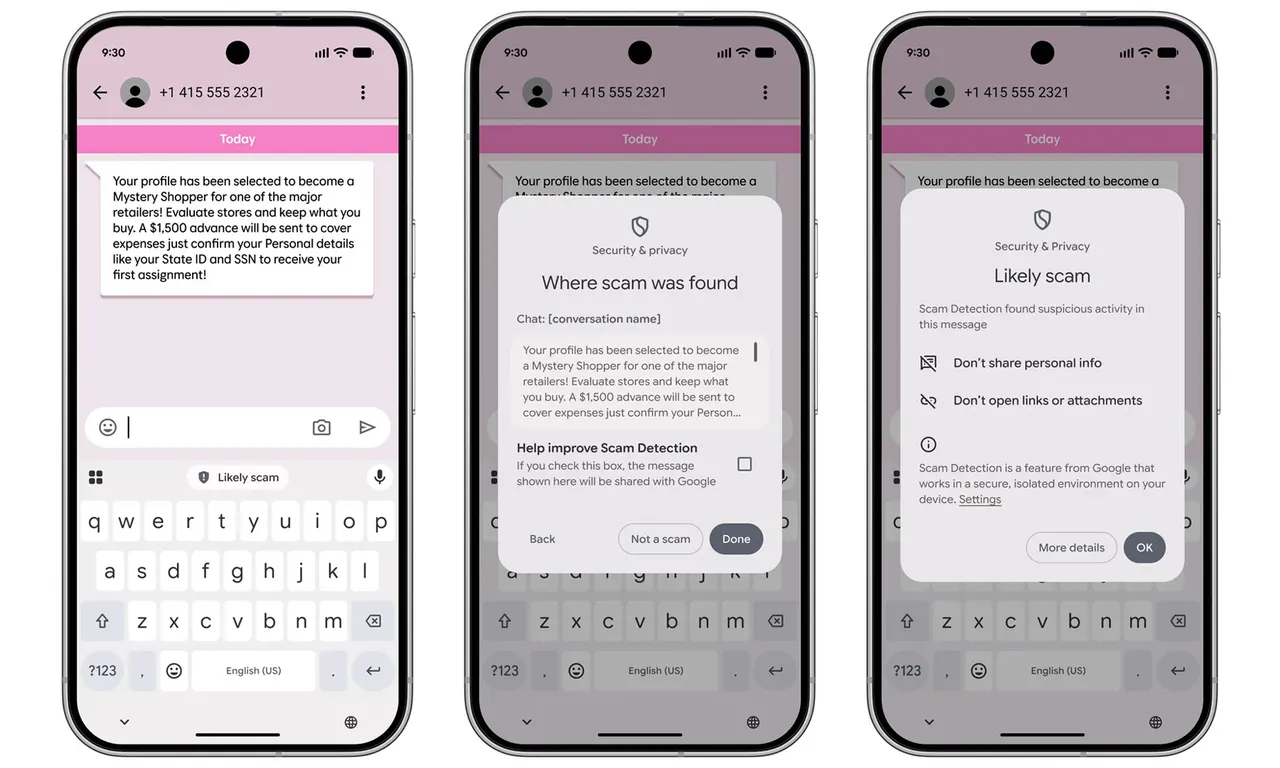
Google Messages Adds Enhanced Protection to Fight Text Scams
Android Is Linking Your SIM Number to Every Google Account