XNU Linux runs the macOS kernel as a Linux module, no VM
A new open-source project loads Apple's XNU kernel inside Linux, so macOS apps like Safari and Finder run next to Linux processes without a virtual machine.
 SUMO· the number puzzle
 Dialo· learn languages by speaking
 ediviewer· read EDI files like documents
 giftdetect· the right gift in minutes
Running macOS apps on Linux without a virtual machine has been a long-standing wish. A developer now has a different answer: XNU Linux, an open-source project that loads the macOS kernel as a module inside Linux.
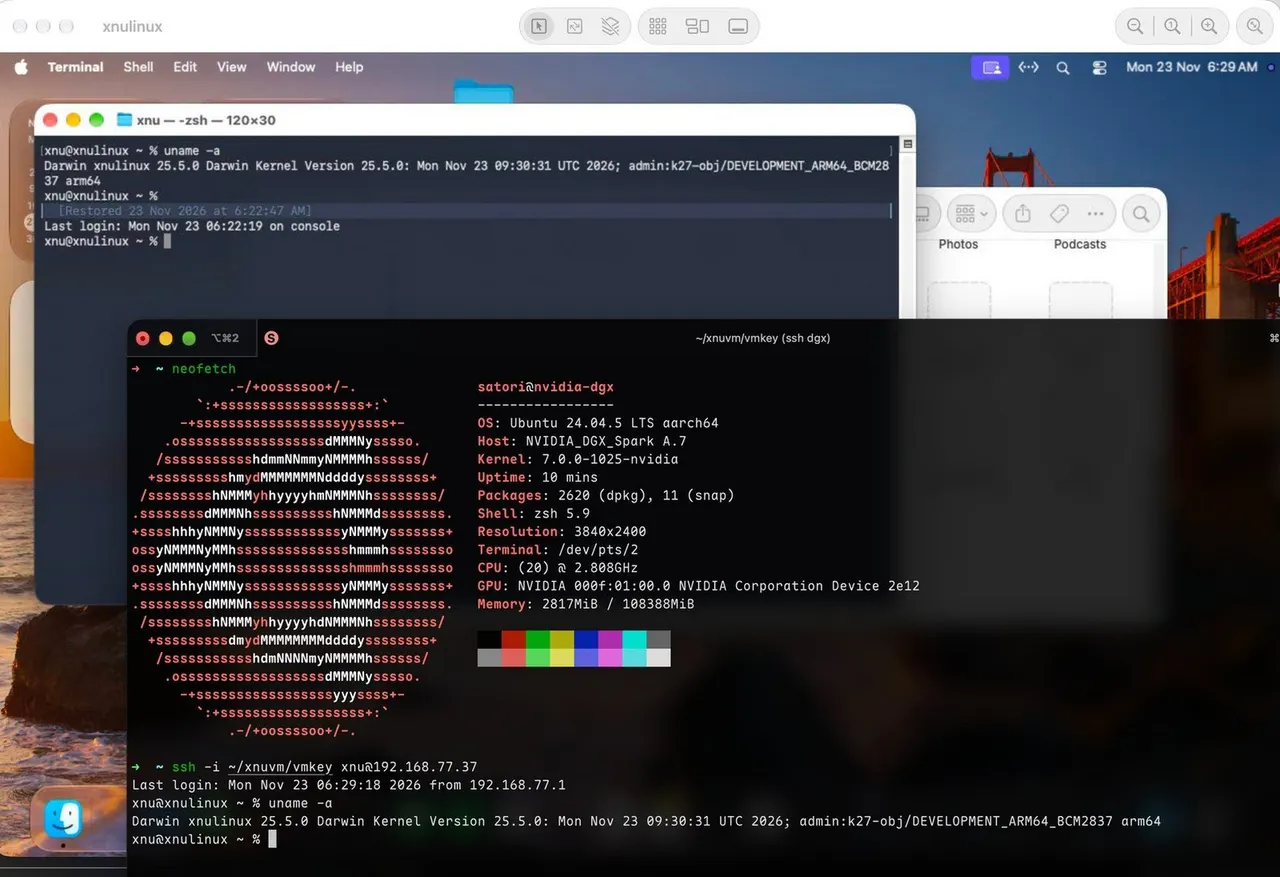
Windows software on Linux is mostly solved thanks to Wine. macOS is another story. Darling, a project that also skips the virtual machine, is still experimental. XNU Linux takes another route. It compiles XNU, the kernel at the heart of macOS, and runs it alongside Linux on the same hardware. According to the GitHub repository, macOS processes run natively next to Linux ones, with no hypervisor involved.
How does XNU Linux work?
Linux stays in charge as the host. It manages memory, storage, networking and GPU access. XNU runs as a module and provides what macOS apps need. Each system keeps its own separate user space.
Two components do the heavy lifting. The first, xnu.ko, loads and runs the macOS kernel. The second, fki.ko, is a bridge that gives XNU access to essential functions of the host. A second bridge lets macOS use the Linux GPU through Vulkan.
It is experimental, but it already boots a working macOS install. The repository shows a full desktop with the Dock, Finder and Safari running on Linux. Notes, Calculator, TextEdit, Safari and System Settings open and close correctly in testing, and Spotlight and the file system work. In a stress test, the developers ran these apps repeatedly for 30 minutes without crashes or freezes.
What are the limits?
You need an ARM64 computer, so ordinary x86 PCs are out. Compatible machines include Copilot+ PCs and NVIDIA's DGX Spark, though the latter only supports CPU rendering. NVIDIA GPU support is not implemented yet.
Performance is also below that of a native virtual machine, because the project uses 4 KB memory pages instead of 16 KB. And you need your own legitimate macOS install, since the repository does not include the binaries to build the environment.
Still, it is one of the more ambitious attempts to bring macOS to Linux. If it matures, you could use macOS apps without leaving your favourite distribution.
Apps worth a look
SUMO: the number puzzleTap the right tiles, add them up, hit the target. Easy to learn, hard to master. Free, for all ages.
Dialo: learn languages by speakingTalk to an AI conversation partner; every sentence comes back corrected and explained in your language. 9 languages, A1 to C2.
ediviewer: read EDI files like documentsOpen EDIFACT and X12 messages, see every segment explained, convert to JSON/XML, export PDF and Excel. Runs locally, no upload.
giftdetect: the right gift in minutesPick who it is for, the occasion and their personality. The search engine reads product descriptions from local shops and ranks what fits. Free, no sign-up.
More from this day
See all →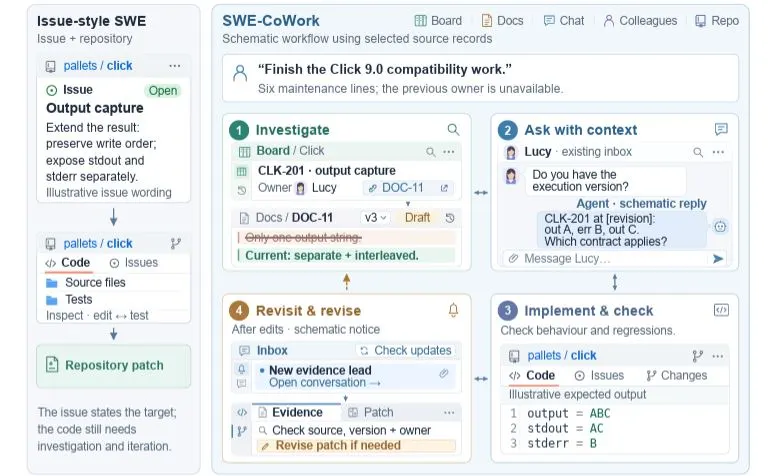
SWE-CoWork: AI agents fully finish under 8% of office coding tasks

Russia's electronics tech fee: 746 rubles per laptop from December

Bleem!, the PlayStation emulator sold in shops that Sony sued

Cerdolí: the Vietnamese pig hybrid now roaming Spain's countryside
More in: Software
See all →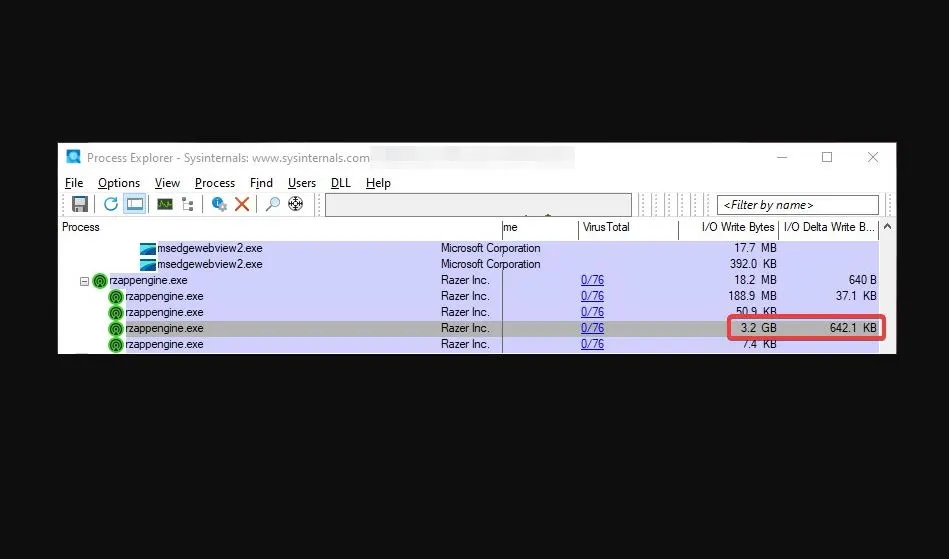
Razer 7.1 Surround Sound keeps writing to your SSD nonstop
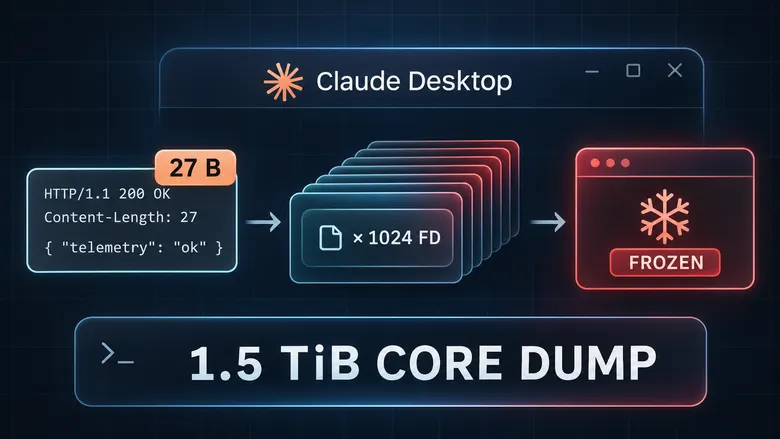
Claude Desktop freezes on Linux: a 27-byte reply is the cause
Jellyfin and Plasma Bigscreen: build your own streaming setup