YouTube Ad Punisher reloads the page to dodge ads
A new open-source Chrome extension called YouTube Ad Punisher skips YouTube ads by reloading the page and resuming your video at the exact second you left off.

 SUMO· the number puzzle
 Dialo· learn languages by speaking
 ediviewer· read EDI files like documents
 giftdetect· the right gift in minutes
The trick behind YouTube Ad Punisher is almost embarrassingly simple: when an ad shows up, reload the page. The new open-source Chrome extension does that for you, and YouTube drops you back at the spot where you were watching.
The author says the idea came from frustration. Ad frequency varies by channel, some show ads right at the start and others show none. Classic ad blockers often get caught, and YouTube answers with a message saying ad blockers are not allowed. The Skip button only appears after a few seconds, so you sit there waiting. The author's fix: just reload, and after a refresh or two the ad is gone.
How does YouTube Ad Punisher work?
When an ad starts, the extension records your current playback position and reloads the tab. YouTube restores that position on its own. According to the project, one or two cycles are usually enough. After three reloads, the extension also switches to a helper tab for four seconds and then returns, so you don't have to swap tabs by hand.
Live streams are handled differently. The page gets a plain reload, and your playback position is not kept.
What else does it do?
The extension keeps a database of the ads it meets: the advertiser, the duration, the text on the skip button, the video and the moment the ad appeared. Click the extension icon to see statistics, a list of top advertisers and the full history. You can export everything as JSON or CSV.
Is it safe?
The extension asks only for access to browser storage and tabs, and it runs only on YouTube domains, according to the author.
The same ecosystem has produced other workarounds. A developer known as ThisGuyCodes earlier released Stream Tube, an open-source YouTube client for Windows, Linux and macOS written in Rust. It blocks ads, needs no extensions, brings back dislikes and uses very little RAM while playing videos.
Apps worth a look
SUMO: the number puzzleTap the right tiles, add them up, hit the target. Easy to learn, hard to master. Free, for all ages.
Dialo: learn languages by speakingTalk to an AI conversation partner; every sentence comes back corrected and explained in your language. 9 languages, A1 to C2.
ediviewer: read EDI files like documentsOpen EDIFACT and X12 messages, see every segment explained, convert to JSON/XML, export PDF and Excel. Runs locally, no upload.
giftdetect: the right gift in minutesPick who it is for, the occasion and their personality. The search engine reads product descriptions from local shops and ranks what fits. Free, no sign-up.
More from this day
See all →
China Post tests 45 humanoid robots sorting 1,200 parcels an hour

Beget domain registration is back after a cyberattack wiped its cloud

Global temperature 2 degrees above pre-industrial for seven days straight

Linux NFS server vulnerability lets attackers take over systems
More in: Software
See all →
Gemini in Chrome used 6GB of RAM in one tab, Google says fixed
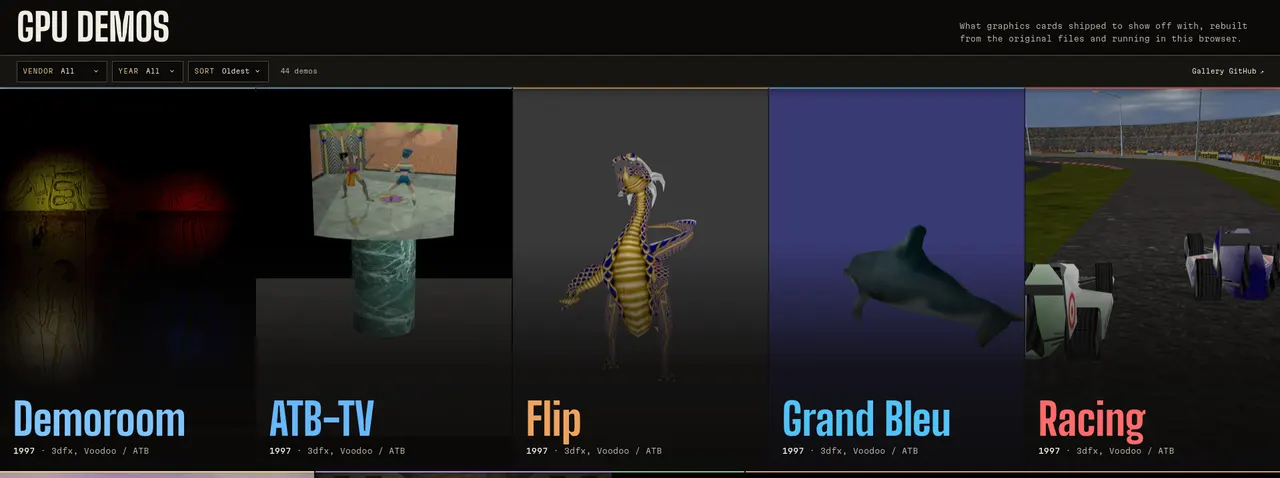
GPU demo gallery brings 44 classic 3dfx and Nvidia demos to the browser
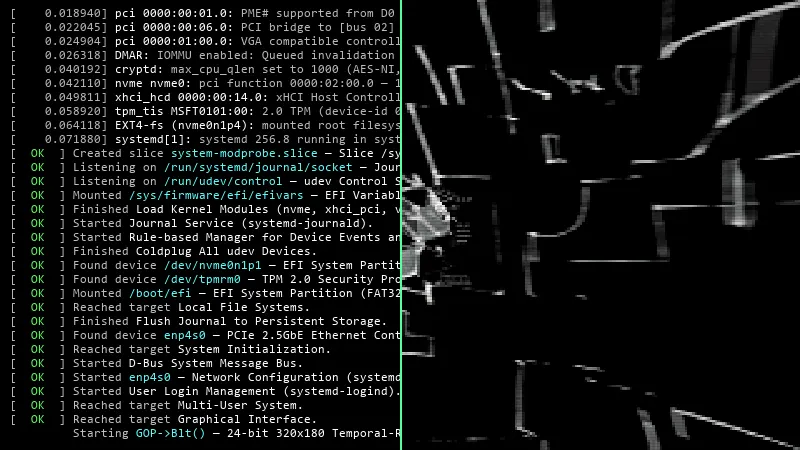
Fake Linux boot log and video player run before Windows starts