Fake Linux boot log and video player run before Windows starts
A developer made his PC flash a fake Linux kernel log at power-on, then play a 34-second video, all in a bare-C UEFI app before Windows loads.
 SUMO· the number puzzle
 Dialo· learn languages by speaking
 ediviewer· read EDI files like documents
 giftdetect· the right gift in minutes
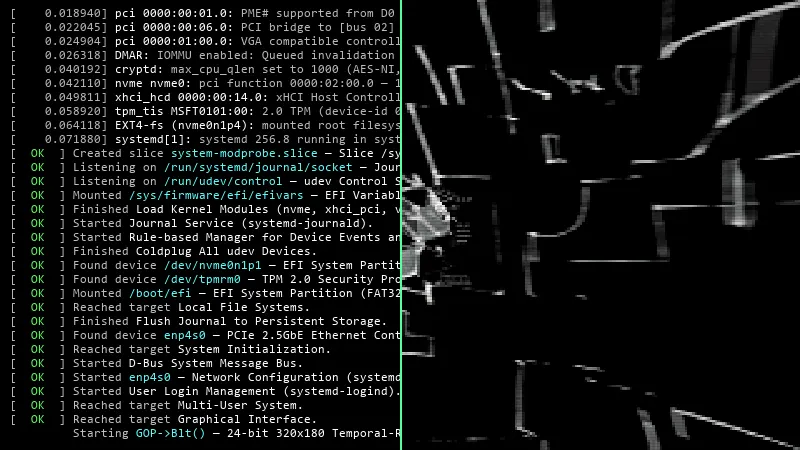
Press the power button on a Windows PC and you get the same thing every time: a motherboard logo, a black pause, spinning dots. One developer decided to replace that with a fake Linux boot log that scrolls past at machine-gun speed, after which Windows starts as normal.
It began as a prank on himself and his friends. Then it grew. Within a couple of evenings the project had become a full-screen 24-bit UEFI video player written in plain C with no external libraries. It plays a 34-second clip at 24 FPS from a 320×180 pixel grid, scaled by whole-number multiples to 1920×1080 or 2560×1440. Any key skips it. At the end it hands control to the original HackBGRT, a tool that swaps the boot logo, so a custom splash screen shows while the Windows kernel loads.
How does the UEFI boot trick work?
When HackBGRT is installed, the firmware points to a loader in \EFI\HackBGRT. On Secure Boot systems that is Red Hat's signed Shim, which looks for a file named grubx64.efi in the same folder. That file is actually HackBGRT itself. The author renamed it to grubx64.efi.bak and put his own app in its place. His program runs the animation and video, then launches the renamed original, which passes control to the Windows boot manager. No BIOS settings or BCD changes are needed.
The app is built with a MinGW cross-compiler, without the EDK2 build tree or gnu-efi. Two snags came up. Large stack buffers trigger a hidden ___chkstk_ms call that fails without a runtime, so he disabled stack probes and allocated big buffers dynamically. And newer Shim versions (15.x and 16.x) refuse an image without a .sbat section, even if its hash is trusted.
The fake log itself
The text part has two phases. First, 56 dense lines of early dmesg fly by in 1.2 seconds. Then 50 lines imitate systemd starting services, with green [ OK ] markers and uneven pauses of 120 to 190 ms at spots like udevd and networking. With no random number generator available, the timing jitter comes from the CPU's RDTSC counter fed into an xorshift64* generator.
Real hardware added a surprise. On some AMI Aptio V firmware, the console stayed stuck at 80×25 or 100×31 instead of a small native font. The cause is ConSplitterDxe, which merges the screen and the serial port and only offers modes both can handle. The serial terminal knows nothing bigger than 80×25, so larger modes get cut.
Apps worth a look
SUMO: the number puzzleTap the right tiles, add them up, hit the target. Easy to learn, hard to master. Free, for all ages.
Dialo: learn languages by speakingTalk to an AI conversation partner; every sentence comes back corrected and explained in your language. 9 languages, A1 to C2.
ediviewer: read EDI files like documentsOpen EDIFACT and X12 messages, see every segment explained, convert to JSON/XML, export PDF and Excel. Runs locally, no upload.
giftdetect: the right gift in minutesPick who it is for, the occasion and their personality. The search engine reads product descriptions from local shops and ranks what fits. Free, no sign-up.
More from this day
See all →


More in: Software
See all →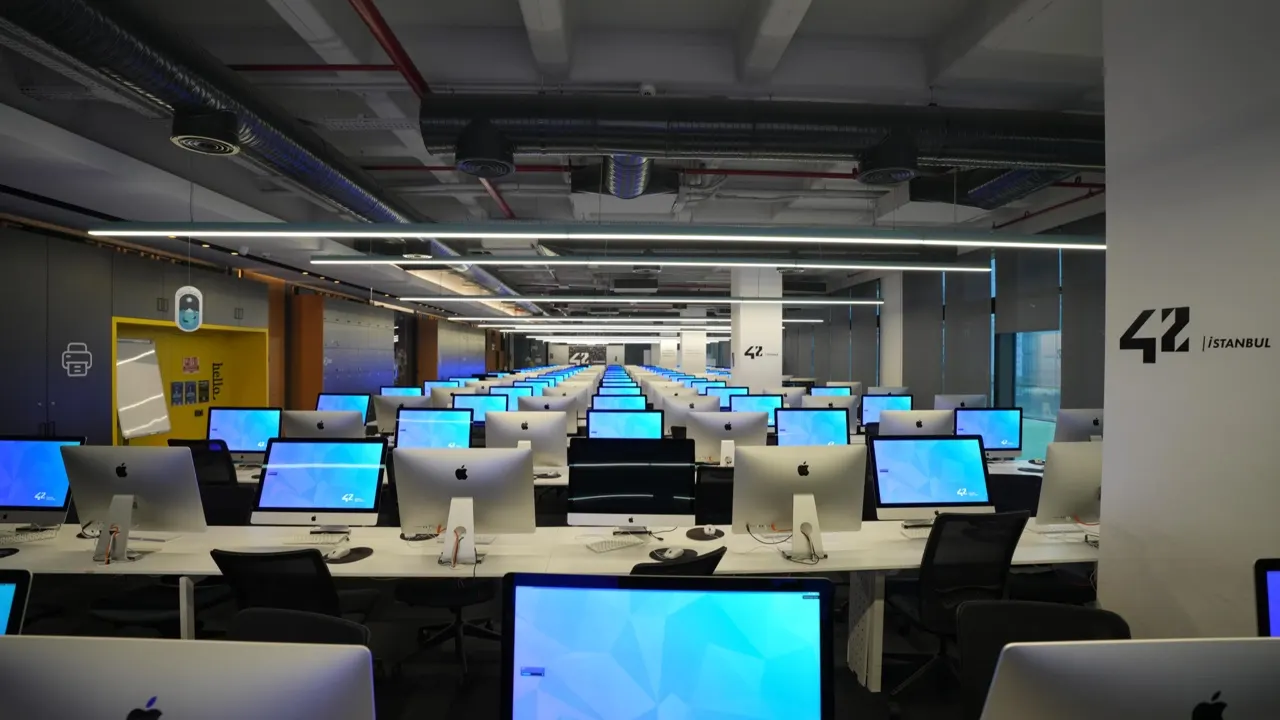
42 Istanbul opens free coding school campus in historic Şeker Han

Instagram for TV comes to India: Reels on Apple TV, Fire TV, Google TV
X parental controls let parents cap teens' daily screen time