Screens app adds Laptop Mode that turns iPhone Duo into a tiny MacBook
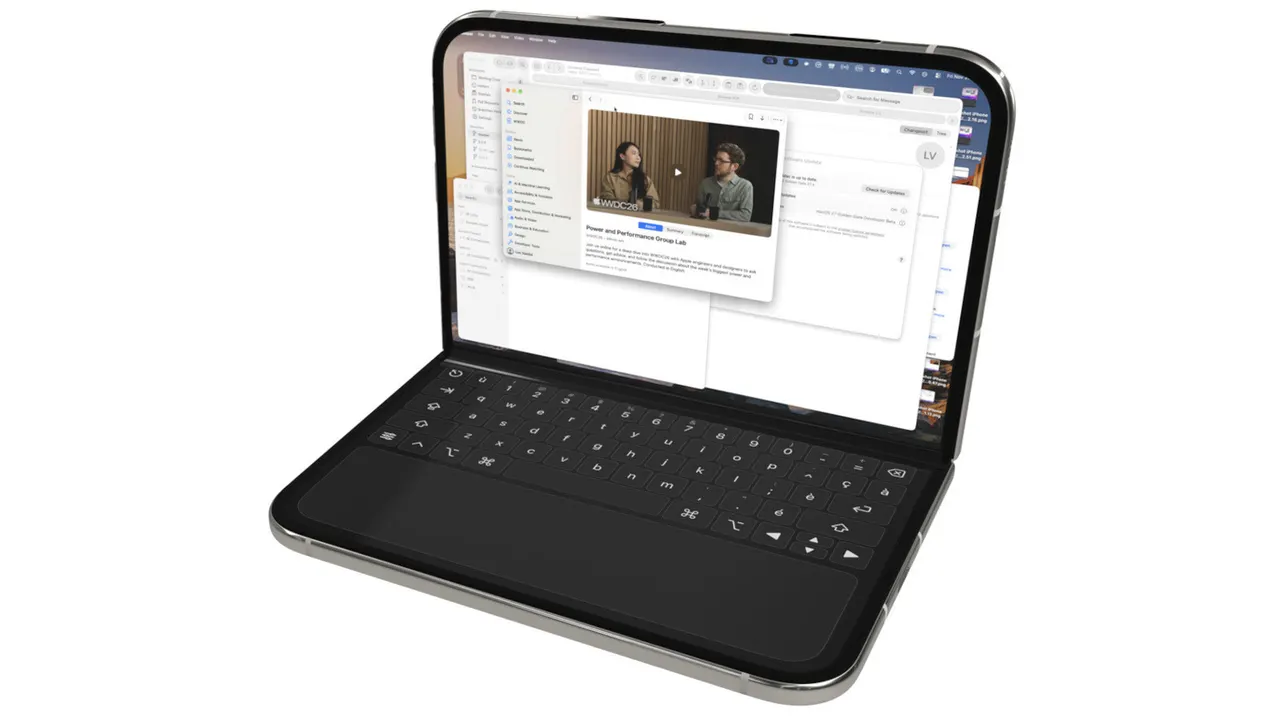
Fold the iPhone Duo halfway and the Screens app now shows your remote desktop on top and a keyboard with trackpad below. It's a pocket-sized laptop, more or less.
 SUMO· the number puzzle
 Dialo· learn languages by speaking
 ediviewer· read EDI files like documents
 giftdetect· the right gift in minutes
Fold your iPhone Duo halfway open and it can pretend to be a very small MacBook. That is the idea behind Laptop Mode, a new feature in the Screens app.
What is Screens Laptop Mode?
Screens, made by Edovia, is a remote desktop app. It lets you control another computer from an iPhone, an iPad, a Mac or even a Vision Pro. Version 5.10.6 adds Laptop Mode for the iPhone Duo, which works when the phone is in a partially open, clamshell position.
In that pose, the upper half of the screen shows your remote desktop. The lower half becomes a keyboard with a trackpad, much like the bottom half of a laptop.
How good is the keyboard and trackpad?
The on-screen keyboard supports multiple languages. As on the iPad, you can swipe down on a key to get alternative characters. The trackpad works with Screens' own gestures.
Nobody is claiming this replaces a physical keyboard and trackpad. But it should be good enough in a pinch. It could even work day to day if you are comfortable typing on glass or rarely write anything long.
Why it matters for iPhone Duo apps
The iPhone Duo's shape is unlike any earlier iPhone, so apps that make real use of it are a welcome sight. Not every developer will find that easy. Instagram's Adam Mosseri recently said it will be "pretty challenging" to design Instagram "in a way that feels great" for the device.
Screens shows one answer: treat the fold as a hinge and give each half a job.
Apps worth a look
SUMO: the number puzzleTap the right tiles, add them up, hit the target. Easy to learn, hard to master. Free, for all ages.
Dialo: learn languages by speakingTalk to an AI conversation partner; every sentence comes back corrected and explained in your language. 9 languages, A1 to C2.
ediviewer: read EDI files like documentsOpen EDIFACT and X12 messages, see every segment explained, convert to JSON/XML, export PDF and Excel. Runs locally, no upload.
giftdetect: the right gift in minutesPick who it is for, the occasion and their personality. The search engine reads product descriptions from local shops and ranks what fits. Free, no sign-up.
More from this day
See all →
iPhone 5G in Russia still blocked as Apple talks fail, MAX app stays out

Denuvo hacker voices38 says the hunt for him is getting tiring

Zodia Custody data breach exposed client and staff emails
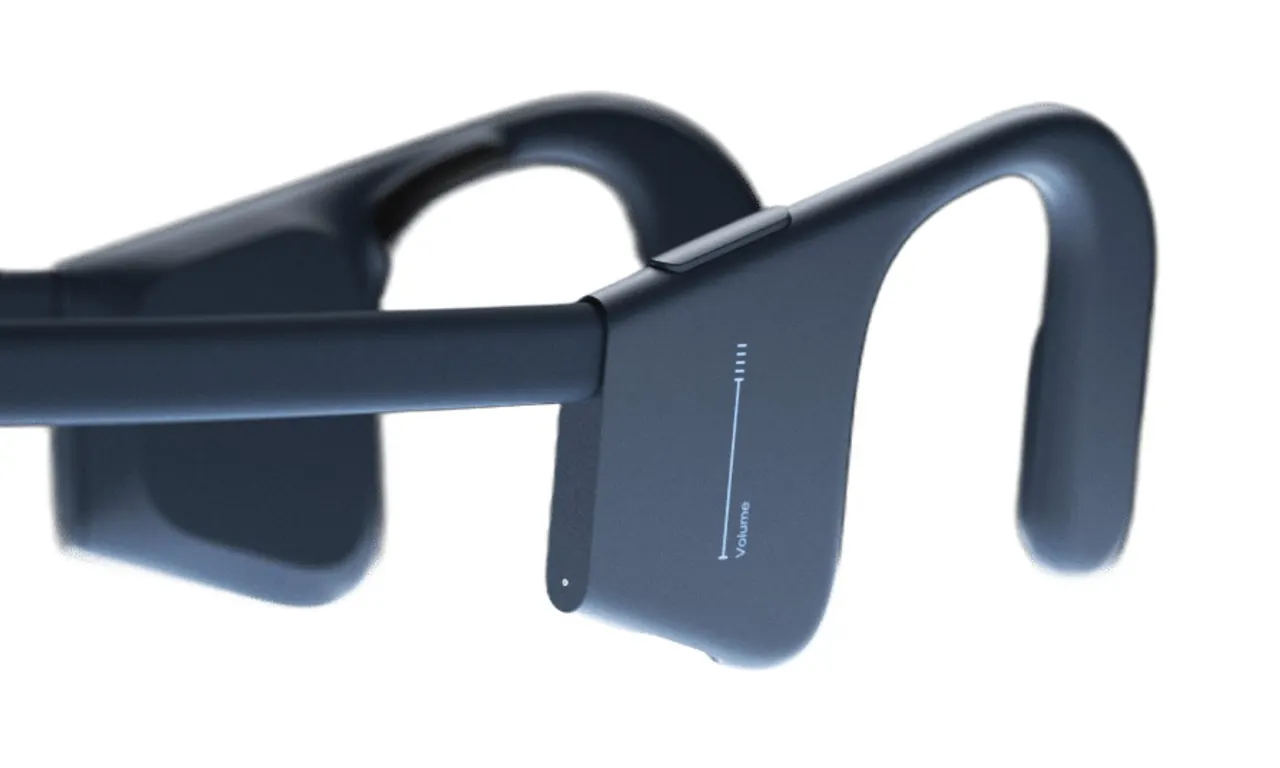
eVRT earable from Cambridge tracks balance exercises for vertigo
More in: Software
See all →
AWS Device Farm adds virtual iPhones, but only a short menu

Windows 11 Copilot apps People, Files and Calendar shut down Dec 16
schnipp app: researchers want quiet students to speak up in class