Windows 11 Copilot apps People, Files and Calendar shut down Dec 16
Microsoft is killing three Copilot mini-apps it quietly installed on work PCs. Its own explanation: they used a lot of memory for very little.

 SUMO· the number puzzle
 Dialo· learn languages by speaking
 ediviewer· read EDI files like documents
 giftdetect· the right gift in minutes
Microsoft is pulling the plug on three small Copilot apps that it pushed onto Windows 11 work PCs, and it has now admitted why: they ate too much memory. The Windows 11 Copilot apps People, Files and Calendar stop working on 16 December 2026.
Since 2025, Microsoft has automatically placed these mini-apps in the taskbar on PCs covered by a Microsoft 365 Enterprise or Business subscription. People looks up a colleague, Files finds a document, and Calendar shows your Outlook agenda. Each one has its own Copilot button.
The retirement was announced in September 2026. At the Ignite conference, held 17 to 20 November in San Francisco, Microsoft explained itself during a Q&A. The apps were, in its words, "a source of a lot of memory and problems", and their few features came at "a very high cost". That quote comes from the Windows Latest site, which followed the session live.
Microsoft gave no figure. Windows Latest did measure more than one gigabyte of RAM in its own tests. The culprit is WebView2, the technology that shows web pages inside a Windows window. On an 8 GB PC, that is an eighth of the memory for three shortcuts to things Outlook and Teams already do.
It is an odd choice, since Microsoft has urged developers since June to build native Windows 11 apps, which it presents as smoother. Rollout was slow, though, so most PCs never received the three apps.
How do I remove the Copilot apps before 16 December?
If your company manages your PC, your IT department has to uninstall them, according to Microsoft's support page. Otherwise, do it yourself: open Settings, then Apps, then Installed apps, find the Microsoft 365 companions entry and choose Uninstall. Removing one removes all three. Your files, appointments and contacts live in Microsoft 365 and are not affected.
It is better not to keep them. Microsoft no longer releases any fixes for these apps, security patches included.
Apps worth a look
SUMO: the number puzzleTap the right tiles, add them up, hit the target. Easy to learn, hard to master. Free, for all ages.
Dialo: learn languages by speakingTalk to an AI conversation partner; every sentence comes back corrected and explained in your language. 9 languages, A1 to C2.
ediviewer: read EDI files like documentsOpen EDIFACT and X12 messages, see every segment explained, convert to JSON/XML, export PDF and Excel. Runs locally, no upload.
giftdetect: the right gift in minutesPick who it is for, the occasion and their personality. The search engine reads product descriptions from local shops and ranks what fits. Free, no sign-up.
More from this day
See all →
Gobi Zephyr: France's first interceptor drones fly at 350 km/h

Xpeng IRON humanoid robot to cost about as much as a car

Danawa down for a second day after a suspected breach

Amateur astronomer finds exoplanet candidate using Codex AI
More in: Software
See all →
schnipp app: researchers want quiet students to speak up in class
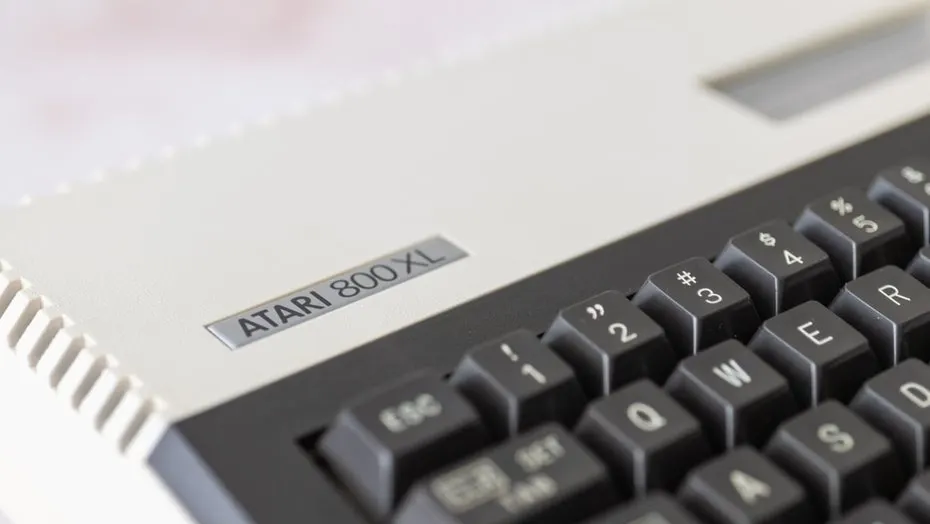
XL Office brings Word and Excel-style apps to Atari 8-bit
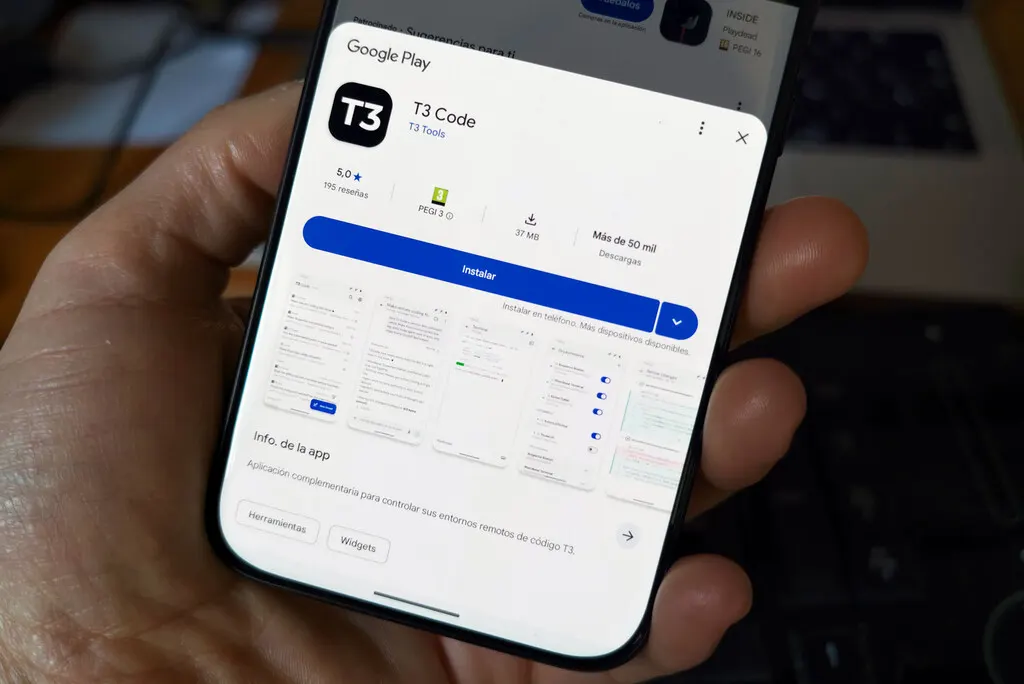
T3 Code telemetry: the open source tool that tracked users