T3 Code telemetry: the open source tool that tracked users
T3 Code, a free dashboard for AI coding agents, collected usage data by default and read Claude Code and Codex account files. Here is how to turn it off.
 SUMO· the number puzzle
 Dialo· learn languages by speaking
 ediviewer· read EDI files like documents
 giftdetect· the right gift in minutes
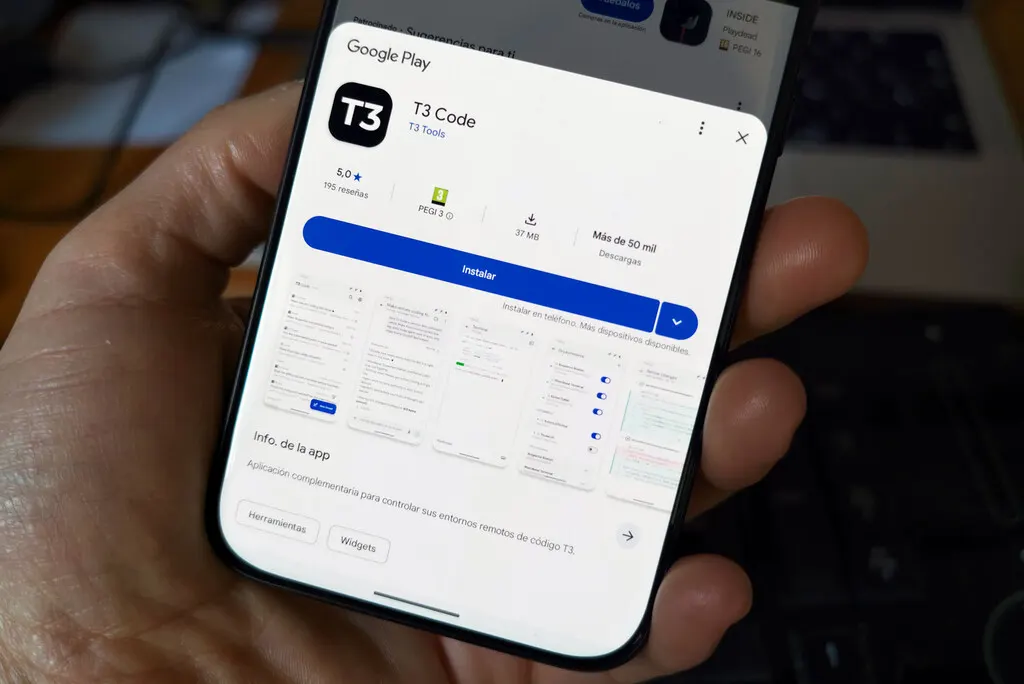
T3 Code is a free, open source tool for developers who work with AI agents. This month, auditors found it was tracking its users by default, despite a "No telemetry" claim that had briefly appeared on its website.
T3 Code is a control panel for coding agents. It doesn't replace Codex, Claude Code, Cursor or Grok. It launches them and shows what they do in a single interface, a bit like a Swiss army knife for AI agents. The project is free and sells no service.
In May the team added a "No telemetry" label to its site. In June a redesign removed it without a word. In November, some Chinese developers who audited the code showed that telemetry had been on by default since March.
What data did T3 Code collect?
To recognise a user, the app read the account files of Claude Code and Codex, pulled out an identifier and turned it into a hash, a unique label. It didn't reveal a name, but it could spot the same person across all their machines. Tied to usage events, that showed which models developers used, at what hours, on which computers and how many tokens they burned. According to the project's documentation, prompts, responses and file contents were not sent.
Telemetry itself is normal. Nearly every app has some. Claiming you have none while shipping it is the problem, even if anyone can check the code.
How to turn off T3 Code telemetry
The row started on X and the project reacted within hours. One of its leads said the code would go closed, then took it back. He then sent a pull request to remove the "invasive" telemetry and published the project's own usage log. PR #42299 stopped reading the Codex and Claude files and swapped the identifier for a random per-installation one. It is in stable version 0.1.12, released on 25 November.
Telemetry is still on by default, and the app settings have no switch for it. Set the variable T3CODE_TELEMETRY_ENABLED=false before opening the app: in your terminal profile (such as ~/.zshrc) on macOS or Linux, or as a user environment variable on Windows. Administrators can use a policy with "telemetry: false".
It isn't the first case. Audacity's owner Muse Group had to back down on an opt-in telemetry plan after community anger. VS Code is open source, but Microsoft adds usage telemetry to its builds, which is why VSCodium exists.
Apps worth a look
SUMO: the number puzzleTap the right tiles, add them up, hit the target. Easy to learn, hard to master. Free, for all ages.
Dialo: learn languages by speakingTalk to an AI conversation partner; every sentence comes back corrected and explained in your language. 9 languages, A1 to C2.
ediviewer: read EDI files like documentsOpen EDIFACT and X12 messages, see every segment explained, convert to JSON/XML, export PDF and Excel. Runs locally, no upload.
giftdetect: the right gift in minutesPick who it is for, the occasion and their personality. The search engine reads product descriptions from local shops and ranks what fits. Free, no sign-up.
More from this day
See all →
Rockstar UK staff vote 75% against a union after GTA VI firings

Waymo robotaxis in Denver are being pelted with eggs by one man

TÜV Report 2027: MG4 Electric Fails Brake Disc Checks Badly

Softonic sold to Newborn Town for up to €50 million
More in: Software
See all →
Windows Telnet and MTP over Bluetooth are now deprecated

GPU Demo Gallery runs 36 classic 3dfx, ATI and Nvidia demos in your browser

Windows running slow? One switched-off option made a PC feel new