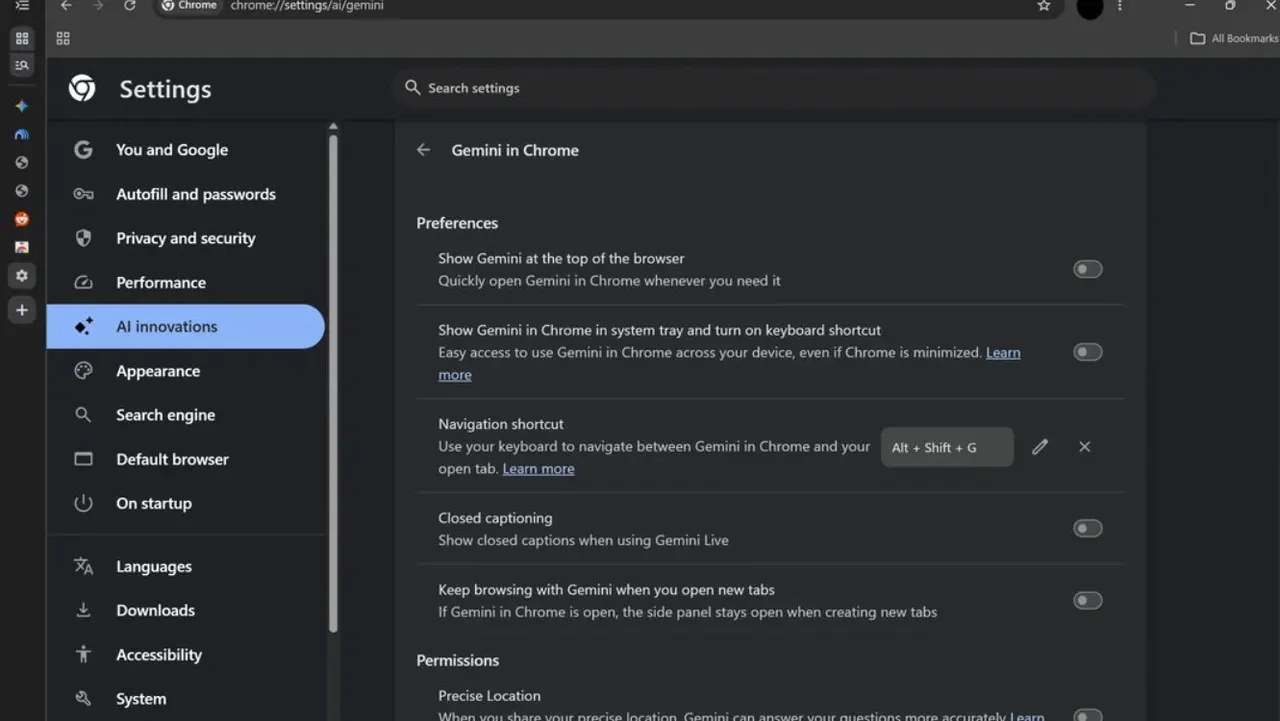
Windows running slow? One switched-off option made a PC feel new
A Polish tech writer says turning off a single Windows option made his PC feel like new again, with an effect he calls clearly visible.

 SUMO· the number puzzle
 Dialo· learn languages by speaking
 ediviewer· read EDI files like documents
 giftdetect· the right gift in minutes
Can one setting make a tired Windows PC feel fast again? A Polish tech writer says yes. After switching off a single option in Windows, he reports that the computer felt like new, and that the difference was easy to see.
The claim is simple and appealing. No new hardware, no clean reinstall, no pile of tweaking tools. Just one option turned off.
The details matter here, and they are thin in what we have. The material available for this story does not name the exact option, give benchmark numbers or say which versions of Windows were tested. So there is nothing to quote about how much faster the machine became, only the author's verdict that the improvement is real.
Does turning off a Windows option really speed up a PC?
According to the author, it did in his case. That is one person's experience, not a measured result, and a setting that helps one machine may do little on another.
If you want to try something similar, the sensible approach is to change one thing at a time and note how the PC behaves afterwards. That way you can switch it back if nothing improves.
Apps worth a look
SUMO: the number puzzleTap the right tiles, add them up, hit the target. Easy to learn, hard to master. Free, for all ages.
Dialo: learn languages by speakingTalk to an AI conversation partner; every sentence comes back corrected and explained in your language. 9 languages, A1 to C2.
ediviewer: read EDI files like documentsOpen EDIFACT and X12 messages, see every segment explained, convert to JSON/XML, export PDF and Excel. Runs locally, no upload.
giftdetect: the right gift in minutesPick who it is for, the occasion and their personality. The search engine reads product descriptions from local shops and ranks what fits. Free, no sign-up.
More from this day
See all →


More in: Software
See all →
MousePods lets you move a Linux cursor with AirPods 3

X parental controls: parents can cap time but not read DMs
macOS Tahoe round window corners: an old bug is the likely cause