Jellyfin and Plasma Bigscreen: build your own streaming setup
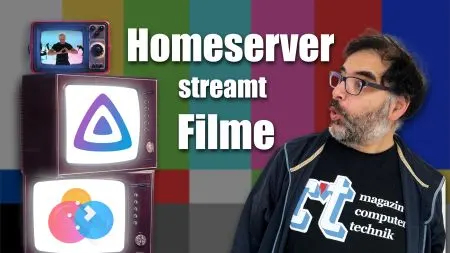
Tired of paying for several streaming subscriptions? A new podcast episode shows how to build your own media library with Jellyfin and a DIY living-room PC.
 SUMO· the number puzzle
 Dialo· learn languages by speaking
 ediviewer· read EDI files like documents
 giftdetect· the right gift in minutes
Streaming subscriptions add up, and every few months another one gets more expensive. One alternative is to run your own media library at home. Jellyfin is the software for that, and a recent podcast episode walks through how to set it up.
The episode covers two things. First, how to build your own media library with Jellyfin. Second, how to turn a PC into a living-room machine with KDE Plasma Bigscreen. The idea is simple: your own server holds your media, and a DIY box under the TV shows it.
What is Jellyfin?
Jellyfin is a free, open-source media server. You point it at the films, series and music you already own, and it organises them into a library you can open from your TV or other devices at home. There are no subscription fees for the software itself.
What is KDE Plasma Bigscreen?
Plasma Bigscreen is a TV-style interface from the KDE community. Instead of a normal desktop with windows and menus, it is built to be used from the sofa. In the episode it serves as the basis for a do-it-yourself living-room PC.
Together, the two replace the typical smart-TV or streaming-stick setup with something you control yourself. The source does not list hardware requirements or step-by-step settings, so check the episode itself for the details of the build.
Apps worth a look
SUMO: the number puzzleTap the right tiles, add them up, hit the target. Easy to learn, hard to master. Free, for all ages.
Dialo: learn languages by speakingTalk to an AI conversation partner; every sentence comes back corrected and explained in your language. 9 languages, A1 to C2.
ediviewer: read EDI files like documentsOpen EDIFACT and X12 messages, see every segment explained, convert to JSON/XML, export PDF and Excel. Runs locally, no upload.
giftdetect: the right gift in minutesPick who it is for, the occasion and their personality. The search engine reads product descriptions from local shops and ranks what fits. Free, no sign-up.
More from this day
See all →
Apple Intelligence: South Korea targets Apple over iPhone 16 ads

Anthropic denies training Claude to sabotage user work

Baltic Sea cyanobacteria blooms may affect cloud formation
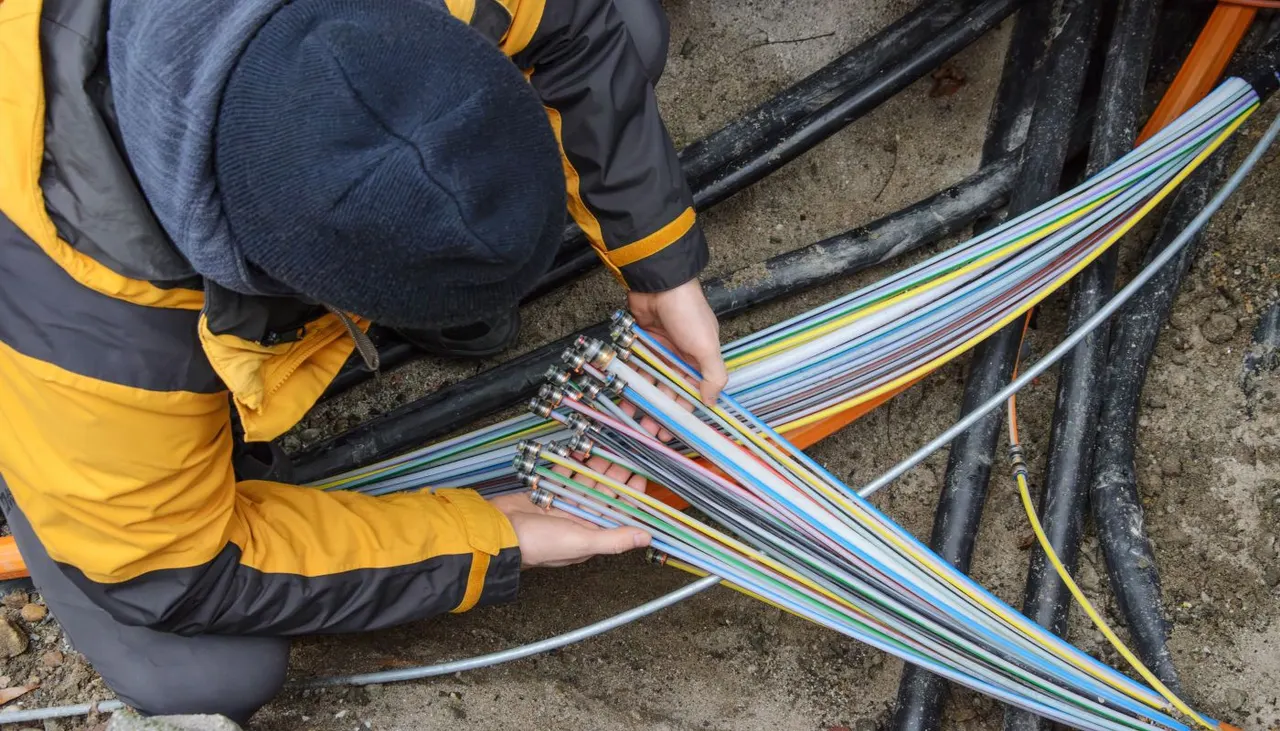
Fiber optic cable earthquake sensor maps New Zealand's Alpine Fault
More in: Software
See all →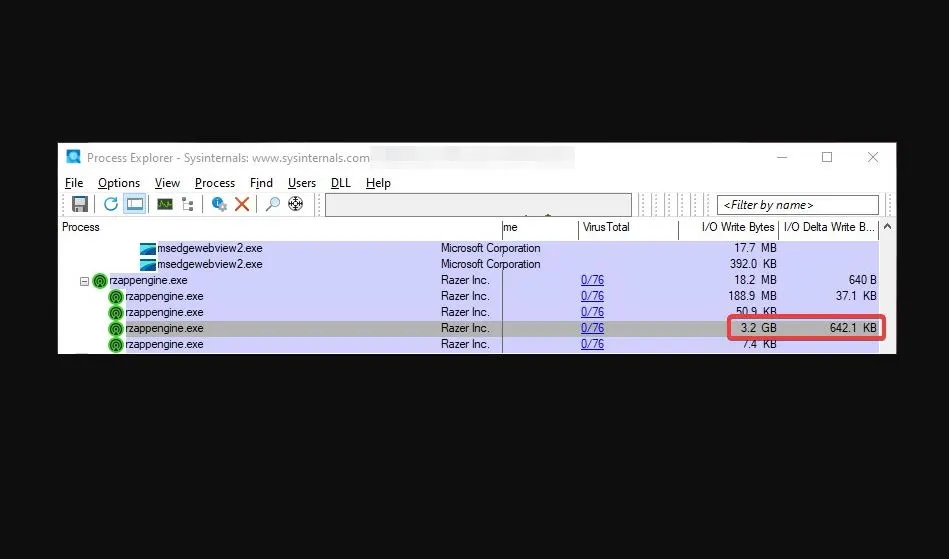
Razer 7.1 Surround Sound keeps writing to your SSD nonstop
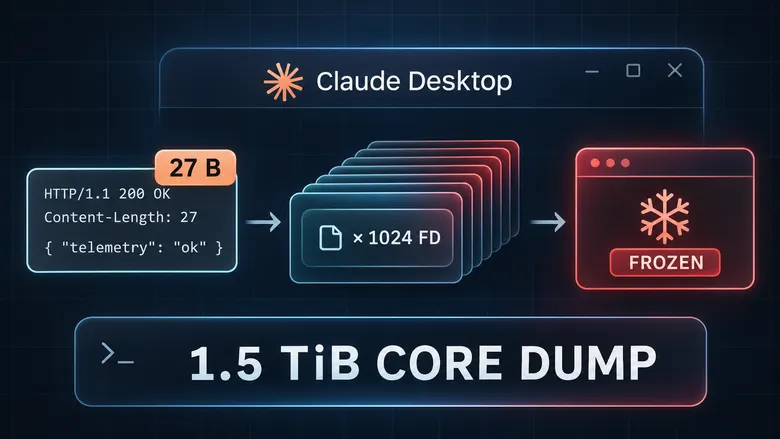
Claude Desktop freezes on Linux: a 27-byte reply is the cause

YouTube Ad Punisher reloads the page to dodge ads