mSecure Password Manager Urges Users to Re-Secure Logins
After an IT incident, the developers of the mSecure password manager recommend that users re-secure all credentials stored in the app.

The developers of the password manager mSecure are advising users to re-secure all of their stored credentials following an IT incident.
The recommendation applies to every login saved in the app. In practice, that means users should review the accounts kept in their vault and protect them again, rather than assuming that only individual entries are affected.
Why it matters
A password manager concentrates a user's most sensitive data in one place, so any security incident at the vendor deserves attention. Even when the full scope of an incident is still unclear, precautionary measures on the user side can limit potential damage.
The available information does not detail the nature or extent of the incident, nor which data may have been affected. Users of mSecure should therefore follow the guidance issued by the developers and watch for further official updates on the matter.
Apps worth a look
 SUMO: the number puzzle
Tap the right tiles, add them up, hit the target. Easy to learn, hard to master. Free, for all ages.
 Dialo: learn languages by speaking
Talk to an AI conversation partner; every sentence comes back corrected and explained in your language. 9 languages, A1 to C2.
 ediviewer: read EDI files like documents
Open EDIFACT and X12 messages, see every segment explained, convert to JSON/XML, export PDF and Excel. Runs locally, no upload.
More from this day
See all →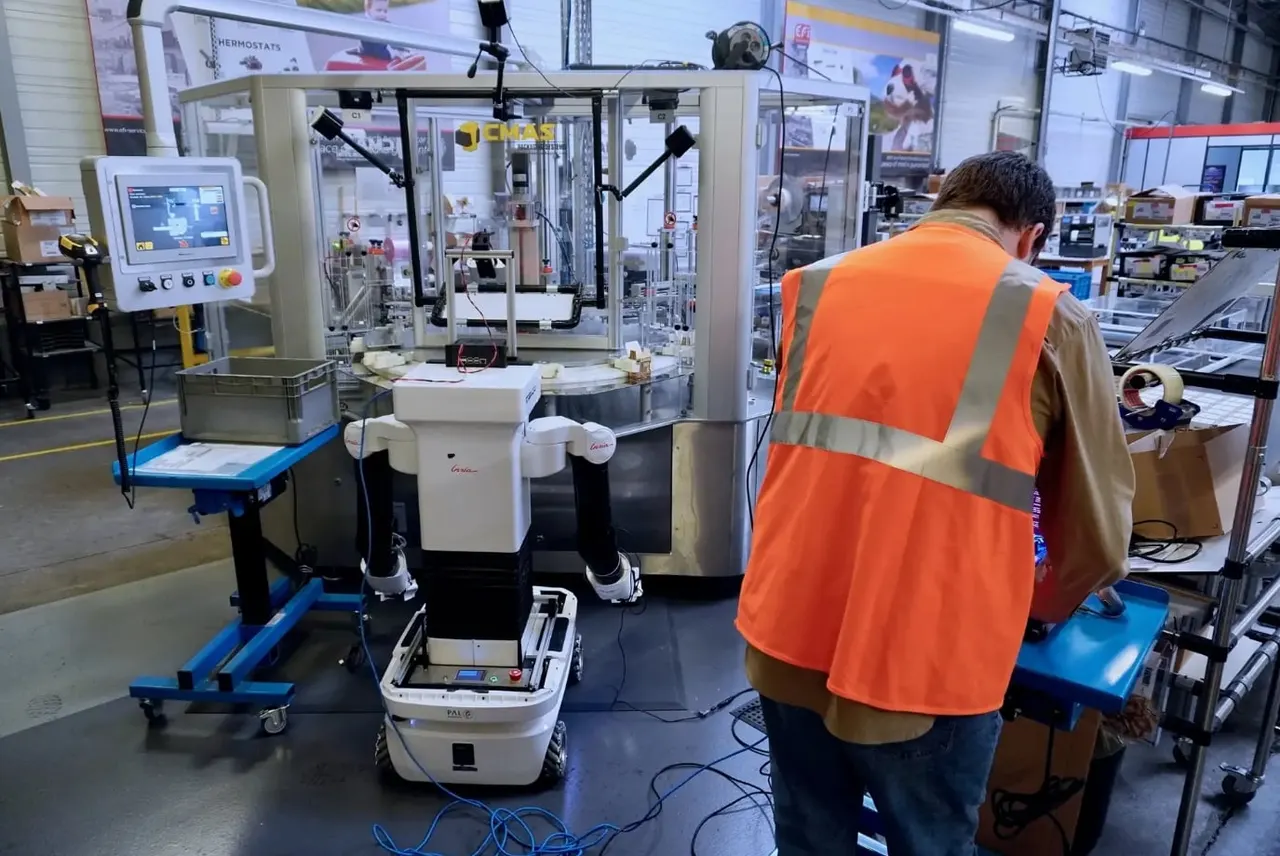
Bleu Robotics raises €5M to teach humanoid robots new tasks

NetShort Tops South Korea's Entertainment App Installs in October

FASTER Expands From SiC Charging Modules to Energy Management

Flangguage Launches CHATTER, an AI Tool for Speaking English
More in: Security
See all →
Anthropic AI Finds Critical Linux Kernel Flaw Giving Root Access
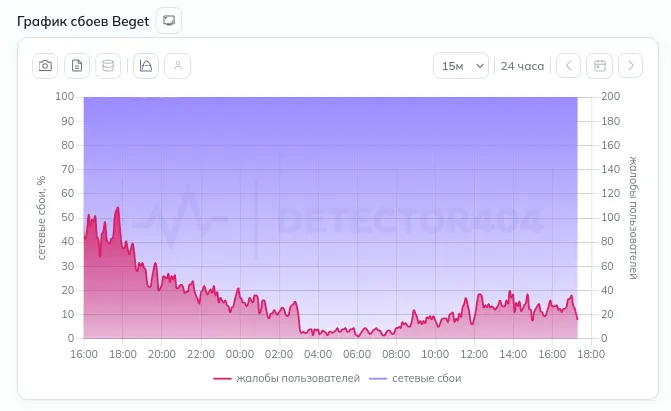
Beget Confirms Cyberattack That Wiped Cloud Data and Backups