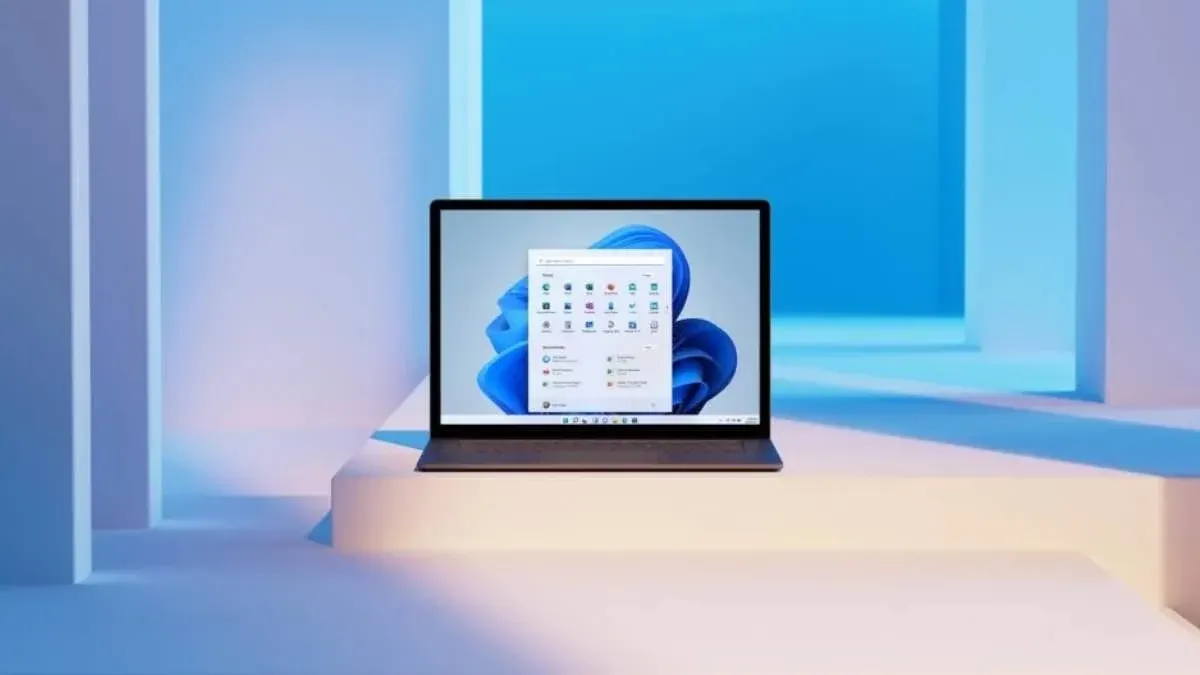
Microsoft hotpatch from November Patchday stops some apps starting
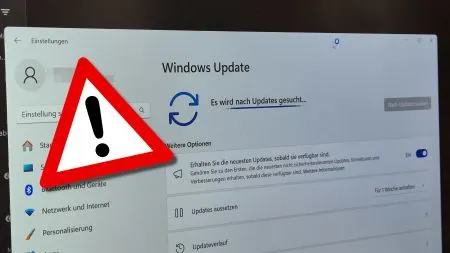
Microsoft's November hotpatches were meant to install without a restart. Instead, some apps now refuse to launch after the update.
 SUMO· the number puzzle
 Dialo· learn languages by speaking
 ediviewer· read EDI files like documents
 giftdetect· the right gift in minutes
The whole point of a hotpatch is that you don't have to reboot. This month, the Microsoft hotpatch has a different side effect: some apps no longer start.
Microsoft pushed the hotpatches out with its November Patchday, the monthly round of security updates. They take effect without a restart, which is exactly why admins like them. According to the reports so far, though, the updates leave a number of applications unable to launch.
What is a hotpatch?
A hotpatch is an update that works without restarting the computer. That saves downtime, particularly on machines that are meant to keep running. It also means a faulty update shows its effects immediately, with no reboot in between to notice something is off.
What should affected users do?
The available material does not say which apps are affected, which Windows versions are involved or whether Microsoft has released a fix. Those details are not confirmed here, so we are leaving them out rather than guessing. If an app on a hotpatched machine suddenly won't open after the November update, the update is the first suspect, and Microsoft's official release notes are the place to look for a workaround or correction.
Apps worth a look
SUMO: the number puzzleTap the right tiles, add them up, hit the target. Easy to learn, hard to master. Free, for all ages.
Dialo: learn languages by speakingTalk to an AI conversation partner; every sentence comes back corrected and explained in your language. 9 languages, A1 to C2.
ediviewer: read EDI files like documentsOpen EDIFACT and X12 messages, see every segment explained, convert to JSON/XML, export PDF and Excel. Runs locally, no upload.
giftdetect: the right gift in minutesPick who it is for, the occasion and their personality. The search engine reads product descriptions from local shops and ranks what fits. Free, no sign-up.
More from this day
See all →
Anthropic mathematician claims Claude helped prove Riemann hypothesis

Yuanchu No. 1: China's Man-Made Cave Air Battery Is Online
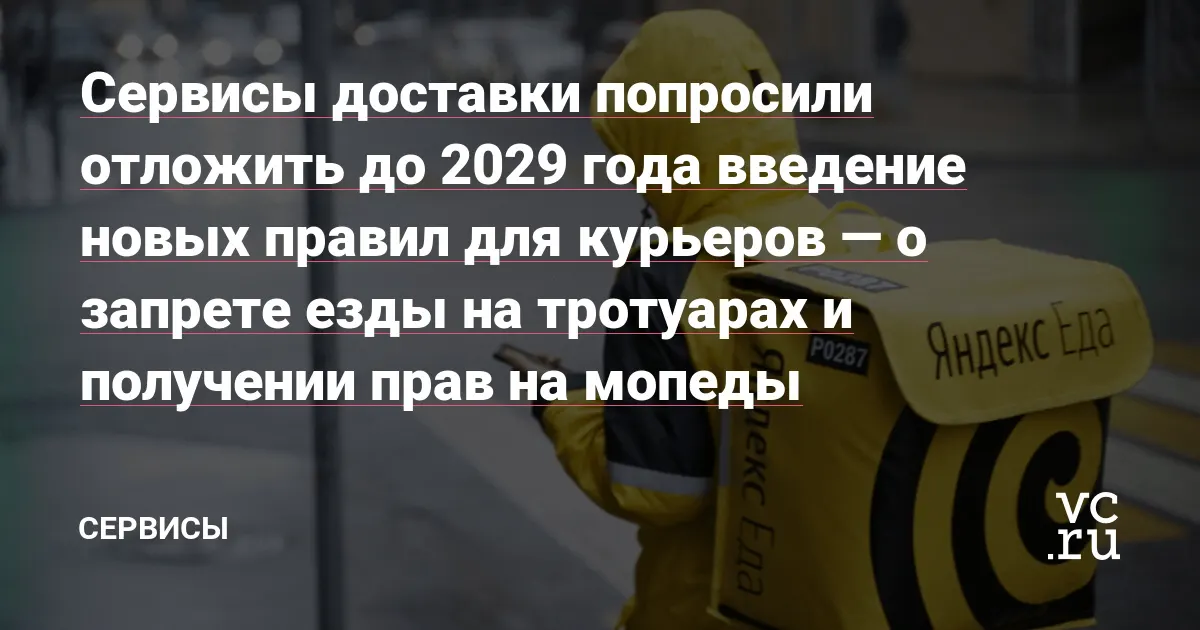
Russia's courier rules: delivery firms ask to wait until 2029
POS malware leak exposes over 1 million bank cards in 20+ countries
More in: Software
See all →
D-App: a private company is building Germany's citizen app
Beeline beeGPT chat bugs: a developer couldn't switch his plan
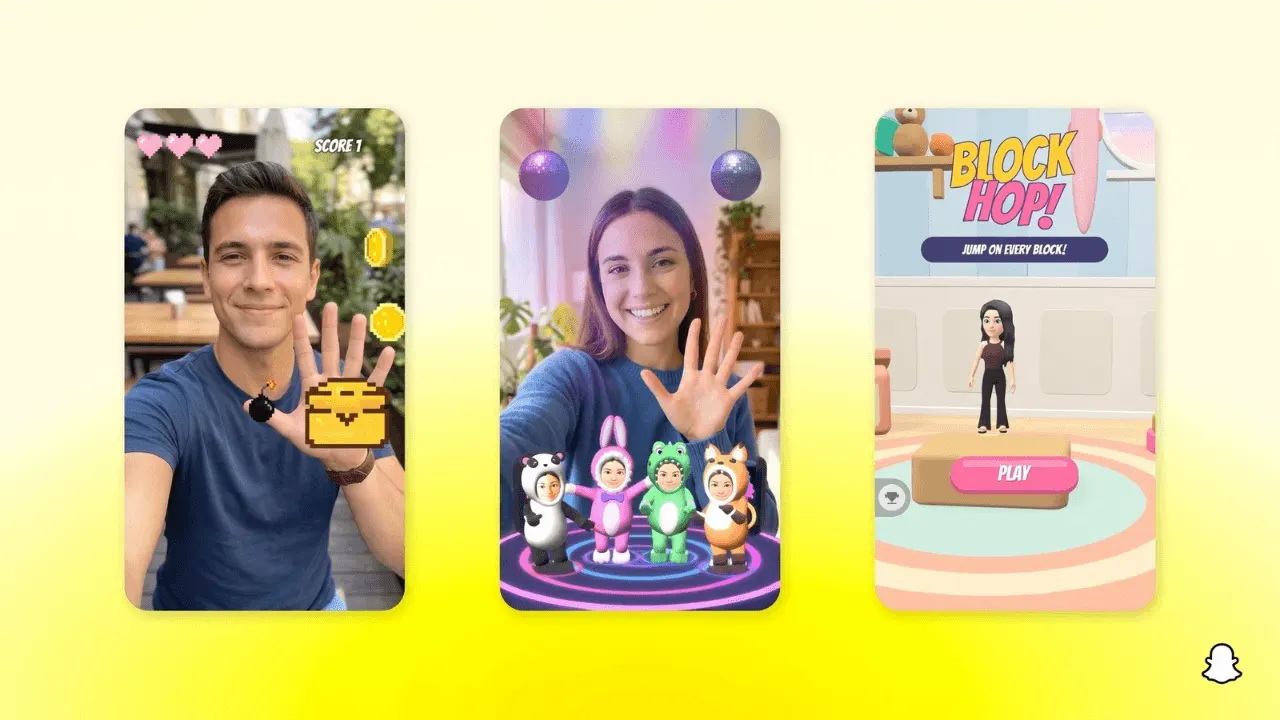
Snapchat Easy Lens CLI lets AI assistants build AR Lenses