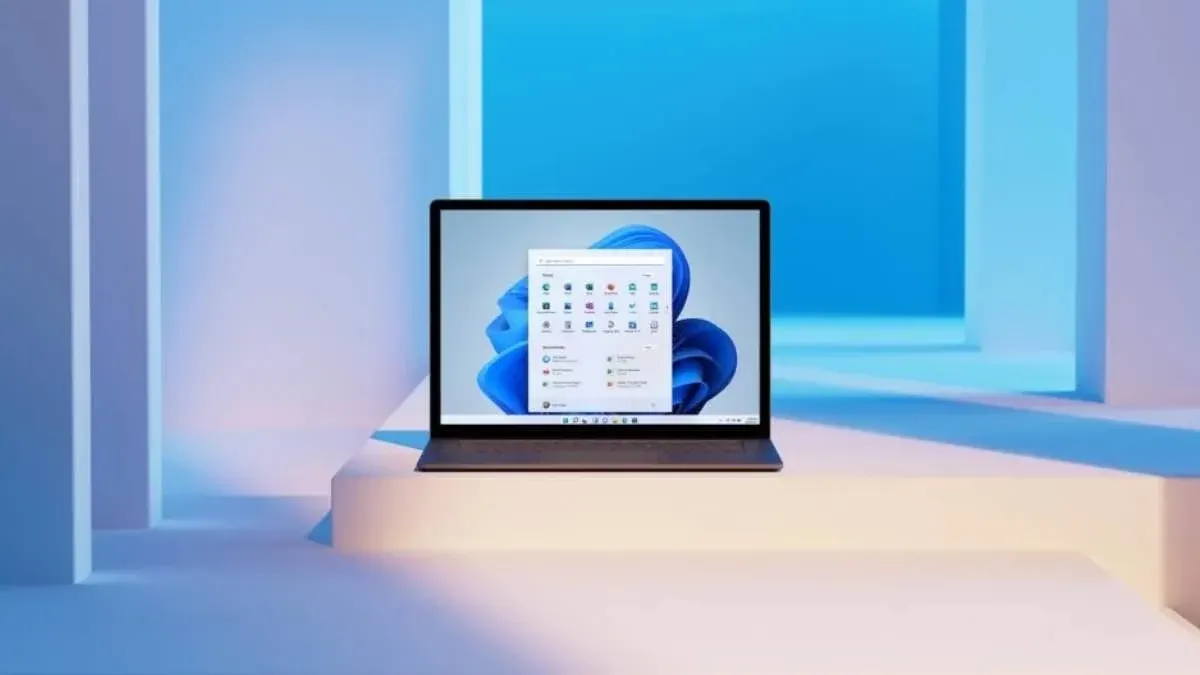
Windows 11 26H2 now installs itself on eligible PCs
Since 18 November, Microsoft has been pushing Windows 11 26H2 to eligible PCs without anyone clicking Check for updates. Here is who gets it, and how to hold it off.
 SUMO· the number puzzle
 Dialo· learn languages by speaking
 ediviewer· read EDI files like documents
 giftdetect· the right gift in minutes
Windows 11 26H2 no longer waits for you to ask. Since 18 November, Microsoft has been downloading and installing the update on eligible PCs automatically, with no click on Check for updates.
According to a Microsoft support document, the company is widening automatic delivery in stages. It starts with devices running Windows 11 24H2 or 25H2 that are not managed by an IT department. That covers personal PCs and unmanaged business machines, and it depends on your Windows Update settings.
The update itself came out on 29 September and spread to more devices in October. Until now, people had to open Windows Update and press Download & Install.
When will Windows 11 26H2 reach my PC?
Not all on the same day. An eligible machine with no compatibility hold could get it within days or weeks. The restart it needs normally happens outside your active hours. To avoid the update, you have to pause Windows updates, for weeks or months.
What does 26H2 change?
It builds on Windows 11 24H2, which 25H2 also runs on, and it carries performance work that earlier monthly updates already delivered. Microsoft says the October 2026 update or later includes fixes for PCs with 8GB of memory. Start, Search, Settings and File Explorer open faster, and responsiveness is up to 20% better on 8GB machines than with the January 2026 update.
In a lab test on an 8GB Snapdragon device, a multitasking session finished up to 40% faster. A laptop with 8GB of RAM tested by the original source showed Task Manager at roughly 5GB after a restart on 25H2, and about 3.3GB on 26H2. The system could also keep up to 2GB more active data in memory instead of moving it to slower storage.
Microsoft says there are no new active known issues with the update. The source adds that Microsoft appears to use telemetry data to decide how fast the rollout spreads, though the company has not said so openly this year.
Apps worth a look
SUMO: the number puzzleTap the right tiles, add them up, hit the target. Easy to learn, hard to master. Free, for all ages.
Dialo: learn languages by speakingTalk to an AI conversation partner; every sentence comes back corrected and explained in your language. 9 languages, A1 to C2.
ediviewer: read EDI files like documentsOpen EDIFACT and X12 messages, see every segment explained, convert to JSON/XML, export PDF and Excel. Runs locally, no upload.
giftdetect: the right gift in minutesPick who it is for, the occasion and their personality. The search engine reads product descriptions from local shops and ranks what fits. Free, no sign-up.
More from this day
See all →



More in: Software
See all →
Google homepage now has an AI Mode chat sidebar on desktop
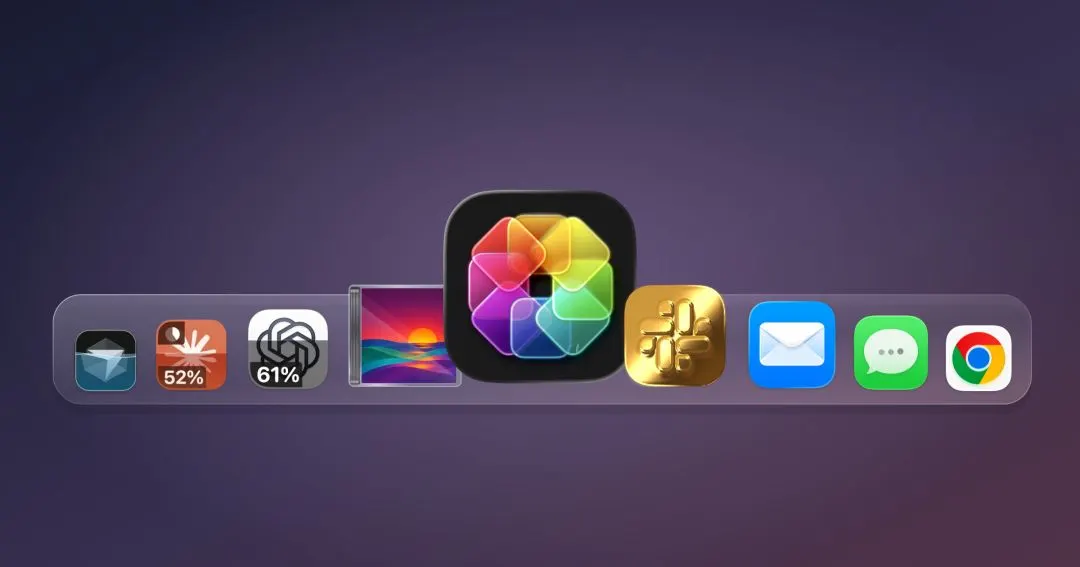
IconSwapper for Mac shows live ChatGPT and Claude usage on icons

Microsoft To Do shuts down on 30 June 2027, ten years after launch