Google homepage now has an AI Mode chat sidebar on desktop
Google's desktop homepage now has a collapsible sidebar that lists your past AI Mode chats, so you can pick up a conversation where you left off.

 SUMO· the number puzzle
 Dialo· learn languages by speaking
 ediviewer· read EDI files like documents
 giftdetect· the right gift in minutes
Google's homepage used to be one search bar and not much else. Now it has a sidebar for your AI chats, and it is rolling out to desktop users worldwide.
Robby Stein, Google's vice president of product, showed the change in a post on X. In his GIF, a gray bar sits on the left edge of the screen. Click it and a panel slides open with a list of your earlier AI Mode searches. From there you can continue an old thread, start a new one, search through your threads, or connect a Gemini Notebook.
What is the new Google homepage sidebar?
It is a collapsible panel that keeps your AI Mode history in one place on the homepage. AI Mode is the chatbot-style way of searching that Google built into the search bar. The company added its button last year, which opens a conversation-like search experience inside Google.
So instead of treating every query as a one-off, you can go back to something you asked yesterday and keep going.
Why Google is doing it
Stein says people are coming to Search with more questions that are not "one and done." He also says that in testing, the sidebar "made a big difference for making progress & continuing to explore the web." We have only Google's word on that, as no test data was shared.
This is the latest in a string of changes to a page that long offered a single box. In May, Google updated the search box to handle longer queries and added AI-powered autocomplete.
Where is it available?
Google says the new homepage is rolling out globally on desktop. A rollout means it may not show up for everyone on day one. If you do not see the gray bar on the left yet, it is likely still on its way.
Apps worth a look
SUMO: the number puzzleTap the right tiles, add them up, hit the target. Easy to learn, hard to master. Free, for all ages.
Dialo: learn languages by speakingTalk to an AI conversation partner; every sentence comes back corrected and explained in your language. 9 languages, A1 to C2.
ediviewer: read EDI files like documentsOpen EDIFACT and X12 messages, see every segment explained, convert to JSON/XML, export PDF and Excel. Runs locally, no upload.
giftdetect: the right gift in minutesPick who it is for, the occasion and their personality. The search engine reads product descriptions from local shops and ranks what fits. Free, no sign-up.
More from this day
See all →



More in: Software
See all →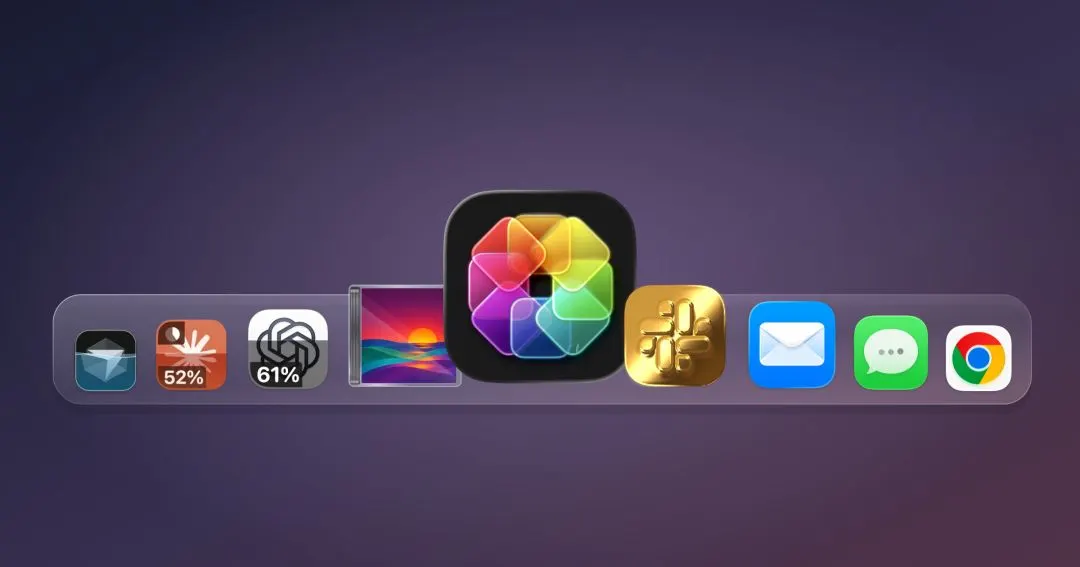
IconSwapper for Mac shows live ChatGPT and Claude usage on icons

Microsoft To Do shuts down on 30 June 2027, ten years after launch

Andarium runs Android apps on iPhone, no computer needed