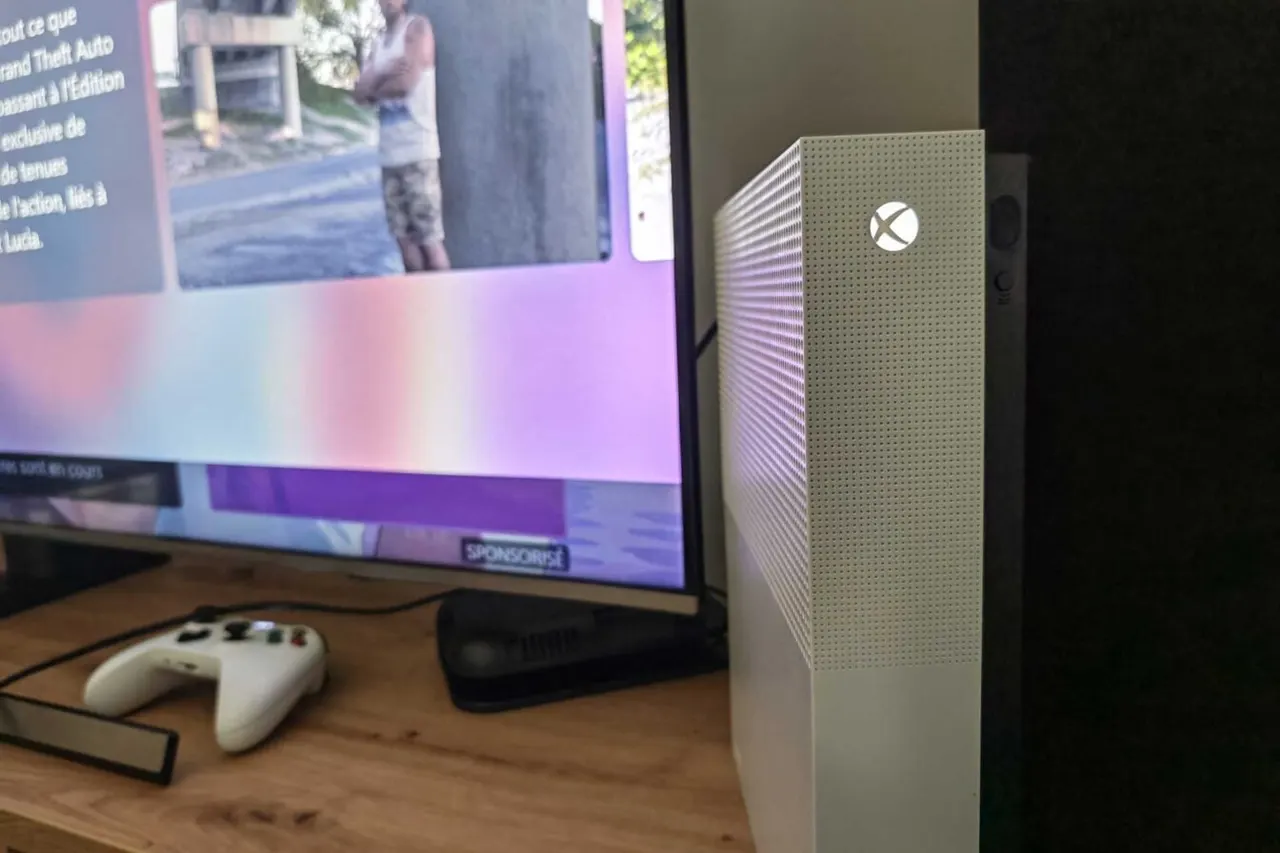
GTA 6 on Xbox Series X/S: settings to change before launch
GTA 6 is built for Xbox Series X|S, but a few TV and storage settings decide how well it runs. Here is what to check before launch night.
 SUMO· the number puzzle
 Dialo· learn languages by speaking
 ediviewer· read EDI files like documents
 giftdetect· the right gift in minutes
GTA 6 arrives on November 19, and if you are playing on an Xbox Series X or S, a handful of settings will decide how good it looks and how smoothly it runs. Some are toggles. One is about where the game is installed, and that one can stop you from playing at all.
The Xbox store page carries the "Optimized for Xbox Series X|S" badge, so the game is meant to lean on the console's advanced features. Here is what to check, in order.
How to set up your Xbox Series X/S for GTA 6
- Go to Settings > General > TV and Display Options > 4K TV Details. A group of green checkmarks means your TV and HDMI port can handle the console's best features. Microsoft says the most advanced features need HDMI 2.1, and on some TVs only certain ports support it, so use the right one for your Xbox.
- Open Video Modes in the same menu and tick "Allow variable refresh rate" and "Allow auto low latency mode." The first lets the TV match the frames the Xbox produces, which cuts stutter and screen tearing. The second switches the TV into game mode automatically, so there is less post-processing and less delay between your input and the screen.
- In Video Modes, make sure "Allow HDR10" is ticked, then run the Calibrate HDR for Games tool. It tunes HDR to your screen so bright and dark areas keep their detail.
- If your TV supports Dolby Vision, use it. It works on both consoles and does best with VRR and ALLM on. GTA 6 launches with calibrated Dolby support. Check your TV's display and audio settings to see whether it handles these formats.
- Free up internal storage. Go to Settings > Storage, delete what you can live without, or move games to a USB drive.
- If you pre-ordered, preload the game. Preloading on Xbox began on November 10.
How much storage does GTA 6 need on Xbox Series X/S?
The download is reported at 212GB. Games optimized for Series X|S only run from the internal SSD or an official storage expansion card. An external USB drive, even an SSD, can hold the files, but the game will not run unless all of it sits on the internal SSD or the card.
That matters most on the Series S, whose internal SSD can be as small as 512GB. Preloading means you skip a 200GB-plus download and file shuffling on launch day.
Apps worth a look
SUMO: the number puzzleTap the right tiles, add them up, hit the target. Easy to learn, hard to master. Free, for all ages.
Dialo: learn languages by speakingTalk to an AI conversation partner; every sentence comes back corrected and explained in your language. 9 languages, A1 to C2.
ediviewer: read EDI files like documentsOpen EDIFACT and X12 messages, see every segment explained, convert to JSON/XML, export PDF and Excel. Runs locally, no upload.
giftdetect: the right gift in minutesPick who it is for, the occasion and their personality. The search engine reads product descriptions from local shops and ranks what fits. Free, no sign-up.