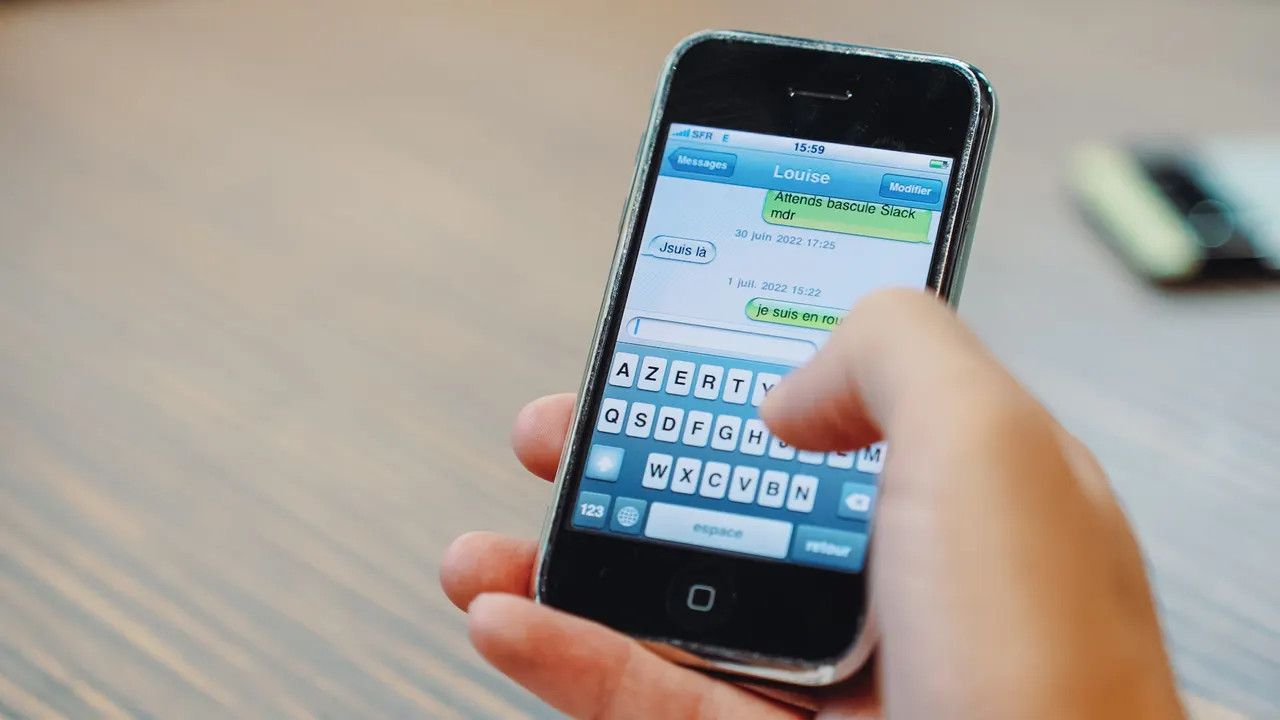
iOS 27 parental controls: two months to set up one phone
Setting up iOS 27's new parental controls took one reporter two months, several Apple Store visits and a work laptop that renamed itself after his personal one.

 SUMO· the number puzzle
 Dialo· learn languages by speaking
 ediviewer· read EDI files like documents
 giftdetect· the right gift in minutes
Apple's new iOS 27 parental controls are meant to make life easier for parents. For one reporter, getting them switched on took two months, repeated trips to Apple Stores and a phantom MacBook Air.
The overhaul includes a new setup wizard, plus features like Ask to Browse and contact approval, which make a child ask permission before visiting a new website or adding a new number. At a preview in Apple's London HQ over the summer, the setup went without a hitch. At home, it didn't.
Until now, the reporter had kept his son's phone locked down with Assistive Access, an accessibility setting that turns an iPhone into a very plain dumb phone. It's safe, but the boy hates how basic it looks next to his friends' phones. The new controls promise similar safety without the lag.
Why the iOS 27 parental controls setup wizard didn't appear
After installing iOS 27, the family settings looked exactly as before, with no new options. Many other people reported the same. Apple's advice was to remove an old third-generation iPad Air, which can't run iOS 27, from the account. That changed nothing. In early October, Apple said a bug was hiding the new features for some users and a fix was coming in an update the following week.
The phantom MacBook Air
After the update, a banner said "New Parental Controls Available." Then the setup demanded that "Jeremy's MacBook Air needs updating." That laptop runs macOS 12.6 and can't get macOS 27. Only one device with that name appeared in iCloud, so it couldn't be deleted.
Two weeks later, Apple's engineers worked it out. The culprit was a different MacBook Air, his work laptop, listed as "H06B2BJ7M8". The setup had renamed it to match his personal machine. Why? No one knows, not even Apple.
What the new settings look like
Once through, the reporter could move his son's existing account across. The app said his current times were "within general guidance" for nine to 12 hours of sleep, and offered to pause entertainment, games and social media during school hours.
Apps are grouped into categories, and you can't make your own. A catch-all group called All Others holds 85 apps on his son's account, from the App Store to Signal, and includes many of the games the boy plays. That makes restricting the Games category somewhat pointless.
The reporter says Apple's staff were helpful throughout. He still says he'd rather not do it again.
Apps worth a look
SUMO: the number puzzleTap the right tiles, add them up, hit the target. Easy to learn, hard to master. Free, for all ages.
Dialo: learn languages by speakingTalk to an AI conversation partner; every sentence comes back corrected and explained in your language. 9 languages, A1 to C2.
ediviewer: read EDI files like documentsOpen EDIFACT and X12 messages, see every segment explained, convert to JSON/XML, export PDF and Excel. Runs locally, no upload.
giftdetect: the right gift in minutesPick who it is for, the occasion and their personality. The search engine reads product descriptions from local shops and ranks what fits. Free, no sign-up.
More from this day
See all →
First pulsar discovered in 1967 was nicknamed Little Green Men 1

Portslade bus display stuck on boot screen instead of times

Meta smart glasses ban: pools, schools and venues push back
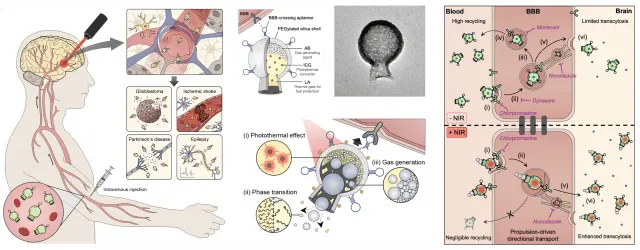
Brainbot nanorobot uses infrared light to carry cancer drugs to the brain
More in: Mobile
See all →
Siri AI daily limit in iOS 27.3: 20 tokens per iPhone, leak says

iPhone satellite icon: what it means and when it appears

Quam: Germany's first virtual mobile carrier and its failure