Google Confirms Pixel Watch Battery Drain Bug, Fix Rolling Out
Google has confirmed a bug that shortens battery life on some Pixel Watch models and says a fix is already rolling out through app updates in the Play Store.
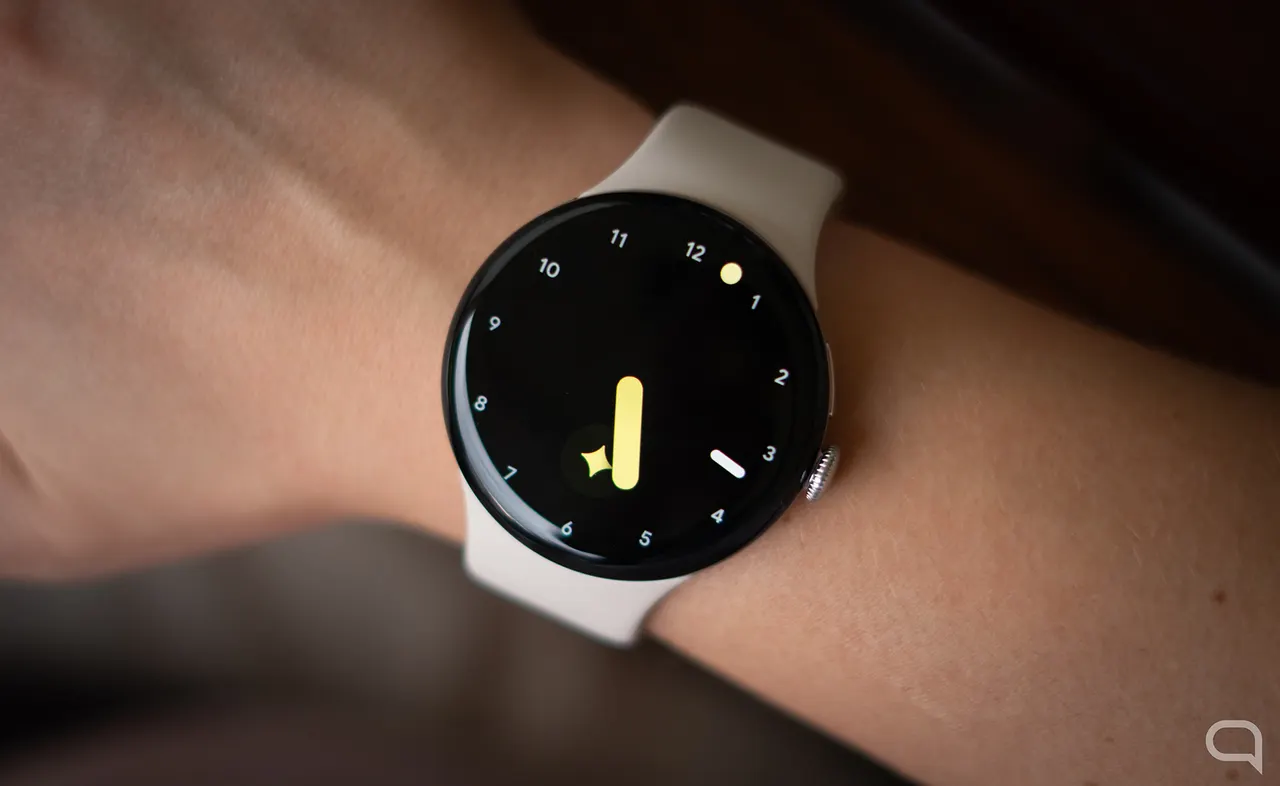
Google has confirmed that a bug is draining the battery of some Pixel Watch units faster than normal, and says a fix is already being delivered to affected devices.
Reports began circulating in recent days, notably on Reddit, from users whose watches were running out of power far sooner than usual. In the most extreme cases, battery life dropped to about 12 hours, compared with more than 48 hours previously with the always-on display turned off.
Which models are affected
The problem is not limited to one generation. Any model from the Pixel Watch 2 onward has shown the issue. Google says it affects only a limited number of units, but for owners who are hit, the loss of endurance is significant.
The cause has not been disclosed. Early suspicion fell on a recent Wear OS update, but Google has neither confirmed nor denied that link.
How to fix it
According to Google, the remedy does not come as a Wear OS update. It arrives through updates to installed apps. Users should open the Play Store on the watch, go to Manage apps, and choose Update all. Once the process finishes, battery life on affected watches should return to normal.
That approach suggests the fault may lie in the Play Store itself or in one of the apps Google preinstalls on the Pixel Watch, though the company has not said so. Google adds that the fix will reach all users over the coming days, so owners who do not see an improvement yet may simply need to wait a little longer.
Apps worth a look
 SUMO: the number puzzle
Tap the right tiles, add them up, hit the target. Easy to learn, hard to master. Free, for all ages.
 Dialo: learn languages by speaking
Talk to an AI conversation partner; every sentence comes back corrected and explained in your language. 9 languages, A1 to C2.
 ediviewer: read EDI files like documents
Open EDIFACT and X12 messages, see every segment explained, convert to JSON/XML, export PDF and Excel. Runs locally, no upload.
More from this day
See all →
Airbus Digital Campus in Albacete aims for 200 staff by 2029

iOS 27.3 beta 1 brings Apple Intelligence to China for first time

Evertrue Capital launches $17M pre-seed fund for European AI

Oman's Mamun raises $3m to support Gulf-Asia trade with AI
More in: Hardware
See all →
Steam Deck Store Page Vanishes From Steam, Valve Silent

Apple AirPods 5 Review: Better Value, but Pro 3 Still Wins

Sigma FP2 Orders Outstrip Supply on First Day of Pre-Orders