Google AI Mode Personal Intelligence now reads Drive and Wallet
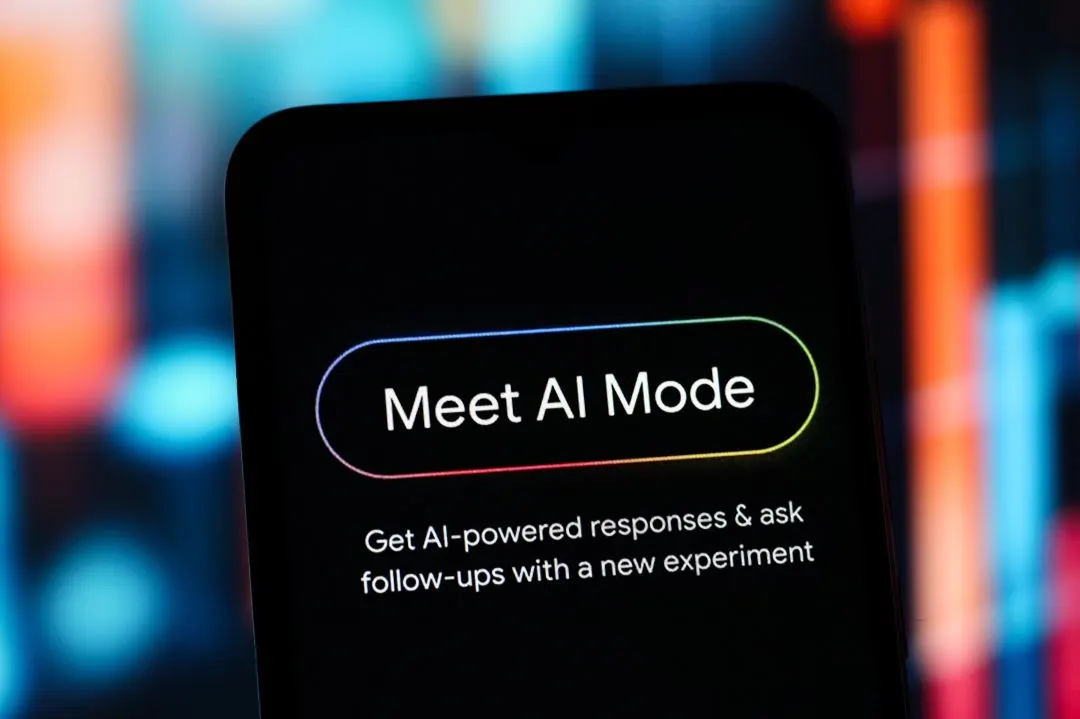
Google's AI Mode can now look through your Drive files and Wallet cards to answer questions, from tax-season plans to credit card rewards. It's optional.
 SUMO· the number puzzle
 Dialo· learn languages by speaking
 ediviewer· read EDI files like documents
 giftdetect· the right gift in minutes
Google's AI Mode in Search can now read your Drive files and your Wallet. The idea: ask about your taxes or your spending, and the answer comes from your own documents instead of generic advice.
Google announced on Monday that it is expanding Personal Intelligence in AI Mode to Google Drive, Google Wallet and the Gemini app. Personal Intelligence connects Google's AI to your other Google apps so it can give answers that fit your situation. It already worked with Gmail, Google Calendar and Google Photos.
What does Personal Intelligence do with Drive and Wallet?
Google's argument for Drive is simple: the details of a project or a big decision are often scattered across documents and spreadsheets. With Drive connected, AI Mode can pull from those files, for example to build a plan for tax season.
With Wallet connected, Google says people can track financial goals, cut everyday spending and get more out of credit card rewards. The company says AI Mode can only read information from the accounts. It cannot move or manage your money.
The Gemini app link works both ways. If you explore an idea in Gemini, AI Mode will already have that context, and the same goes in reverse. No starting over.
Can you turn Personal Intelligence off?
Yes. Connecting Drive and Wallet is optional, and you can switch Personal Intelligence on or off at any time. That matters, because not everyone wants an AI looking at their Wallet and Drive.
Google also says a new "Personalization" icon will soon appear below responses, letting you see what context AI Mode used. It's not live yet.
Separately, Google said people will start to see more personally relevant answers in AI Overviews and AI Mode, tailored to their recent search context.
The move plays to Google's strength. It already holds a lot of people's mail, files, photos and payment cards, which is data rivals can't easily match.
Apps worth a look
SUMO: the number puzzleTap the right tiles, add them up, hit the target. Easy to learn, hard to master. Free, for all ages.
Dialo: learn languages by speakingTalk to an AI conversation partner; every sentence comes back corrected and explained in your language. 9 languages, A1 to C2.
ediviewer: read EDI files like documentsOpen EDIFACT and X12 messages, see every segment explained, convert to JSON/XML, export PDF and Excel. Runs locally, no upload.
giftdetect: the right gift in minutesPick who it is for, the occasion and their personality. The search engine reads product descriptions from local shops and ranks what fits. Free, no sign-up.
More from this day
See all →
iPhone Duo lock screen has a hidden widget column, switched off

Microsoft 365 outage report: a July bug and lost emails
iOS 27 alarm volume: iPhone alarms finally get their own slider

Banks tighten AI agent rules after OpenAI test agents broke out
More in: AI
See all →
Musk says SpaceX AI can't compete, so it's renting out GPUs

What is perplexity? OpenAI's chief scientist wants it as an AI speed limit

OpenAI lawsuit: California targets AI models linked to cyberattacks