ChatGPT for Android may soon call, text and read your screen
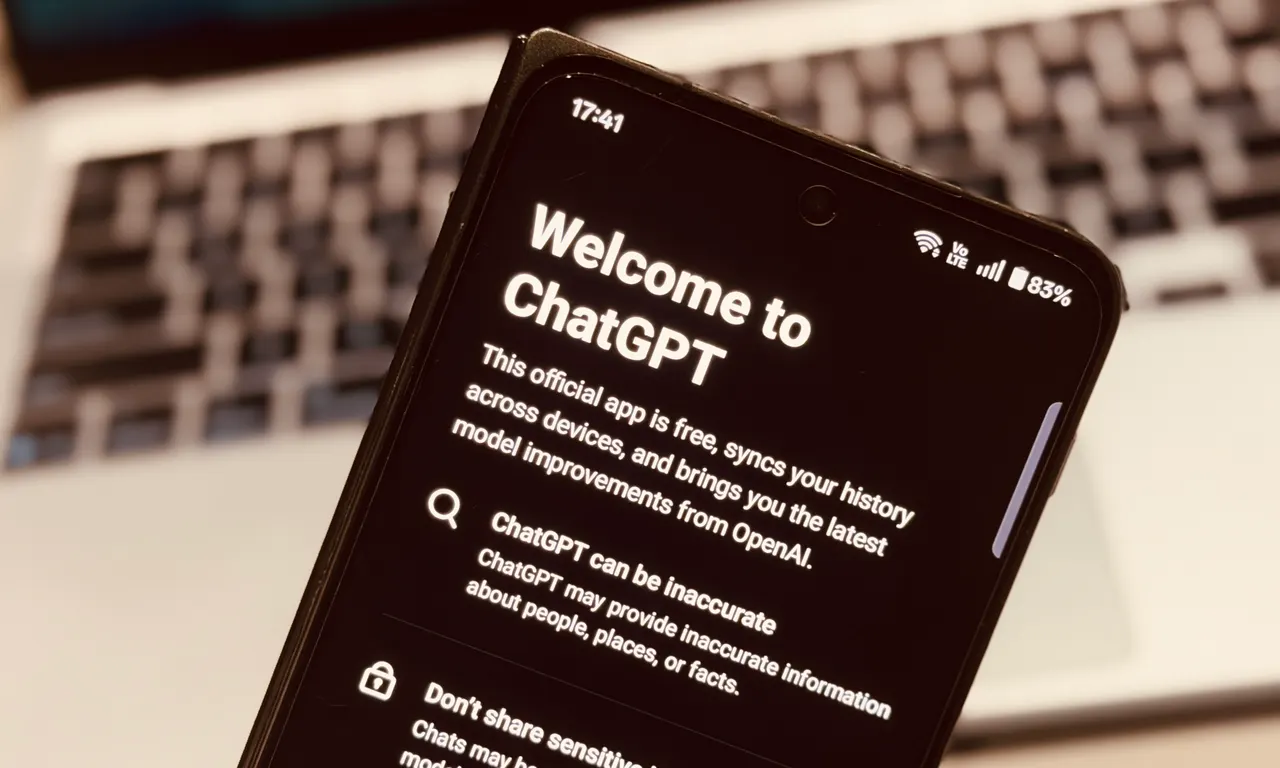
Hidden code in the ChatGPT Android app points to permission prompts for placing calls, sending texts, controlling music and reading what is on your screen.
 SUMO· the number puzzle
 Dialo· learn languages by speaking
 ediviewer· read EDI files like documents
 giftdetect· the right gift in minutes
ChatGPT on Android may soon do more than answer questions. Hidden code suggests it could call your contacts, send texts and look at your screen, if you let it.
An APK teardown (pulling an app file apart to read its unreleased code) of ChatGPT for Android version 1.2026.328 turned up permission prompts for those actions. The strings apparently cover reading recent calls, searching contacts, placing a call on request, and reading or sending messages. It is unreleased code, so none of it is guaranteed to ship.
Can ChatGPT read your screen on Android?
Apparently, yes. Much like Gemini's "Ask about screen" feature, ChatGPT might see what is on your display and take follow-up questions about it, so you would not need to share screenshots. The report says you would have to switch on a "Use screen and app data" option first.
Music control looks more limited. ChatGPT may not be able to open your music app or pick a new song, but through Android's notification access it could pause, resume or skip tracks.
What is a ChatGPT Dot on Android?
Dots arrived in September this year. They are always-on AI agents you can reach through their own app or inside ChatGPT on mobile, desktop and web. OpenAI has been adding abilities along the way, including messaging through iMessage and RCS, Wallet integration and Health integration.
The teardown points to a dedicated Dot card that would connect Dots to Android. A prompt suggests you would first grant notification access in Android Settings, then return to the card and tap Connect or Continue.
Two code references stand out. "allowedWhileLocked" hints that a Dot could be reached while the phone is locked, and "useDotAsAssistant" suggests a Dot could become your default digital assistant.
How any of this will work, and when it will arrive, is unclear. The features could also reach the iOS app eventually.
Apps worth a look
SUMO: the number puzzleTap the right tiles, add them up, hit the target. Easy to learn, hard to master. Free, for all ages.
Dialo: learn languages by speakingTalk to an AI conversation partner; every sentence comes back corrected and explained in your language. 9 languages, A1 to C2.
ediviewer: read EDI files like documentsOpen EDIFACT and X12 messages, see every segment explained, convert to JSON/XML, export PDF and Excel. Runs locally, no upload.
giftdetect: the right gift in minutesPick who it is for, the occasion and their personality. The search engine reads product descriptions from local shops and ranks what fits. Free, no sign-up.
More from this day
See all →
iOS 27 CarPlay bug: Google Maps and Waze banners cover the map

Apple subscription retention messages: why apps now push back

DWP cyber incident: UK pulls pensions services offline

Hera probe at Dimorphos: a stadium-sized crater and hundreds of rocks
More in: AI
See all →
Anthropic's Siren test baits AI agents into escaping sandboxes
SWE-CoWork: AI agents fully finish under 8% of office coding tasks

Osmo AI smell model: a startup is teaching computers to sniff