Apple subscription retention messages: why apps now push back
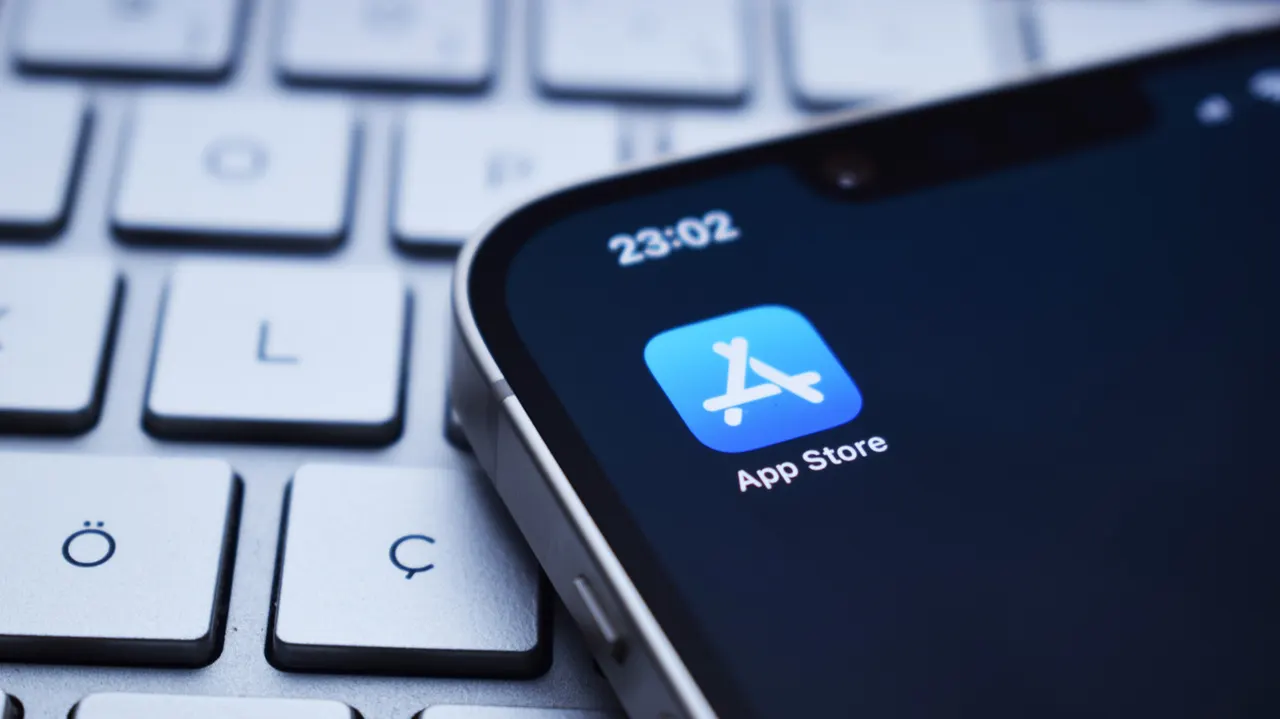
Cancel a subscription on your iPhone and the app may now answer with a message or a discount. Apple allows it, and you can't switch it off.
 SUMO· the number puzzle
 Dialo· learn languages by speaking
 ediviewer· read EDI files like documents
 giftdetect· the right gift in minutes
Try to cancel a subscription on your iPhone and the app may now try to talk you out of it, sometimes with a discount. That is not a glitch. Apple's new subscription retention messages let developers do exactly that.
Apple introduced the feature earlier this month. The messages appear when you cancel an auto-renewing subscription billed through your Apple Account, whether you do it inside the app or via Settings > Your Account > Subscriptions, then tap the app and choose Cancel Subscription. If the developer has set one up, you may see custom text, an image or a retention offer, such as a free trial or a cheaper next monthly payment if you qualify.
You'll get Cancel Subscription and Keep Subscription buttons, plus a Redeem button when there's an offer. Not every app will show anything, because developers have to build these messages in App Store Connect, the platform they use to distribute apps. Offers can differ between users of the same app, for example for people who have paid for a minimum period. Each app can have up to 10 messages, and developers wanting more control can ask Apple for access to the Apple Retention Messaging API, which needs review and approval.
Who benefits from retention messages?
Developers, mostly. Many people cancel over price, and a last-minute discount can keep them, which matters for apps that live on recurring revenue. Apple gains too, since it takes a cut of up to 30 percent of these subscriptions.
You can benefit as well. If cost was the reason you wanted out, an offer may give you the same service for less, at least for a while. Read the message before confirming, so you know how long the discount lasts and what you'll pay afterwards.
Can you turn retention messages off?
No. But they only show up when you try to cancel, not randomly while you use your device. If you really want to leave, tap Cancel Subscription and you won't be asked again. The messages need iOS 15.1 or later and also work on the latest macOS and visionOS. It might be a good moment to check for subscriptions you no longer use.
Apps worth a look
SUMO: the number puzzleTap the right tiles, add them up, hit the target. Easy to learn, hard to master. Free, for all ages.
Dialo: learn languages by speakingTalk to an AI conversation partner; every sentence comes back corrected and explained in your language. 9 languages, A1 to C2.
ediviewer: read EDI files like documentsOpen EDIFACT and X12 messages, see every segment explained, convert to JSON/XML, export PDF and Excel. Runs locally, no upload.
giftdetect: the right gift in minutesPick who it is for, the occasion and their personality. The search engine reads product descriptions from local shops and ranks what fits. Free, no sign-up.
More from this day
See all →
Gemini privacy settings: what to switch off and where to find it
iOS 27 CarPlay bug: Google Maps and Waze banners cover the map
ChatGPT for Android may soon call, text and read your screen