YouTube Home feed redesign adds a Like button under every video
YouTube's new mobile Home feed puts Like, Comment and Save under each video, so one careless scroll can feed the algorithm the wrong signal.
 SUMO· the number puzzle
 Dialo· learn languages by speaking
 ediviewer· read EDI files like documents
 giftdetect· the right gift in minutes
YouTube's new Home feed on mobile lets you like a video without ever opening it. That is handy, until a thumb slips mid-scroll and tells the algorithm you love something you never watched.
The redesign is rolling out to Android and iOS through an app update, and YouTube hasn't officially announced it. Regular videos now get a row of three shortcuts under the thumbnail: Like, Comment and Save. Save puts a video in your watch-later pile, and Comment lets you peek at what people are saying. A three-dot menu to the right of Save holds extras such as cast, Share and Report.
The Home feed is also more crowded. Besides videos, it now mixes in ads, playlists, photos, community posts and Playables, YouTube's small games. Further down, a block of four Shorts appears between regular videos, and it now runs edge to edge with no side margins. One Reddit user complained that because image posts, videos and Shorts all blend together, it is easy to tap a Short by accident and end up doomscrolling for hours.
Can you like a YouTube video without opening it?
Yes. The Like button sits right under the thumbnail, and it is easy to hit by mistake while scrolling. Since a like can influence what YouTube recommends next, a wrong tap is not entirely harmless.
Is there a way back to the old Home feed?
No. The new look comes with YouTube app version 21.47.483 on Android and 21.47.6 on iOS, and there is no option to revert.
If the Shorts bother you most, there is one workaround. Under Settings and Time management, set your Shorts feed limit to zero minutes. That hides the Shorts shelves from Home and the Shorts tab. You will still see Shorts from channels you subscribe to in the Subscriptions tab, and links a friend sends you will still open. What you lose is the endless swipe into new recommended Shorts.
Apps worth a look
SUMO: the number puzzleTap the right tiles, add them up, hit the target. Easy to learn, hard to master. Free, for all ages.
Dialo: learn languages by speakingTalk to an AI conversation partner; every sentence comes back corrected and explained in your language. 9 languages, A1 to C2.
ediviewer: read EDI files like documentsOpen EDIFACT and X12 messages, see every segment explained, convert to JSON/XML, export PDF and Excel. Runs locally, no upload.
giftdetect: the right gift in minutesPick who it is for, the occasion and their personality. The search engine reads product descriptions from local shops and ranks what fits. Free, no sign-up.
More from this day
See all →
Bybit hack postmortem: $1.4 billion theft report stays private

Instacart couriers: 40% also drive for DoorDash, Gridwise says

Justin Sun calls for WLFI token to be delisted from exchanges
Acer Googlebook 14 boot loop fixed: just start setup again
More in: Mobile
See all →
Google Play developer address: public from March 2027
Google Play developer address and phone number plan under review
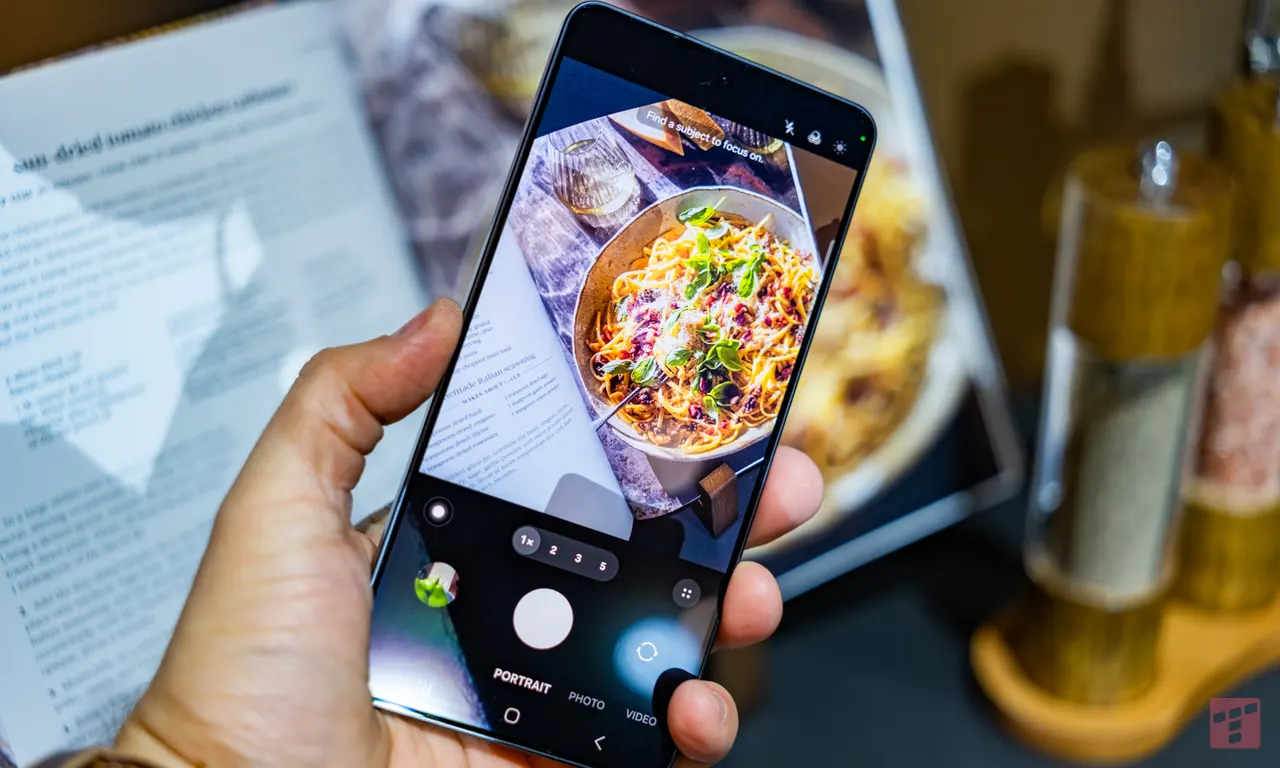
Samsung Vision camera mode in One UI 9.5 beta describes what it sees