How to block spam and sales calls on your Samsung Galaxy
Samsung Galaxy phones ship with built-in tools against spam and phishing calls, from blocking hidden numbers to AI-powered call screening on newer models.
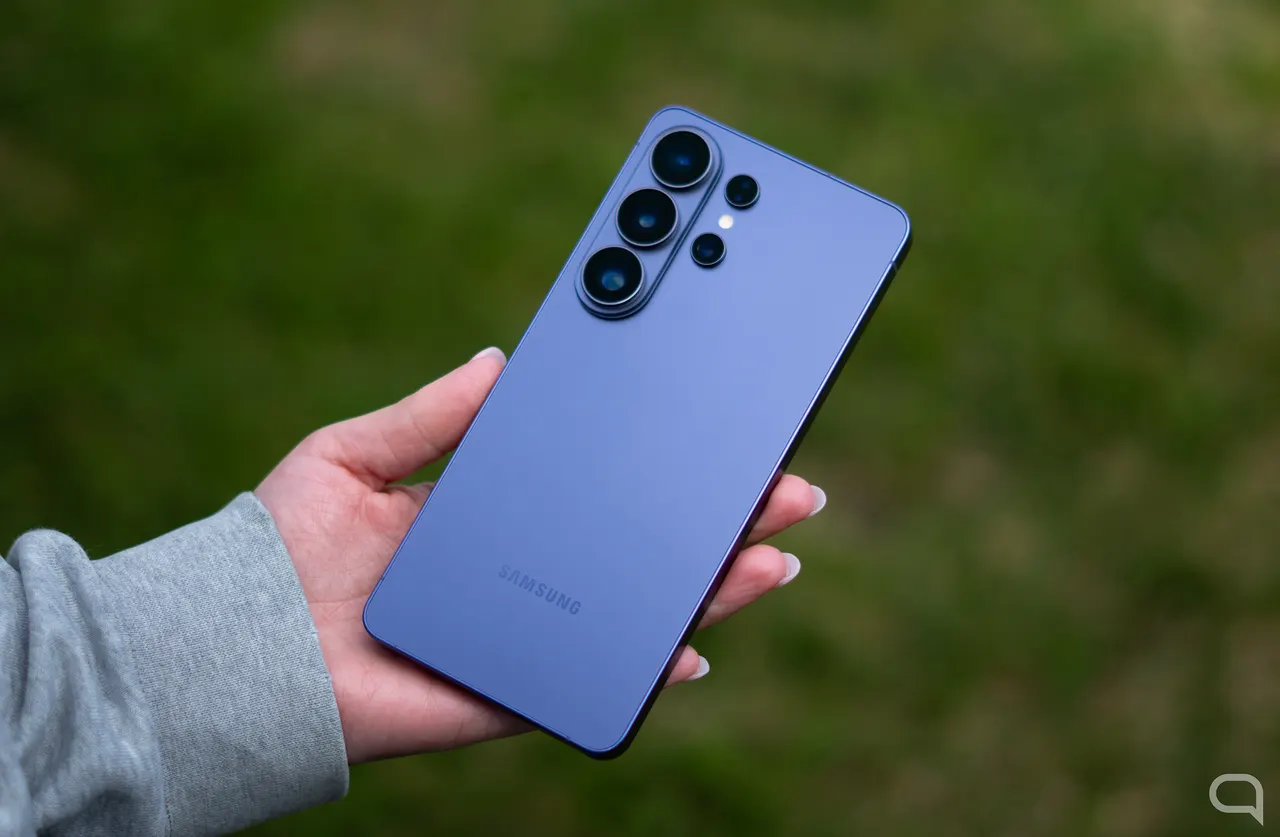
Unwanted sales calls and phone scams keep getting through, even where do-not-call registers and number-prefix rules exist. In Spain, the Robinson list and a new rule requiring the 400 prefix for promotional calls have not stopped fraudsters from ignoring them. The practical fix is to configure the phone itself, and Samsung Galaxy devices already include several official tools for that.
Google has added call-detection features to Android for years, but they do not reach every handset. Samsung complements them with its own options in One UI, and each new version adds more ways to cut down on unwanted calls.
Block hidden numbers and flag scams
The first option is called Block unknown numbers. Despite the name, Samsung's own help page says it blocks calls with a hidden number, which are especially annoying because there is nothing to look up online. To enable it, open the Phone app, tap the three-dot menu, go to Settings, then Call settings and Block numbers, and switch on the option. You can also add specific numbers from your recent calls or your contacts.
Samsung phones also include Smart Call, developed with the company Hiya. It offers caller ID, which is particularly useful for businesses, plus warnings for suspected spam and possible fraud, with options to block or report the number. To turn it on, go to the Phone app's Settings and activate Caller ID and spam protection. Inside that menu, an automatic blocking option based on Hiya's list lets you block all calls flagged as unwanted or only those from scammers rated high risk. It is best used only if the other options were not enough.
AI call screening on newer models
Recent models such as the Galaxy S26 add Call screening. According to Samsung, it lets the Call Assistant answer the call and ask the caller who they are and why they are calling. You see what the caller and the AI say on screen even if you do not pick up, and you can answer at any time or switch to a text call.
To enable it, open Call settings from the Phone app and turn on Call screening. It is manual by default, but you can choose Screen calls automatically, either for suspected spam and scams from public databases, including private numbers, or for calls of unknown origin: numbers not in your contacts, not labelled in your call history, not emergency numbers and with no previous conversation with you. During a call, tap Call Assistant and then Call screening.
More from this day
See all →


More in: Mobile
See all →
Google Maps Brings Gemini AI to Apple CarPlay Drivers

Huawei Pura 90 Plus Launches With Kirin 9025 and 100W Charging
iPhone 18 Leaks: A20 Chip, More RAM and Siri Upgrade Due 2027