X is testing an undo button for accidental timeline refreshes
X appears to be working on an Undo button that brings back your old timeline after you pull to refresh by accident. It reportedly stays on screen for a few seconds.

 SUMO· the number puzzle
 Dialo· learn languages by speaking
 ediviewer· read EDI files like documents
 giftdetect· the right gift in minutes
You know the moment. You're halfway down your feed, your thumb slips, the timeline refreshes and the post you were reading is gone. X seems to be building an undo button for exactly that.
The find comes from Aaron, an analyst and researcher at MacRumors, who posted a short video of the feature in X's mobile app. He called it a long requested feature. In the clip, he pulls down on the screen to refresh, and an "Undo" button appears at the bottom. Tap it and the timeline goes back to how it looked before.
How long does the X Undo button stay on screen?
According to Aaron, only for a few seconds. When someone asked him how long the button shows up, that was his answer. So it is a quick escape hatch, not a permanent history.
Is the X timeline undo feature available yet?
Not officially. Aaron is known for digging into apps' code to find unreleased features, and this one looks like it came from that kind of analysis. That means it is still in preparation. Nothing in the material says when, or whether, it will reach everyone.
If it does ship, it fixes a small but constant annoyance for anyone who scrolls on a phone. One wrong swipe at the top of the feed and your place is lost, and finding it again can mean scrolling through a lot of posts.
A related wish remains unanswered: a way to jump back to where you were after you tap to the top by mistake. Nothing suggests X is working on that one.
Apps worth a look
SUMO: the number puzzleTap the right tiles, add them up, hit the target. Easy to learn, hard to master. Free, for all ages.
Dialo: learn languages by speakingTalk to an AI conversation partner; every sentence comes back corrected and explained in your language. 9 languages, A1 to C2.
ediviewer: read EDI files like documentsOpen EDIFACT and X12 messages, see every segment explained, convert to JSON/XML, export PDF and Excel. Runs locally, no upload.
giftdetect: the right gift in minutesPick who it is for, the occasion and their personality. The search engine reads product descriptions from local shops and ranks what fits. Free, no sign-up.
More from this day
See all →
US emergency food prices jump 12% after a run of IT outages

Shein FTC settlement: $100 million over filtered reviews
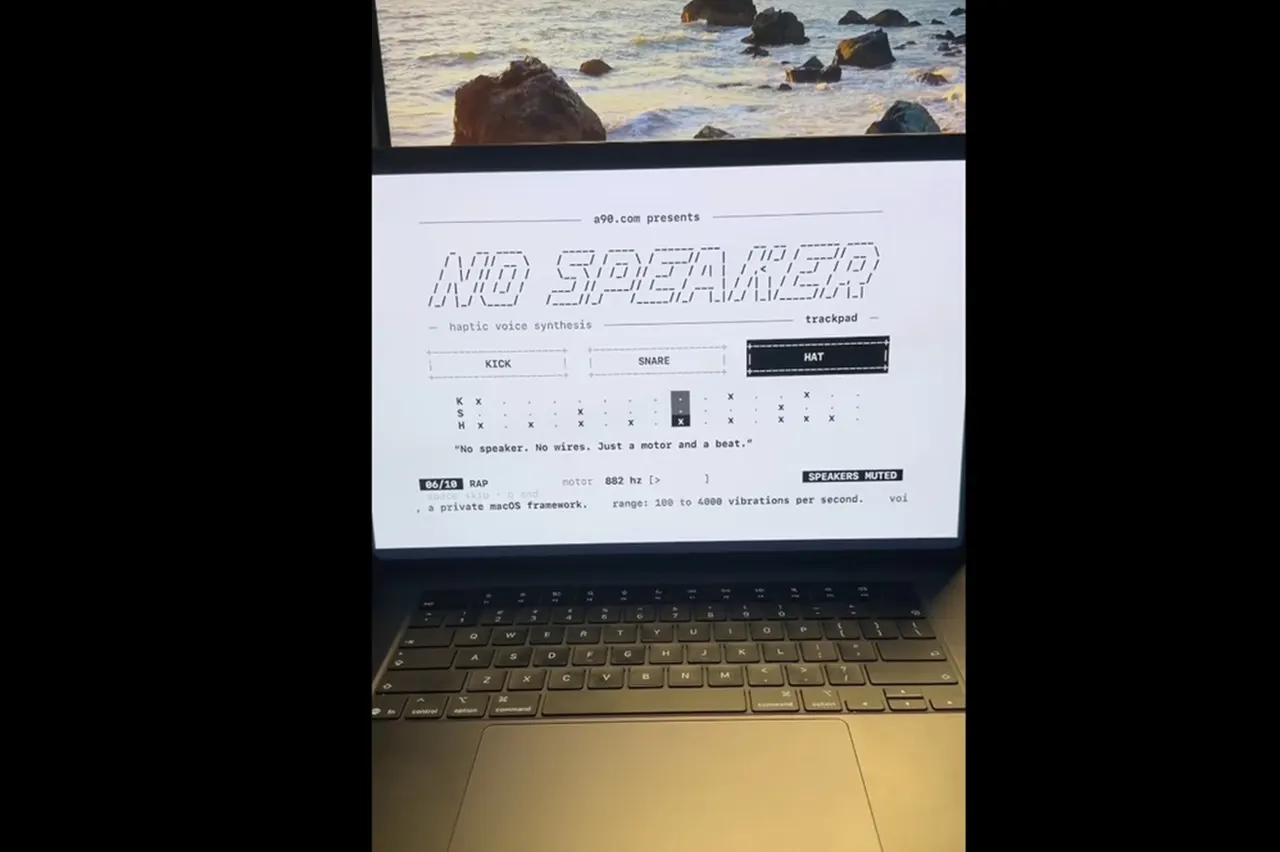
MacBook trackpad talks: NO SPEAKER turns a haptic motor into a voice

Keio ransomware attack may have exposed 10.6 million people's data
More in: Software
See all →
Ladybird browser enters alpha with ready-made installers
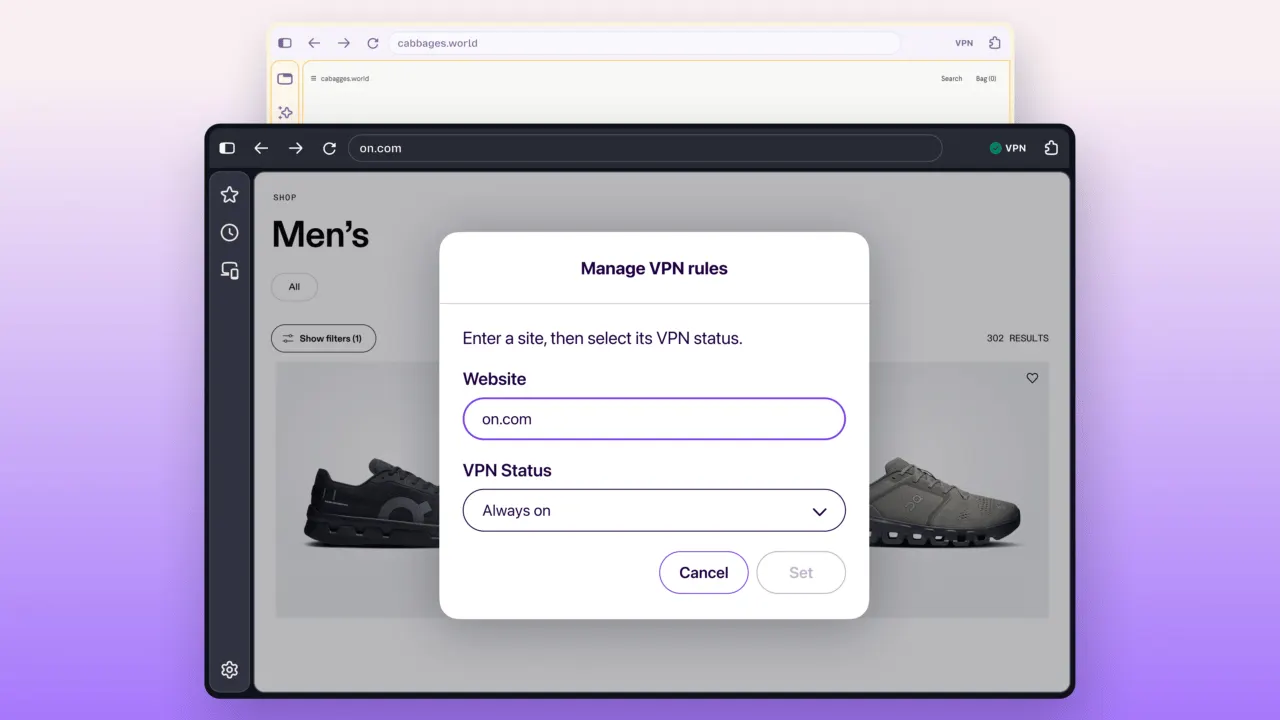
Firefox 161 adds per-site VPN rules and a Fire button

TikTok parental controls now show parents what teens watch