Windows Auto SR Leaves Preview, Now Works on ROG Xbox Ally Handhelds
Microsoft has ended the Auto Super Resolution preview on ROG Xbox Ally X and X20 and is bringing the OS-level upscaler to select Ryzen Copilot+ PCs.
 SUMO· the number puzzle
 Dialo· learn languages by speaking
 ediviewer· read EDI files like documents
 giftdetect· the right gift in minutes
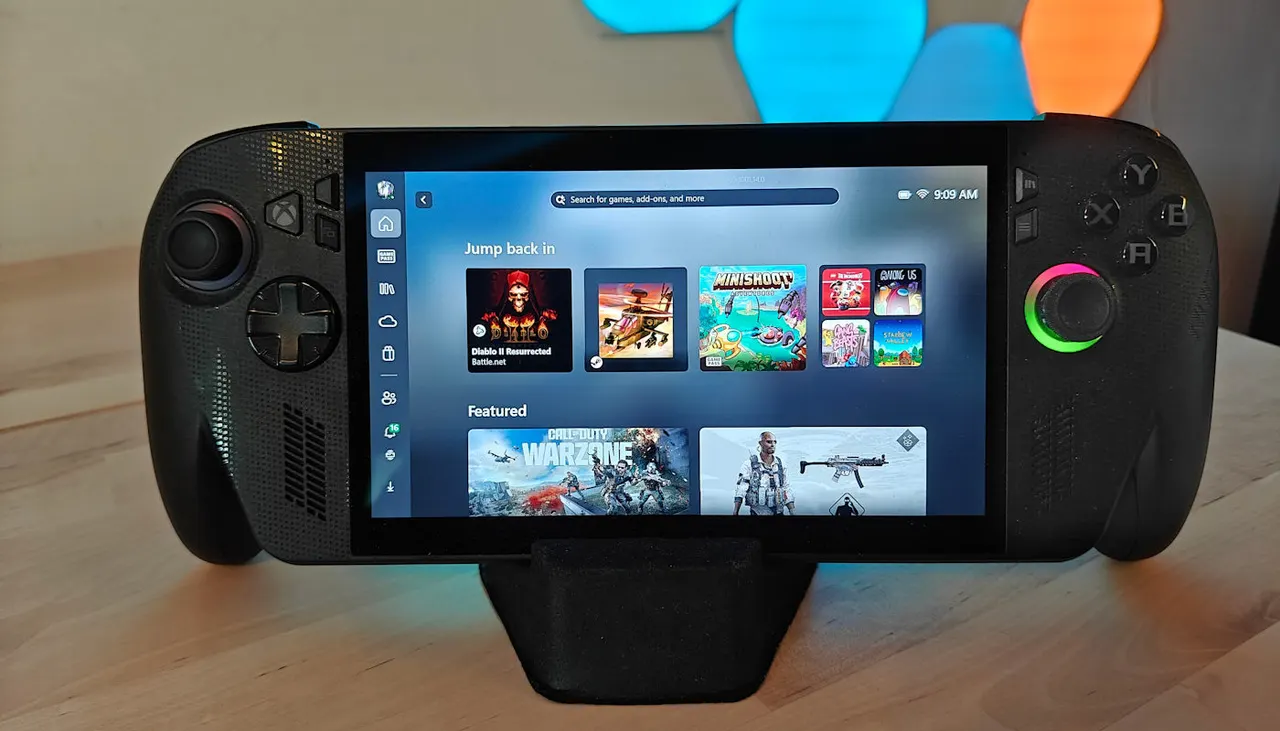
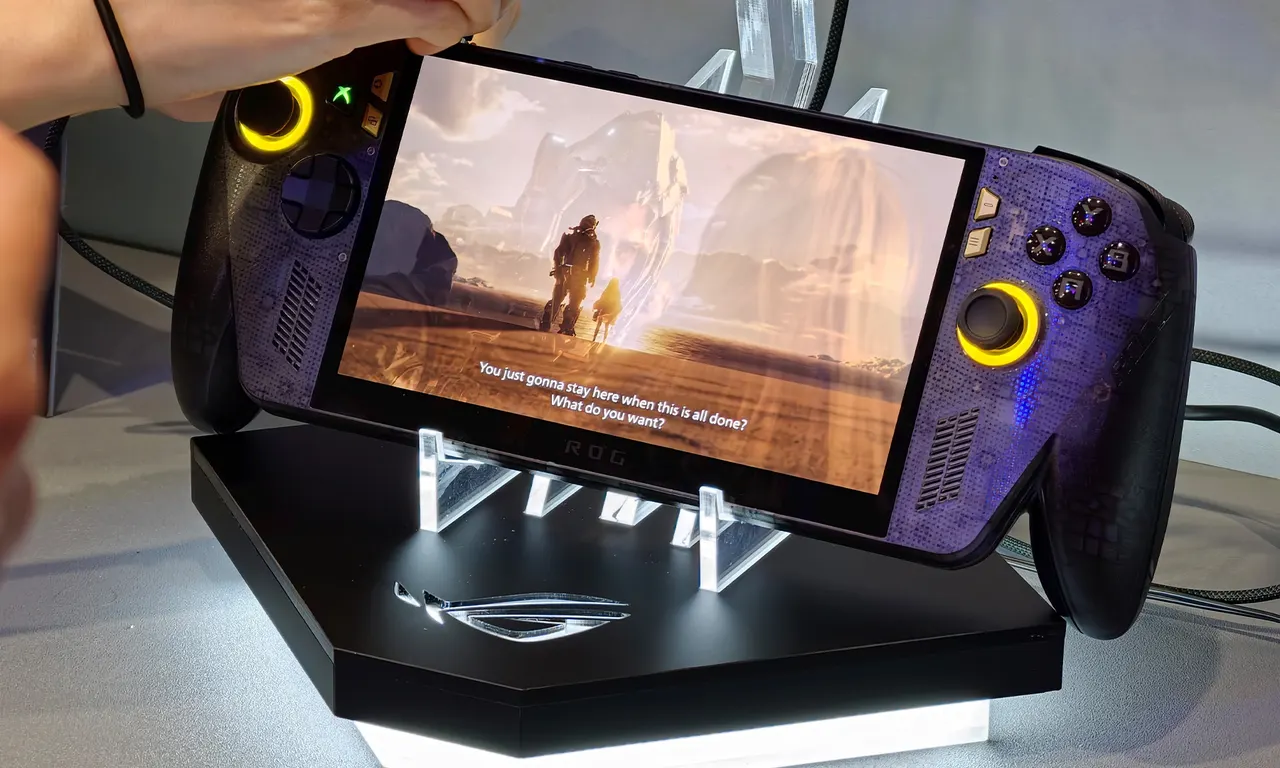
Microsoft has officially ended the preview phase of Automatic Super Resolution (Auto SR) on the ROG Xbox Ally X and ROG Xbox Ally X20. The feature is also arriving on selected Copilot+ PCs with AMD Ryzen processors.
Unlike Nvidia's DLSS, AMD's FSR or Intel's XeSS, Auto SR is built into Windows, so game developers do not need to integrate it. A game renders at a lower resolution, and the image is then reconstructed to a higher one using the PC's NPU.
What changes for handheld players
During the preview, Auto SR on the ROG Xbox Ally X only worked when the device was docked. That limit is gone: the feature now runs on the built-in screen, including on battery power. Players also no longer have to lower the game's resolution manually, a step Microsoft admits was a common reason the feature never started. The system now supports games running at 1080p, and when the handheld is connected to a TV or monitor, Auto SR can scale the image up to 1440p.
Frame rates improve too. Previously Auto SR topped out at roughly 60-75 fps; a new performance mode raises the ceiling to 120 fps. Players can switch between Quality and Performance modes during a game via the Game Bar. Auto SR can also now run alongside Auto HDR, which previously forced users to pick one.
Microsoft shared two benchmarks. On an Intel Arc B390 GPU, Assassin's Creed Valhalla averaged 45 fps at native 1600p on High settings. Rendering at 1050p, upscaling to 1600p and raising settings to Ultra High gave an average of 52 fps, about 15% more. Borderlands 3 ran at 24 fps natively at 1440p and at 40 fps when rendered at 720p and reconstructed by Auto SR.
Hardware and game requirements
There is a catch: an NPU is required. Microsoft's documentation lists Copilot+ PCs with AMD Ryzen NPUs, Intel Core Ultra Series 3 or Arc G3 chips with AI Boost NPU, and Snapdragon X and X2 platforms with Hexagon NPU. Windows 11 24H2 or later, current drivers and the latest Auto Super Resolution package are also needed. Owners of ordinary Windows 11 PCs will not get a free DLSS alternative through Windows Update, at least for now.
Games must use DirectX 10 or newer, running as native x64, emulated x64 or Arm64. DirectX 9, Vulkan and OpenGL are listed as unsupported. Microsoft is developing DirectSR separately to help studios integrate DLSS, FSR and XeSS, whereas Auto SR aims to deliver system-wide scaling with no extra work from developers.
Apps worth a look
SUMO: the number puzzleTap the right tiles, add them up, hit the target. Easy to learn, hard to master. Free, for all ages.
Dialo: learn languages by speakingTalk to an AI conversation partner; every sentence comes back corrected and explained in your language. 9 languages, A1 to C2.
ediviewer: read EDI files like documentsOpen EDIFACT and X12 messages, see every segment explained, convert to JSON/XML, export PDF and Excel. Runs locally, no upload.
giftdetect: the right gift in minutesPick who it is for, the occasion and their personality. The search engine reads product descriptions from local shops and ranks what fits. Free, no sign-up.
More from this day
See all →
Anorak raises $5M pre-seed to make generative video playable

Fractile raises over £500M at £5bn+ valuation for AI chips
AMD Zen 6 Architecture: 12-Core CCX Hints at Future Ryzen Chips
Windows 11 Auto SR Now Official: AI Upscaling Up to 120 FPS
More in: Gaming
See all →
Steam now shows average frame rates for Steam Deck games
Microsoft Auto SR Leaves Preview With Handheld Support

GTA 6 Runs at 30 FPS on All Consoles, Rockstar Confirms