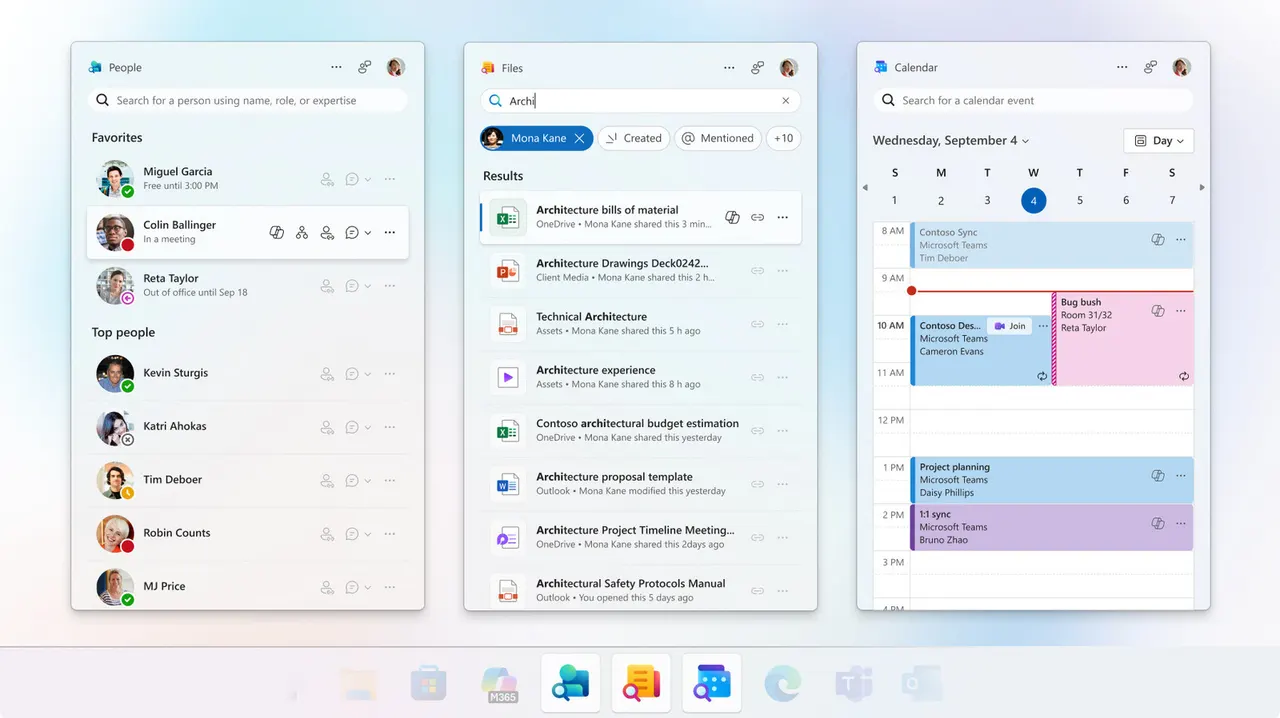
Windows 11 setup on IPv6-only network says you're offline
Windows 11 setup first says the network works, then says you're offline. Bob Pony hit the bug on a machine that only has IPv6.
 SUMO· the number puzzle
 Dialo· learn languages by speaking
 ediviewer· read EDI files like documents
 giftdetect· the right gift in minutes
Windows 11 setup can be a bit confused about the internet. On a machine that only uses IPv6, it reportedly shows that everything works, then complains a moment later that the connection is gone.
The problem was spotted by a user known as Bob Pony during the first configuration of a new machine, the stage Microsoft calls OOBE, the out-of-box experience. That is the set of screens you click through the first time you switch a PC on.
What is the Windows 11 IPv6 setup problem?
Officially, you can't finish installing Windows 11 without internet access. So the setup screens check for a connection. According to the report, on an IPv6-only network the check shows a working link and then declares that the connection was lost. The network is fine. The installer says otherwise.
IPv6 is the newer addressing system of the internet, designed to replace the older IPv4. Some networks now run on IPv6 alone, which is exactly the situation where this trap appears.
Who is affected?
Mostly people setting up a new PC on a network without IPv4, which is still uncommon at home but not unheard of elsewhere. If your setup insists you're offline while the connection plainly works, this may be why. The source gives no confirmed fix or workaround, so there is nothing reliable to recommend yet.
Apps worth a look
SUMO: the number puzzleTap the right tiles, add them up, hit the target. Easy to learn, hard to master. Free, for all ages.
Dialo: learn languages by speakingTalk to an AI conversation partner; every sentence comes back corrected and explained in your language. 9 languages, A1 to C2.
ediviewer: read EDI files like documentsOpen EDIFACT and X12 messages, see every segment explained, convert to JSON/XML, export PDF and Excel. Runs locally, no upload.
giftdetect: the right gift in minutesPick who it is for, the occasion and their personality. The search engine reads product descriptions from local shops and ranks what fits. Free, no sign-up.
More from this day
See all →
Comet 220P/McNaught suddenly got 1,000 times brighter. Here's why

Coral Hart used AI to write 370 books in 20 months

WhatsApp Zaps: self-deleting photos and videos for any chat

Green SM taxis: Karnataka halts new registrations, eyes mandatory meters
More in: Software
See all →
Siri AI daily limits: Apple tests caps tied to iCloud Plus
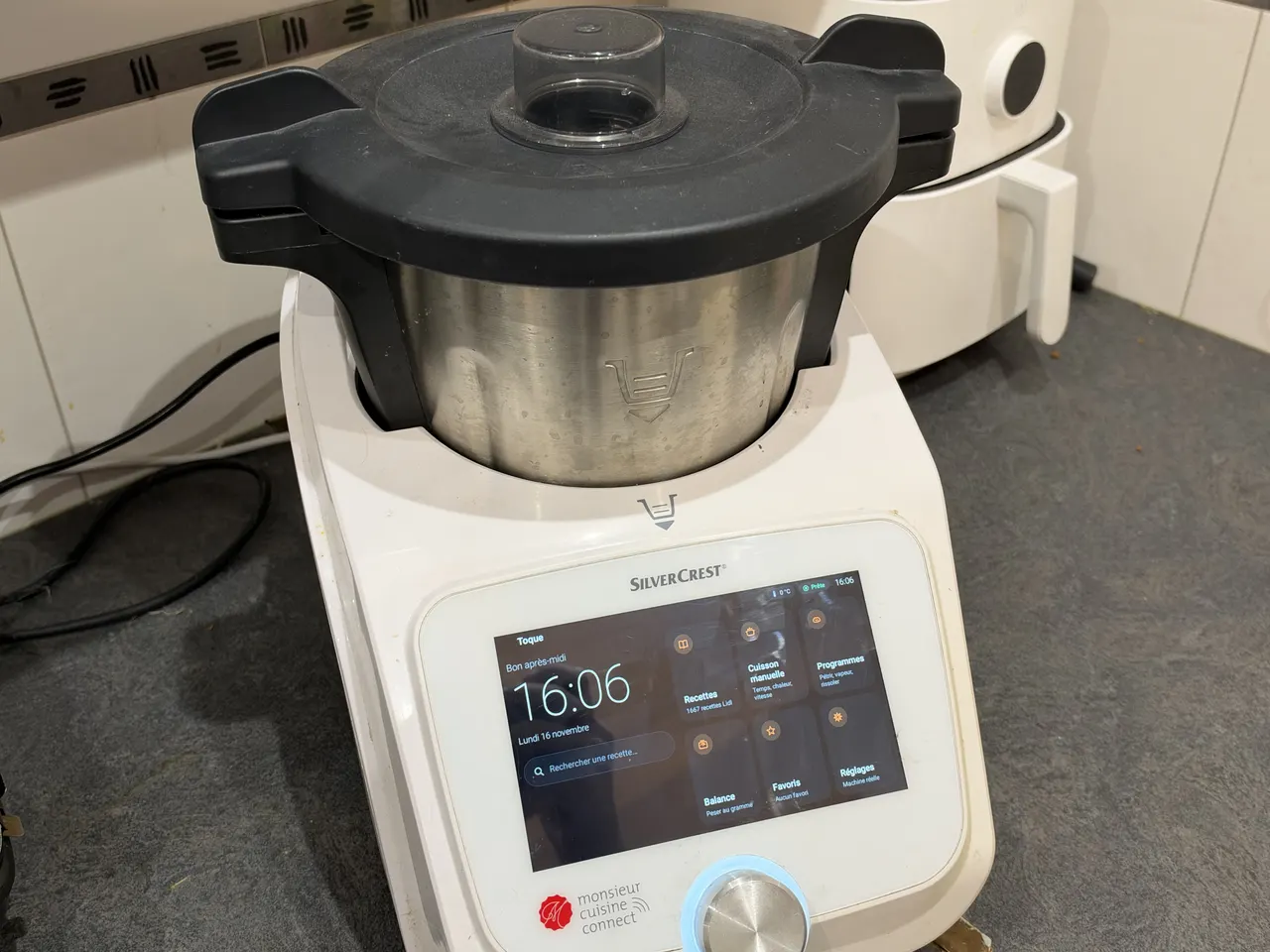
Toque for Lidl Monsieur Cuisine Connect makes the slow robot fast
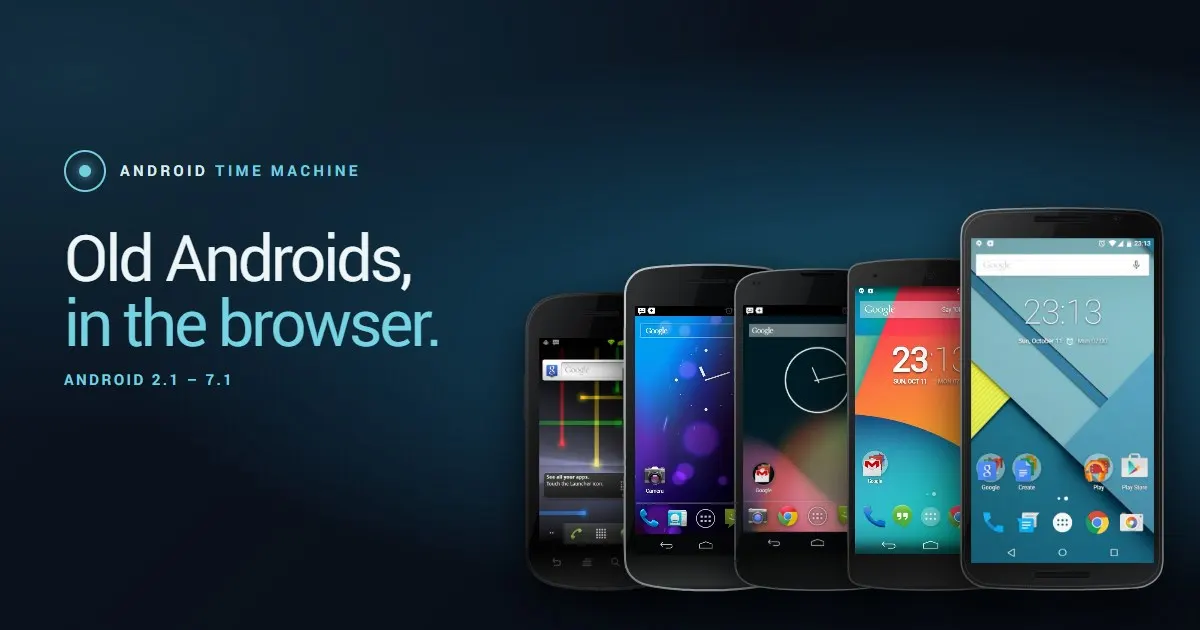
Android Time Machine lets you run Android 2.1 to 7.1 in a browser