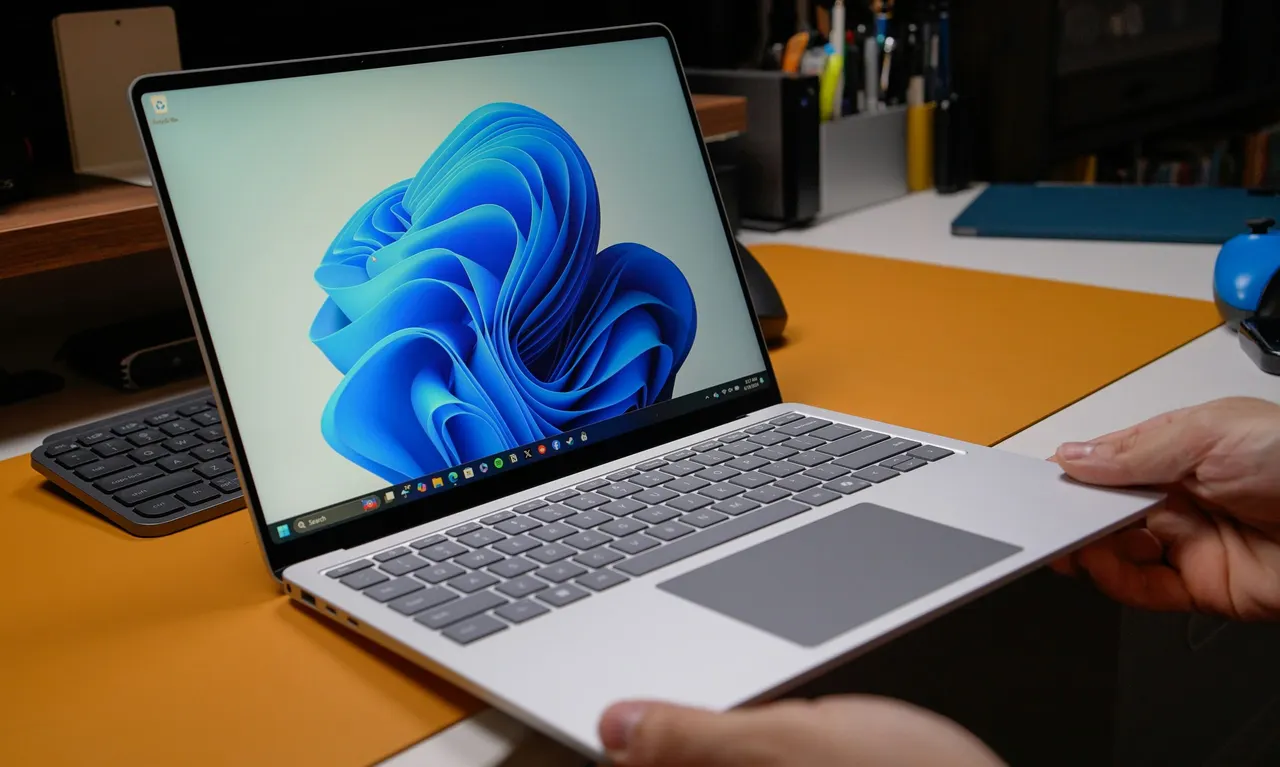
Windows 11 Cloud Rebuild Reinstalls the OS Without a USB Drive
Microsoft's new Cloud Rebuild feature lets you reinstall Windows 11 from the recovery environment, even when the system won't boot, with no USB installer.
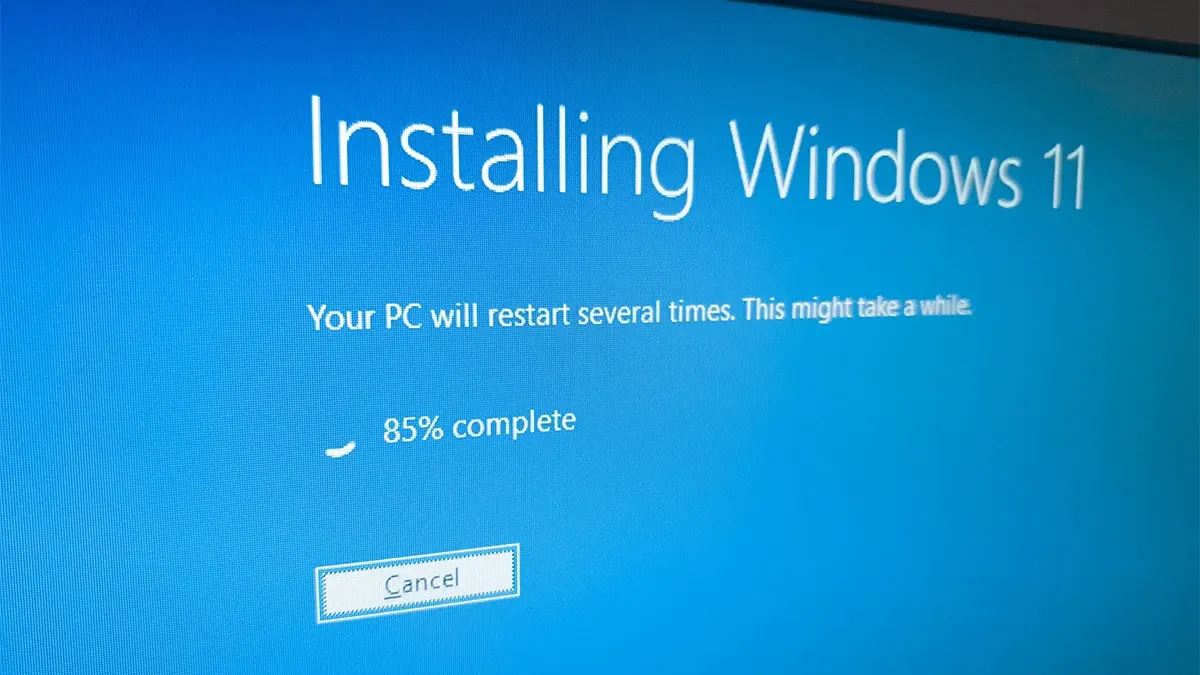
Microsoft is adding a feature called Cloud Rebuild to Windows 11. It lets users reinstall the operating system without creating a bootable USB drive on another computer.
Cloud Rebuild uses Windows Update to download the Windows 11 image and the drivers the PC needs. It differs from the existing Cloud Download option in one key way: it doesn't require a working copy of Windows. The reinstall can therefore be done on a machine that can no longer boot into the system.
How to start it
The feature ships in the optional update KB5127936, which Microsoft is rolling out gradually. Not everyone will see it right away. Turning on the "Get the latest updates as soon as they are available" toggle in Windows Update may help you get it sooner, though it doesn't guarantee immediate access.
If Windows 11 still runs, go to Settings > System > Recovery and choose the option to rebuild the PC. The computer then restarts into the Windows RE recovery environment and prepares the reinstall.
In case of a serious failure, the PC should enter the recovery environment automatically after several failed boot attempts. From there, choose Troubleshoot, then Recovery and uninstall, then Cloud Rebuild.
The process requires an internet connection over Wi-Fi or Ethernet, and the computer must be plugged into power. Before the installation begins, users see the target Windows version, edition and language, along with a warning about data loss.
Tools for IT administrators
Microsoft also built the feature for businesses. Administrators can configure and trigger the reinstall remotely through Recovery CSP. They can also specify the currently installed build or a particular target version.
For home users, the change removes one of the most stressful steps of fixing a broken PC: finding a second computer and preparing installation media. For IT teams, remote rebuilds could simplify recovering faulty devices. Further details are available on Microsoft's support pages.
More from this day
See all →
Spain Tops Europe for Solar Systems Exposed to the Internet
Touch MacBook Pro Hands-On: First Impressions From Los Angeles

EU customs reform: new €2 fee per item on imports from November