Touch MacBook Pro Hands-On: First Impressions From Los Angeles
Apple's new MacBook Pro with touch control and a PROLED XDR display has had its first hands-on test in Los Angeles. Reactions range from enthusiasm to doubt.
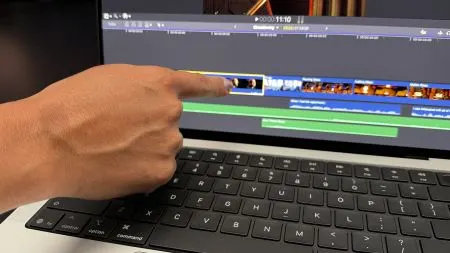
Apple's MacBook Pro now responds to touch, and the first hands-on session has taken place in Los Angeles. There, the new touch operation of the notebook, paired with its PROLED XDR display, could be tried out directly. Early impressions are divided: some testers celebrate the change, others remain skeptical.
A long-debated step for the Mac
Touch input on a MacBook has long been a point of contention among Mac users. Many have wondered whether a notebook running macOS benefits from a display that can be tapped and swiped, or whether the idea clashes with how the system has traditionally been used with keyboard, trackpad and mouse. The hands-on in Los Angeles is the first practical look at how Apple answers that question.
The split reaction shows that the feature is not an obvious win for everyone. Enthusiasts see a more direct way of working with the machine, while critics doubt that touch fits naturally into the Mac workflow. Which side proves right will depend on how consistently touch is integrated into the operating system and everyday apps.
What remains open
The first impressions cover only a short trial, not a long-term test. Questions about how reliable the touch control is in daily use, how it affects work with professional software and how the PROLED XDR display performs beyond the demo setting can only be answered with more time on the device.
For buyers considering a MacBook Pro, the takeaway is to wait for in-depth reviews before judging touch on its merits. The Los Angeles session shows that the feature is real and usable, but also that it is likely to remain a topic of debate among Mac users.
More from this day
See all →
Online Temple 'Sansa' Draws 600,000 Visitors in Three Days

SK Group's Chey Tae-won Meets OpenAI CEO Sam Altman in Seoul
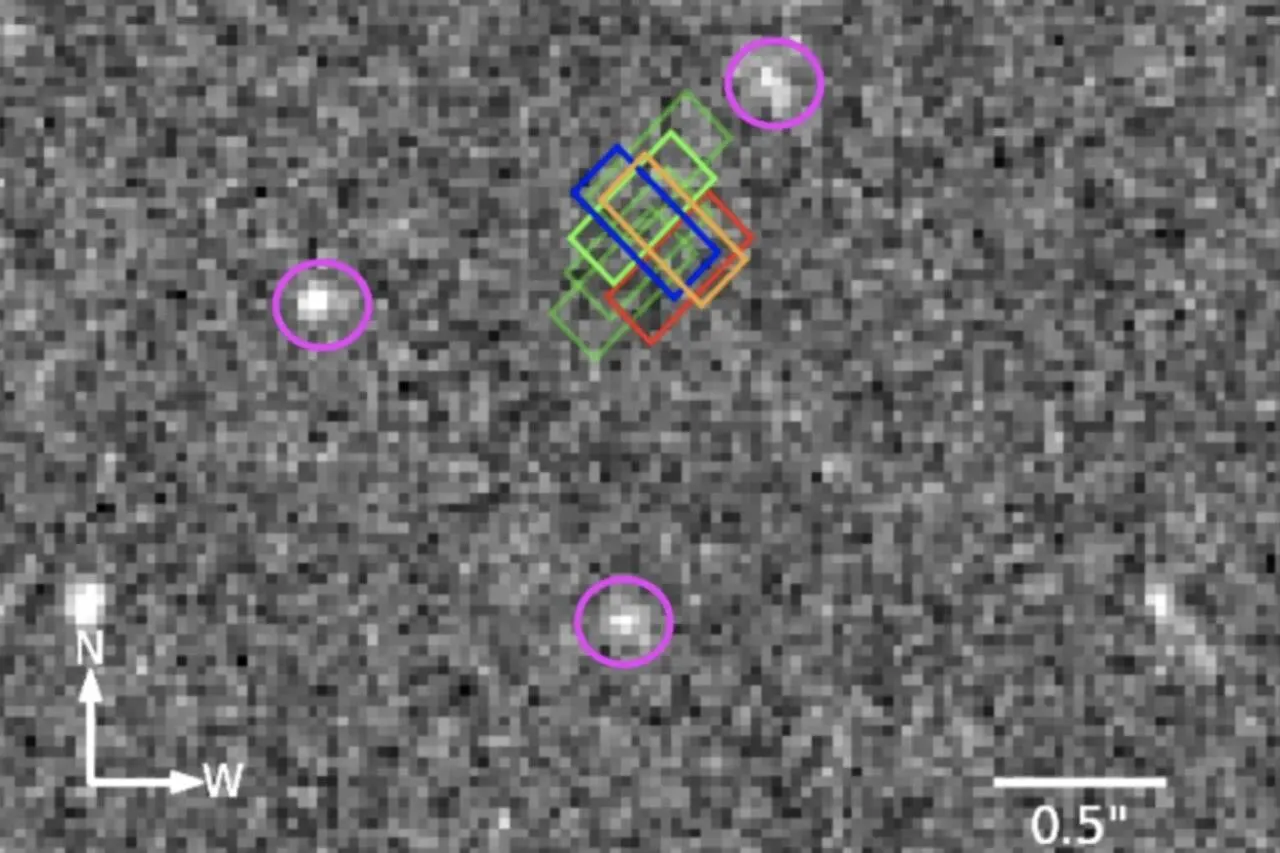
Webb Telescope Detects Unexplained Emission Line in Empty Sky
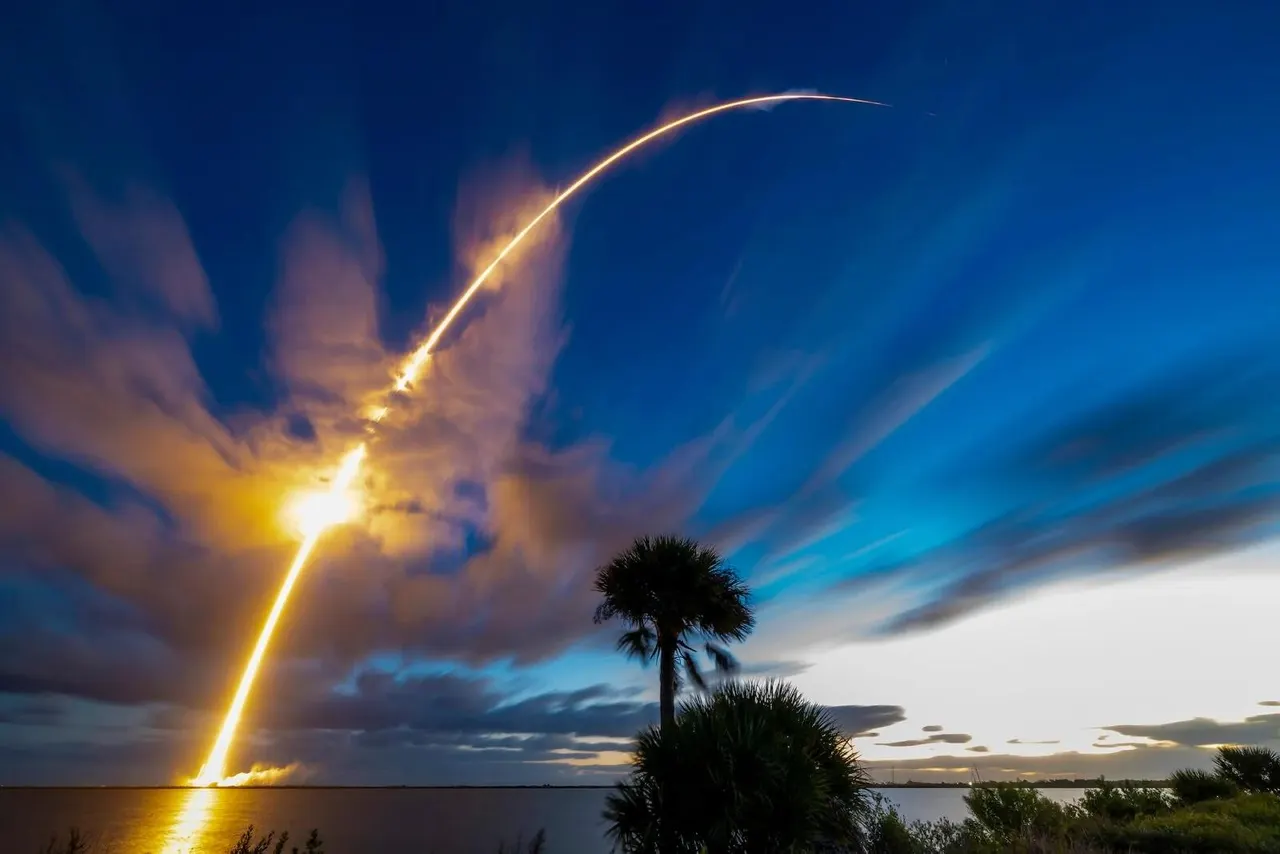
US Air Force Lab Tests SpaceX Starfall Capsule for Cargo Delivery
More in: Hardware
See all →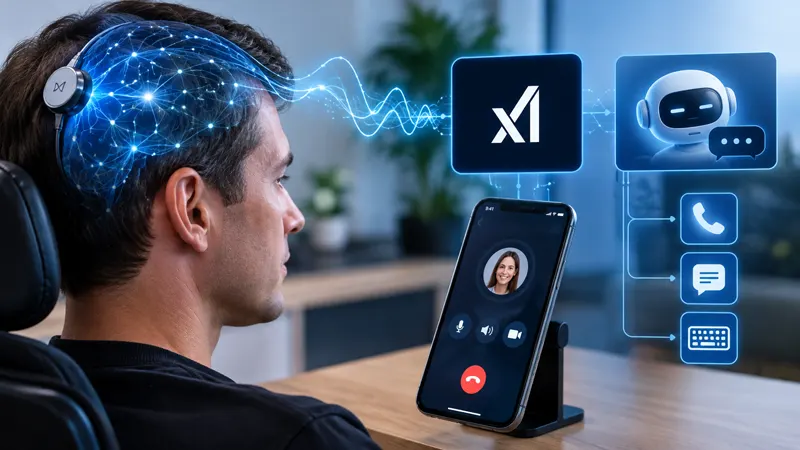
Neuralink N1 Lets a Patient Control Grok and Call on iPhone
Sony Ends Sales of Its Last Standalone UHD Blu-ray Player