WhatsApp voice stickers: how to add your own sound to a sticker
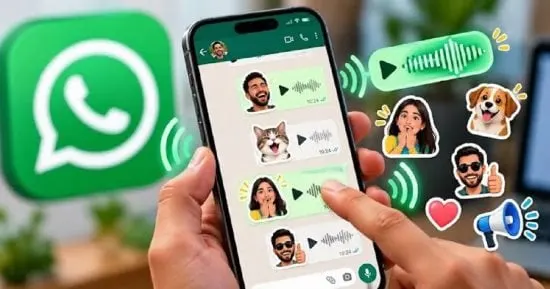
WhatsApp stickers no longer have to be silent. The sticker editor now lets you attach a laugh, a recorded line or a sound effect before you send it.
 SUMO· the number puzzle
 Dialo· learn languages by speaking
 ediviewer· read EDI files like documents
 giftdetect· the right gift in minutes
WhatsApp stickers can now talk back. The app's new voice stickers let you attach a sound to a sticker and send it in any chat, so a reaction can come with an actual laugh or gasp instead of just a picture.
The feature combines an image or animated clip with audio. It is part of WhatsApp's ongoing push to make chats more expressive, especially since stickers are already a daily habit for many people. You build one in the sticker editor inside the app.
How to make a voice sticker on WhatsApp
- Open WhatsApp and go to any chat, individual or group.
- Tap the emoji or sticker icon next to the message field, then choose the option to create a sticker.
- Pick an image or a short video from your phone's gallery. If you choose a video, wait while it is converted into an animated sticker.
- Tap the sound wave icon or the audio button in the editing tool.
- Record your voice, import an audio file from your phone, add a sound effect, or keep the original sound of the video.
- Trim the part of the video you want, check the result to see whether it needs changes, then tap send.
If the sticker can be saved to your favourite stickers, you can use it again in later chats.
Is the voice sticker feature available to everyone?
Not necessarily. WhatsApp tends to roll out new features gradually, so some people will not see the option to create voice stickers yet. If you can't find it, update WhatsApp to the latest version from Google Play or the App Store, then open the sticker editor again to check whether the feature has reached your account.
Apps worth a look
SUMO: the number puzzleTap the right tiles, add them up, hit the target. Easy to learn, hard to master. Free, for all ages.
Dialo: learn languages by speakingTalk to an AI conversation partner; every sentence comes back corrected and explained in your language. 9 languages, A1 to C2.
ediviewer: read EDI files like documentsOpen EDIFACT and X12 messages, see every segment explained, convert to JSON/XML, export PDF and Excel. Runs locally, no upload.
giftdetect: the right gift in minutesPick who it is for, the occasion and their personality. The search engine reads product descriptions from local shops and ranks what fits. Free, no sign-up.
More from this day
See all →
Neura Robotics plans a robot gym in Spain, opening mid-2027

EA FC 26 brings back John Motson's voice using AI commentary

Facebook alternative: why banners and notes are back on fences

RuneScape breach: change your password after Jagex hack
More in: Software
See all →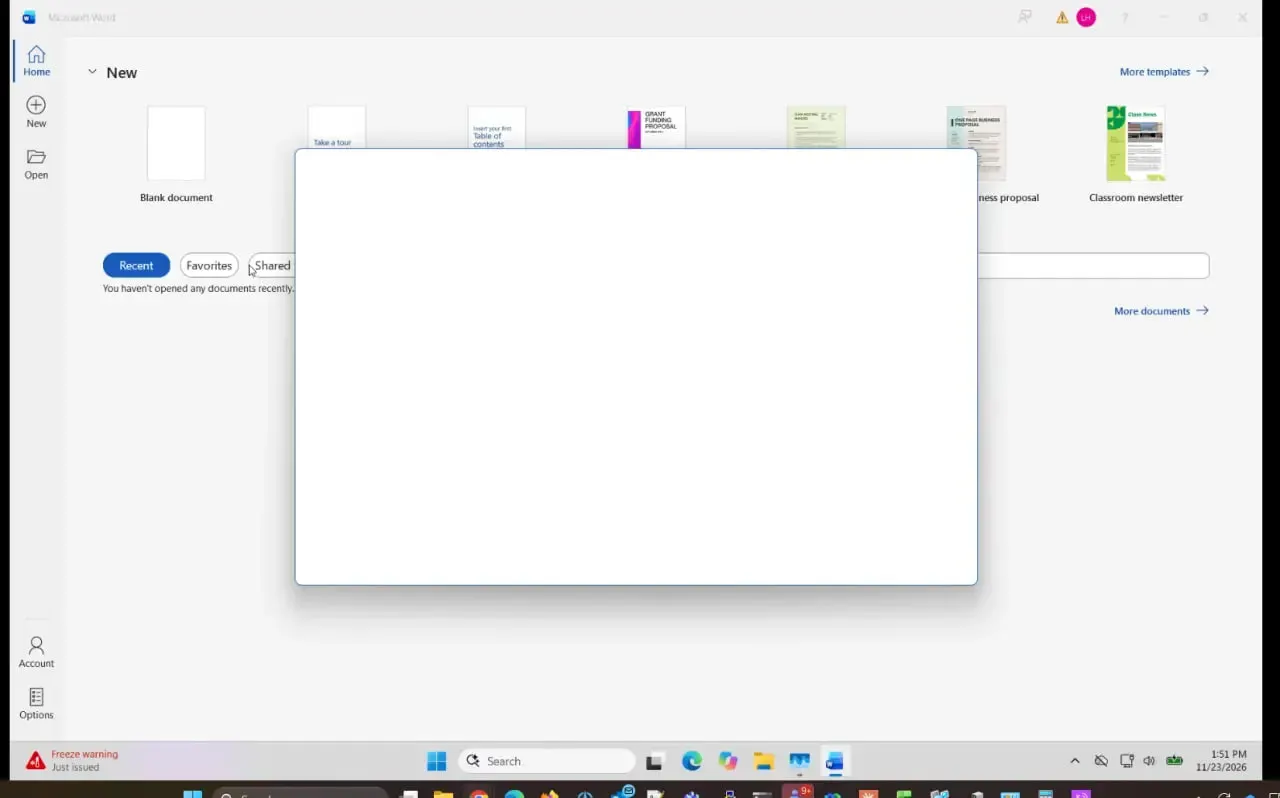
Microsoft fixes Office blank window bug that froze Excel and Word
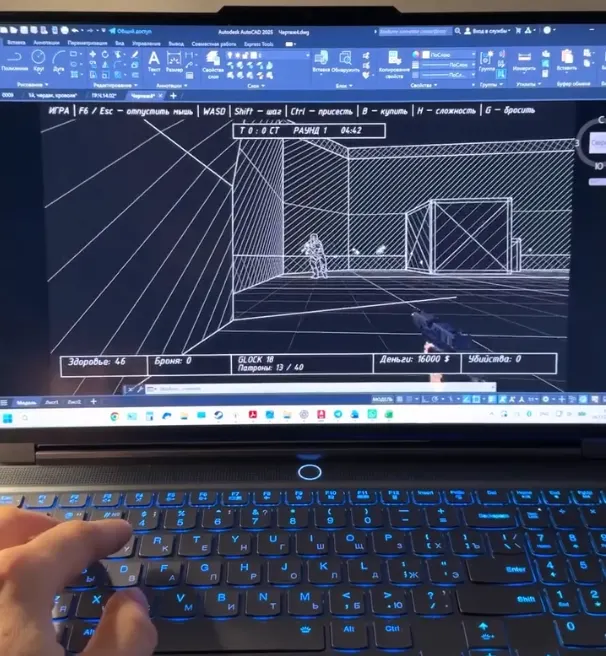
AutoCAD-CS lets you play Counter-Strike 1.6 inside AutoCAD

Doory: a free, open-source Canva alternative that runs in the browser