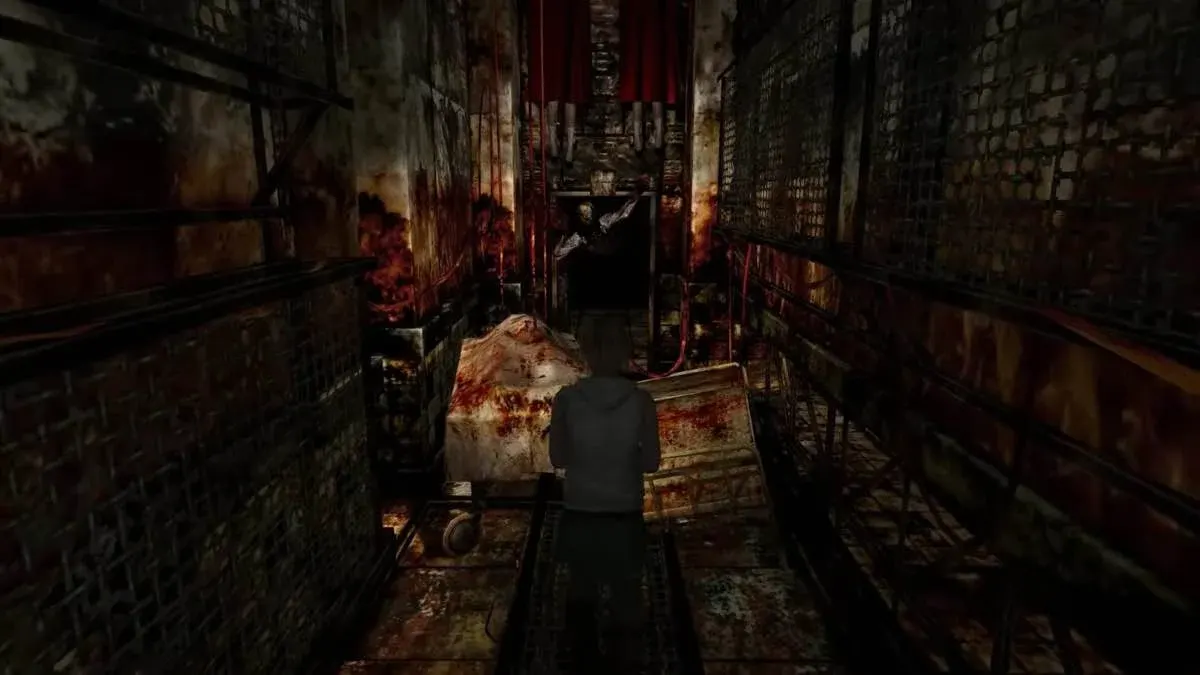
EA FC 26 brings back John Motson's voice using AI commentary
EA Sports FC 26 now has new lines from the late John Motson, generated by AI tools trained on his famous phrases, with his family's approval.

 SUMO· the number puzzle
 Dialo· learn languages by speaking
 ediviewer· read EDI files like documents
 giftdetect· the right gift in minutes
If you grew up on FIFA games in the late 90s, you probably still hear it: John Motson calling the match. In EA FC 26, he is back, even though he died some time ago. The lines are generated by AI, and his family signed off on it.
Motson, the BBC commentator tied to Match of the Day, was the voice of the FIFA series from 1996 to 2006. Clive Tyldesley replaced him after that. The new EA FC 26 commentary comes from AI tools trained on his well-known phrases. He retired from commentary in 2018.
His son Fred Motson said: "My father loved being the voice of the game, and we are so grateful to the EA SPORTS FC team for this moving tribute and for keeping his memory alive in the game." He added that the voice inspired millions of players across generations, and a new generation of fans will now get to know his legacy and commentary.
EA Sports calls the move a "digital tribute". According to the BBC, it is the first time the franchise has included commentary lines from a commentator who has died.
How do you turn on John Motson's commentary in EA FC 26?
The new lines arrive with the update of 26 November. After installing it, you need to change the commentary settings to hear Motson. It is described as very simple.
Is EA replacing commentators with AI?
Not according to the company. Matt Prior of EA SPORTS told the BBC the idea is not to replace commentators in any way, and that there are certainly no future plans to replace anyone with AI.
For context, the game's commentary has changed a lot over the years. Martin Tyler and Andy Gray were the voices for many players, and more recently the booth has been Derek Rae, Stewart Robson, Guy Mowbray and Sue Smith.
Apps worth a look
SUMO: the number puzzleTap the right tiles, add them up, hit the target. Easy to learn, hard to master. Free, for all ages.
Dialo: learn languages by speakingTalk to an AI conversation partner; every sentence comes back corrected and explained in your language. 9 languages, A1 to C2.
ediviewer: read EDI files like documentsOpen EDIFACT and X12 messages, see every segment explained, convert to JSON/XML, export PDF and Excel. Runs locally, no upload.
giftdetect: the right gift in minutesPick who it is for, the occasion and their personality. The search engine reads product descriptions from local shops and ranks what fits. Free, no sign-up.
More from this day
See all →
Neura Robotics plans a robot gym in Spain, opening mid-2027
WhatsApp voice stickers: how to add your own sound to a sticker

Facebook alternative: why banners and notes are back on fences
RuneScape breach: change your password after Jagex hack
More in: Gaming
See all →
GTA 6 photo mode: players are doing street photography in Leonida

RAM Altman game lets you steal memory from smart fridges

GTA VI Snapmatic: the fake Instagram that unlocks quests