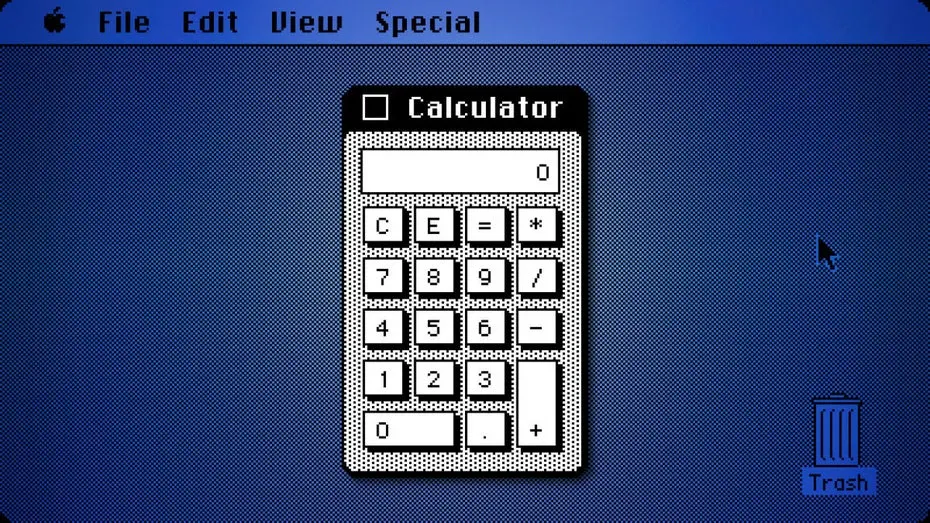
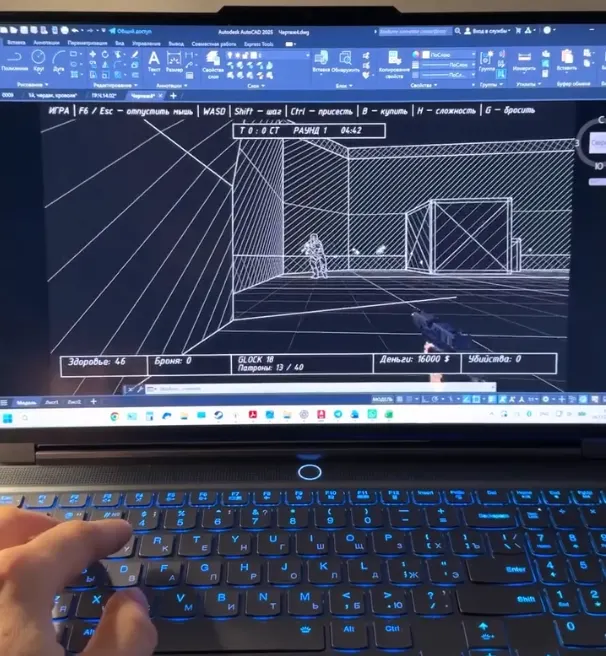
AutoCAD-CS lets you play Counter-Strike 1.6 inside AutoCAD
A developer called mihonder has built AutoCAD-CS, an open project that runs Counter-Strike 1.6 on AutoCAD's vector engine. It has one map, Dust 2, and bots only.
 SUMO· the number puzzle
 Dialo· learn languages by speaking
 ediviewer· read EDI files like documents
 giftdetect· the right gift in minutes
Somebody has turned a professional drawing program into a shooter. AutoCAD-CS, an open project by a developer going by mihonder, lets you play Counter-Strike 1.6 inside AutoCAD, using the software's vector engine to draw the game.
There are limits. You get a single map, Dust 2, and you play against bots only, so no multiplayer. The project works in AutoCAD 2020 through 2027 on 64-bit Windows. Because those versions run on different releases of the .NET platform (Microsoft's software framework), the author prepared four builds, one for each group of versions.
How to run Counter-Strike in AutoCAD
The setup is short. Unpack the ZIP, open an empty drawing and load the script CS16.lsp through the _APPLOAD command. Then type CS16 in AutoCAD's command line and press F6.
F6 captures and releases mouse control, and Esc pauses the game. To quit, release control and enter the command DUSTSTOP.
Does it work in every AutoCAD version?
The author says he tested it in AutoCAD 2025 on Windows x64. All four modules, covering AutoCAD 2020 to 2027, also passed what he calls standalone checks. In his words, that is the extent of the testing, so results on other setups may vary.
It is a novelty, not a replacement for the real game. But if you have AutoCAD installed and a spare coffee break, Dust 2 is now one command away.
Apps worth a look
SUMO: the number puzzleTap the right tiles, add them up, hit the target. Easy to learn, hard to master. Free, for all ages.
Dialo: learn languages by speakingTalk to an AI conversation partner; every sentence comes back corrected and explained in your language. 9 languages, A1 to C2.
ediviewer: read EDI files like documentsOpen EDIFACT and X12 messages, see every segment explained, convert to JSON/XML, export PDF and Excel. Runs locally, no upload.
giftdetect: the right gift in minutesPick who it is for, the occasion and their personality. The search engine reads product descriptions from local shops and ranks what fits. Free, no sign-up.
More from this day
See all →
TCP port 0: someone ran an IRC network on it, then scanned IPv4
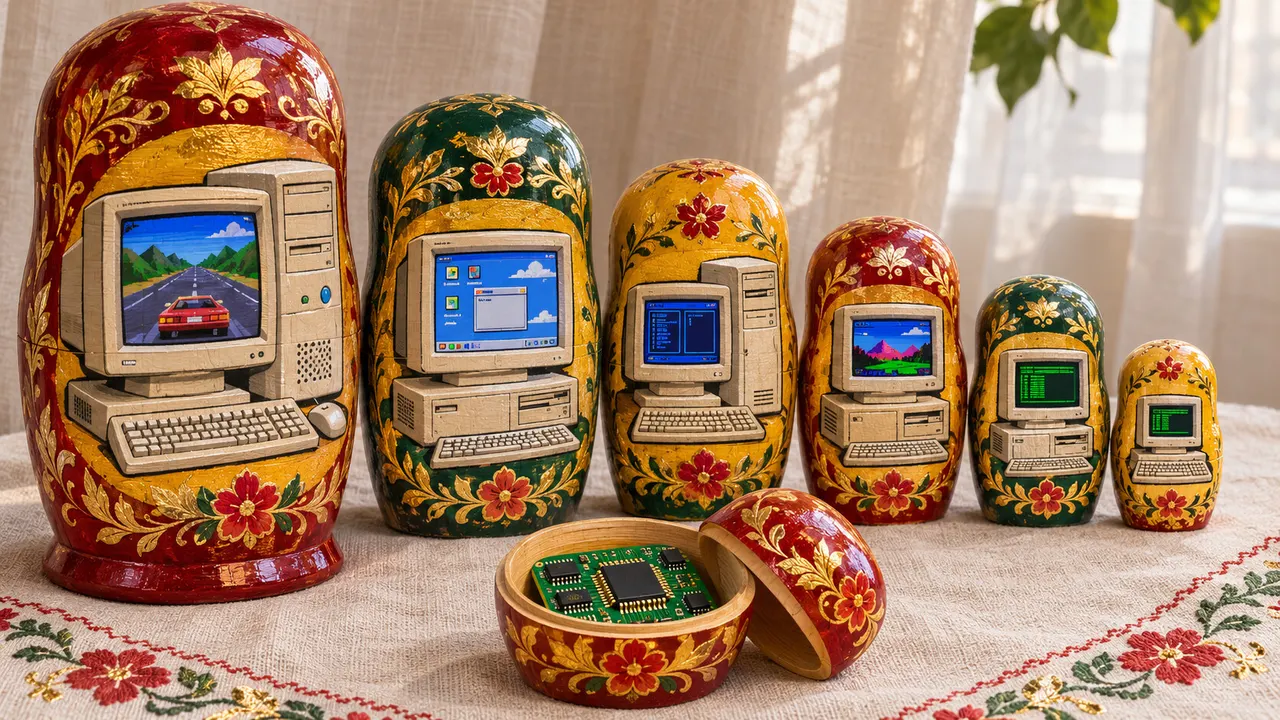
KR260 FPGA PC project runs six PCs, from 8088 XT to Windows 98

PizzaBo founder regrets selling his pizza app for €51 million

KeePassXC after the 1Password hack: one file, full control
More in: Software
See all →
Doory: a free, open-source Canva alternative that runs in the browser
MP3 history: how an ice hockey league saved the format

AtlasOS: the free Windows 11 mod that strips out what you don't use