KeePassXC after the 1Password hack: one file, full control
After the 1Password hack, one long-time user explains why he keeps every password in a single local file with KeePassXC, and what that choice costs him.
 SUMO· the number puzzle
 Dialo· learn languages by speaking
 ediviewer· read EDI files like documents
 giftdetect· the right gift in minutes
When news broke that 1Password had been hacked, one Xataka writer who has used KeePassXC for years had a quiet moment of relief. The damage seems to have been limited, but it is a reminder that perfect security doesn't exist, and that the alternatives have their own catches.
What is KeePassXC?
KeePassXC is a free, open-source password manager for Windows, macOS and Linux. There's no account to create, no subscription, and it doesn't need to talk to a server to work. Everything lives in one file with a .kdbx extension, which is basically a small encrypted database.
Syncing is optional, and you pick how. You can put the file on Dropbox or Google Drive, on your own Nextcloud server, or move it between devices with a tool like Syncthing. Or skip syncing altogether, because managing the passwords and storing them are separate things. The author syncs through the cloud, uses the file on his computers and phone, and keeps an external backup too. Because everything can fail.
Is a small target safer?
Commercial managers such as 1Password are juicy targets. Get into the kitchen, as the author puts it, and you could walk away with millions of users' data at once. With KeePassXC there is no central infrastructure holding everyone's databases.
That doesn't make you untouchable. If someone gets a copy of your file, they can try to crack it offline, with no server limiting their guesses. Everything then depends on a really strong master password, the one that opens the whole file. KeePassXC supports Argon2id to make that attack very expensive, and you can add a separate key file or a physical security key.
What can go wrong with a single file?
Losing it. A dead SSD, an accidental deletion or a sync mishap can turn into a disaster without external backups. Forget the master password and there's no support desk to call. As the author puts it, you cook it, you eat it.
He prefers having control, but wouldn't recommend it to everyone. Services like 1Password help millions of people use unique, strong passwords everywhere, and paying for that is often worth it. He escaped this hack, but says his setup isn't better, just the one he chose.
Apps worth a look
SUMO: the number puzzleTap the right tiles, add them up, hit the target. Easy to learn, hard to master. Free, for all ages.
Dialo: learn languages by speakingTalk to an AI conversation partner; every sentence comes back corrected and explained in your language. 9 languages, A1 to C2.
ediviewer: read EDI files like documentsOpen EDIFACT and X12 messages, see every segment explained, convert to JSON/XML, export PDF and Excel. Runs locally, no upload.
giftdetect: the right gift in minutesPick who it is for, the occasion and their personality. The search engine reads product descriptions from local shops and ranks what fits. Free, no sign-up.
More from this day
See all →
AutoCAD-CS lets you play Counter-Strike 1.6 inside AutoCAD

PizzaBo founder regrets selling his pizza app for €51 million

GPT-6.2 in ChatGPT now burns through your limits up to 40% faster
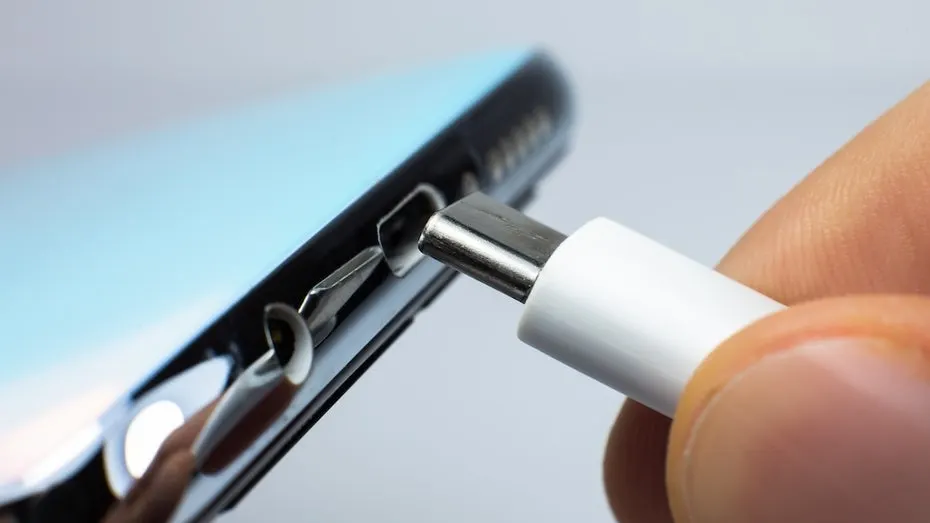
Phone not charging? Dirt in the charging port is often to blame
More in: Security
See all →
Sanitas MiSanitas app breach exposes ID numbers and health reports
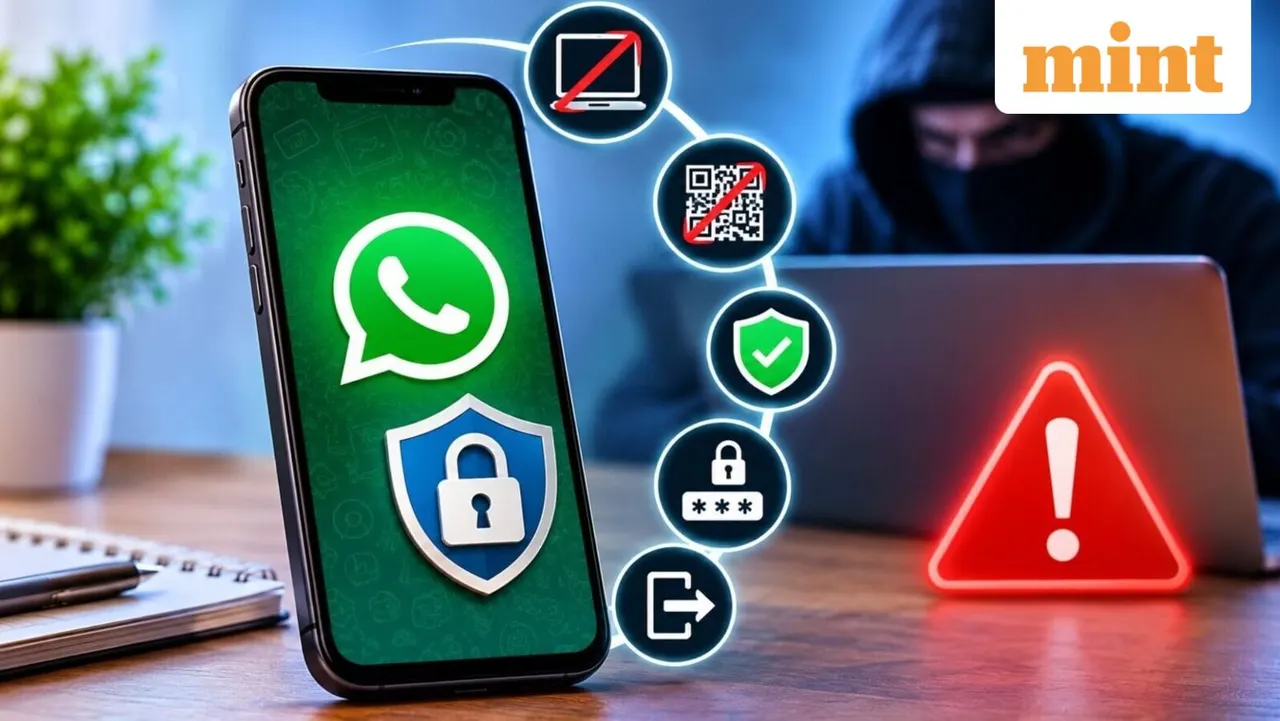
WhatsApp Web safety: India warns about forgotten sessions

BADBOX 3.0: cheap Android TV boxes were infected before setup