Microsoft fixes Office blank window bug that froze Excel and Word
A blank window was freezing Office apps for Microsoft 365 users. Microsoft says the fix is in version 2611, build 16.0.20625.20142.
 SUMO· the number puzzle
 Dialo· learn languages by speaking
 ediviewer· read EDI files like documents
 giftdetect· the right gift in minutes
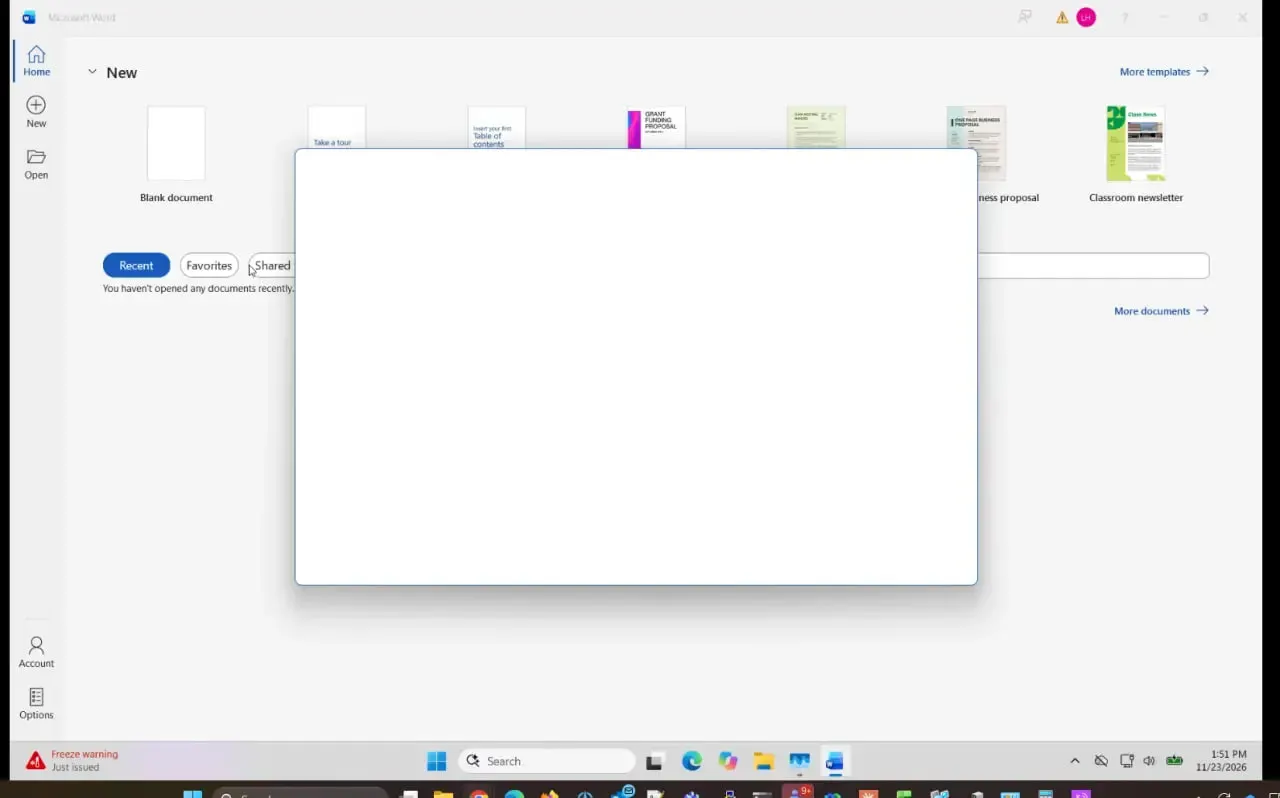
If an Office app has recently opened to a blank window and then simply stopped responding, it was not just you. Microsoft has now fixed the Office blank window bug that caused apps to hang.
According to the company, the problem affected Excel, Word, Outlook, PowerPoint, Access and OneNote in Microsoft 365. In practice that covers most of the programs people use for documents, spreadsheets, email and notes, so the bug was hard to avoid for anyone on an affected build.
Microsoft says it resolved the issue in Office version 2611, build 16.0.20625.20142. The details provided do not go into what triggered the empty window or how many users were hit, so those points remain unclear.
How do I get the Office blank window fix?
The fix is in version 2611, build 16.0.20625.20142, so that is the version to look for. Microsoft 365 apps normally update themselves, but if yours is still hanging, check which build you are running and update to this one or a newer one. The source material does not describe a manual workaround, so none is offered here.
Which apps were affected?
Excel, Word, Outlook, PowerPoint, Access and OneNote, all in their Microsoft 365 versions. The company has not said anything in the information available about other Office editions.
Apps worth a look
SUMO: the number puzzleTap the right tiles, add them up, hit the target. Easy to learn, hard to master. Free, for all ages.
Dialo: learn languages by speakingTalk to an AI conversation partner; every sentence comes back corrected and explained in your language. 9 languages, A1 to C2.
ediviewer: read EDI files like documentsOpen EDIFACT and X12 messages, see every segment explained, convert to JSON/XML, export PDF and Excel. Runs locally, no upload.
giftdetect: the right gift in minutesPick who it is for, the occasion and their personality. The search engine reads product descriptions from local shops and ranks what fits. Free, no sign-up.
More from this day
See all →



More in: Software
See all →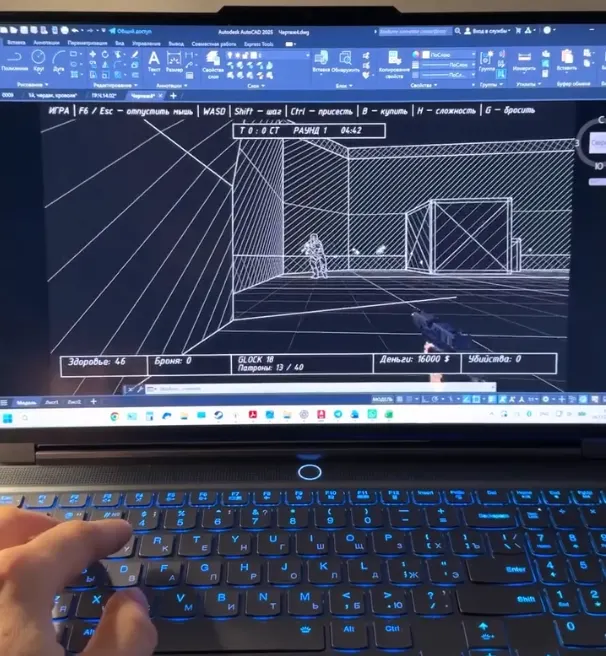
AutoCAD-CS lets you play Counter-Strike 1.6 inside AutoCAD

Doory: a free, open-source Canva alternative that runs in the browser
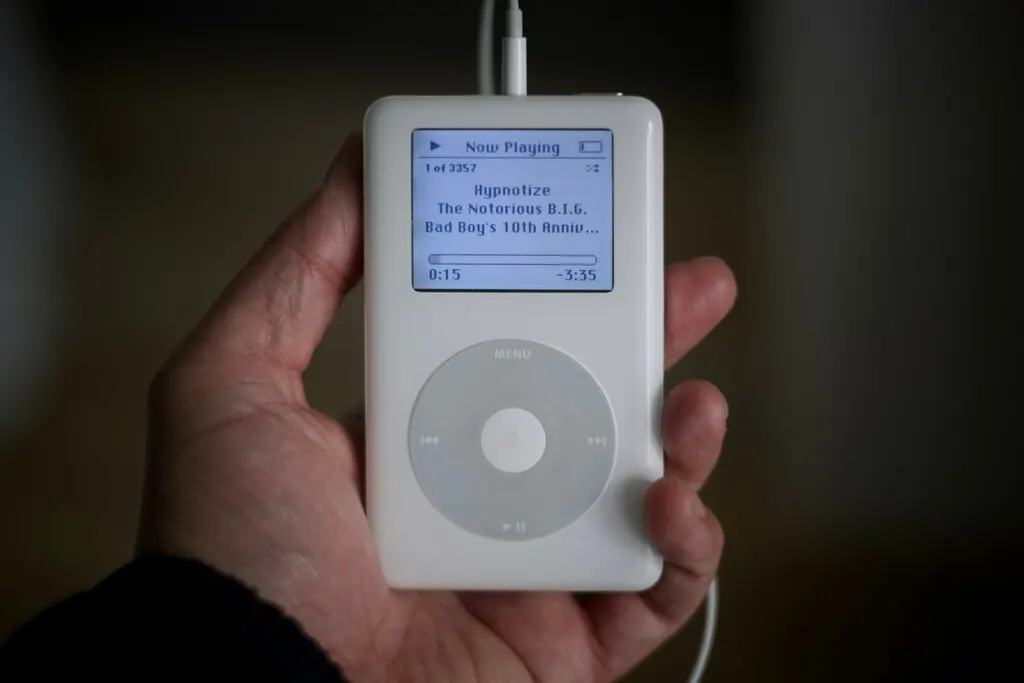
MP3 history: how an ice hockey league saved the format