TrailBridge VR lets a Mac mini M4 run Steam PC VR games on Quest 3
A self-described vibe coder built TrailBridge VR in nine days with Claude Code. It streams Windows VR games from a Mac to a Quest 3, free and open source.

 SUMO· the number puzzle
 Dialo· learn languages by speaking
 ediviewer· read EDI files like documents
 giftdetect· the right gift in minutes
Most Steam VR games are built for Windows, so a Mac mini M4 and a Quest 3 look like a bad pairing. One developer says it works anyway. BONELAB, Blade & Sorcery, VTOL VR, BRUTALISTICK VR and Blood Trail now run on his Mac, with the picture sent to the headset by cable or Wi-Fi.
The tool is TrailBridge VR. It is free: no subscription, no trial, no payment. You install it, add your Steam game and play. The code is on GitHub under the MIT license.
The author calls himself a vibe coder, not a programmer. Claude Code wrote the code, while he set the tasks, hunted for what broke, tested in the headset and decided what came next. He started on 7 November 2026 and the first public release came on 15 November. Nine days.
How does TrailBridge VR work?
The game believes it is on Windows with an ordinary PC VR headset. In reality Wine 11.10 (Gcenx build) runs it on macOS. Direct3D 11 is translated to Metal by DXMT 0.80, and OpenVR games first pass through OpenComposite. A separate macOS streamer joins the two eye images into one frame, compresses it with VideoToolbox as HEVC or H.264, and sends it over the ALVR protocol. Head and controller positions, buttons and vibration travel back.
The project grew out of the open-source BasaltVR, which the author credits as the base. He is not affiliated with its author, Apple, Valve, the headset maker or the game studios.
What can it do, and what hardware has been tested?
A wizard called "Add Steam game" sets up the Wine environment and installs Steam. If Steam freezes during its first update, the app restarts it up to two times. Frame rates go from 60 to 120 Hz, and a custom mode reaches 3072 × 3280 per eye, though expect fps drops there. The presets are built for 72 Hz.
One fix shows the approach. VTOL VR had a black right eye, so before each launch the app changes one number in the game's settings file so each eye is drawn in its own pass. It repeats this every time because game updates and Steam file checks restore the original.
The only verified preset suggestion so far is "Quality" on the author's Mac mini M4 with 32 GB. For other Macs the app says the estimate is not yet tested. Setup needs no terminal except one command if Rosetta 2 is missing.
Apps worth a look
SUMO: the number puzzleTap the right tiles, add them up, hit the target. Easy to learn, hard to master. Free, for all ages.
Dialo: learn languages by speakingTalk to an AI conversation partner; every sentence comes back corrected and explained in your language. 9 languages, A1 to C2.
ediviewer: read EDI files like documentsOpen EDIFACT and X12 messages, see every segment explained, convert to JSON/XML, export PDF and Excel. Runs locally, no upload.
giftdetect: the right gift in minutesPick who it is for, the occasion and their personality. The search engine reads product descriptions from local shops and ranks what fits. Free, no sign-up.
More from this day
See all →
Comet 220P/McNaught suddenly got 1,000 times brighter. Here's why

Coral Hart used AI to write 370 books in 20 months
WhatsApp Zaps: self-deleting photos and videos for any chat

Green SM taxis: Karnataka halts new registrations, eyes mandatory meters
More in: Software
See all →
Siri AI daily limits: Apple tests caps tied to iCloud Plus
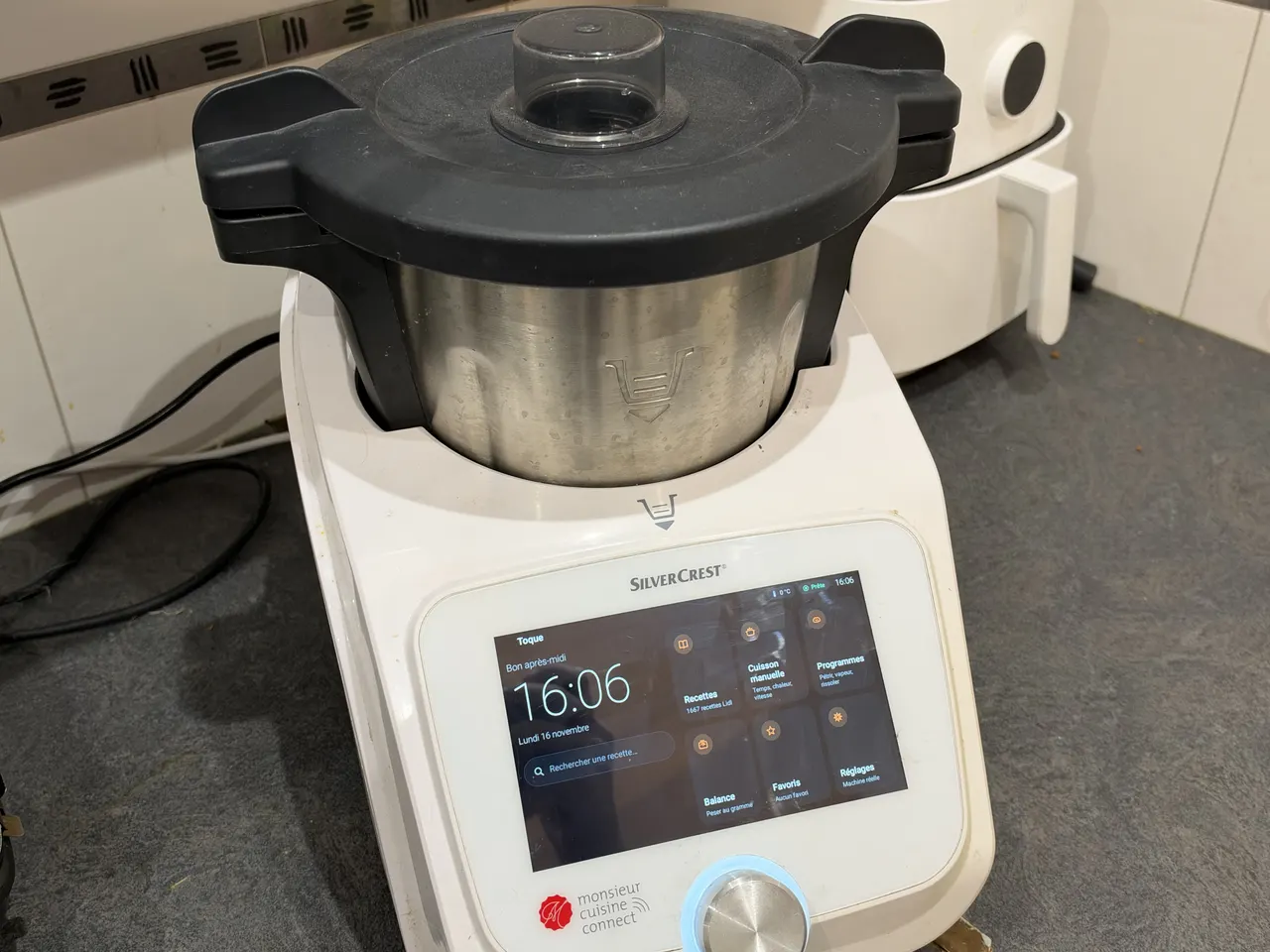
Toque for Lidl Monsieur Cuisine Connect makes the slow robot fast
Android Time Machine lets you run Android 2.1 to 7.1 in a browser