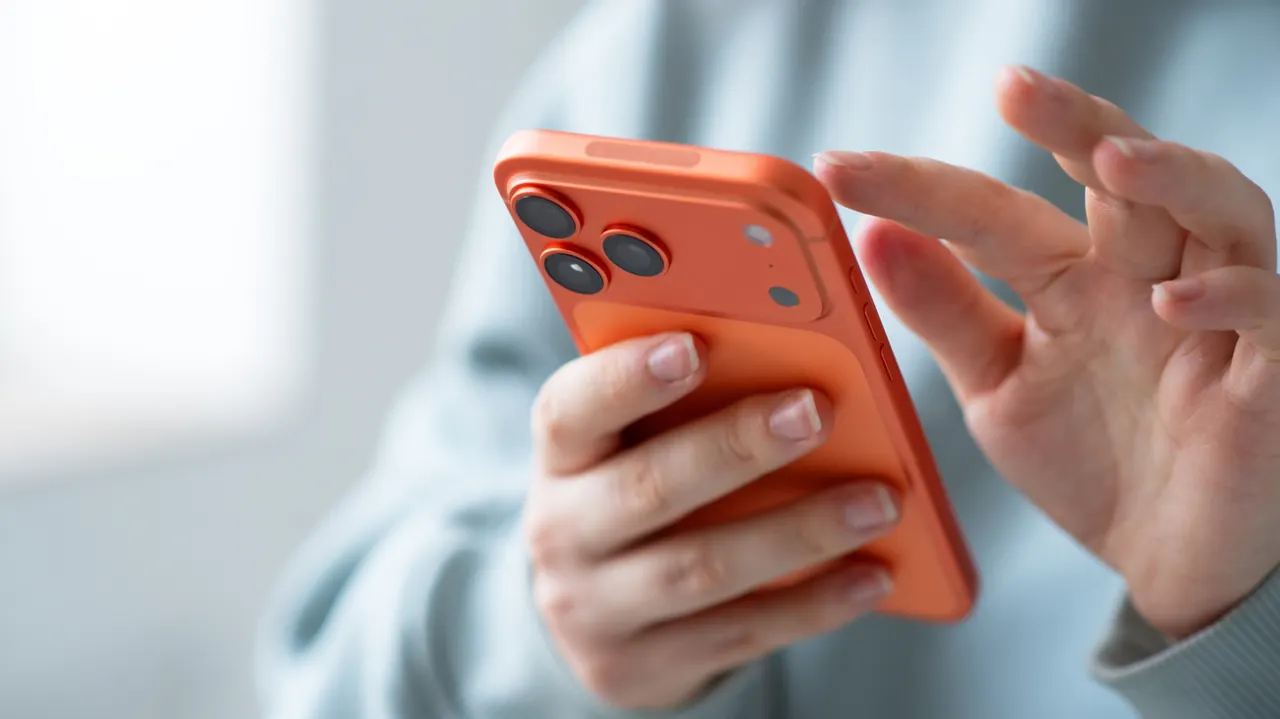
Test a remote's battery with your phone camera: look for a purple flash
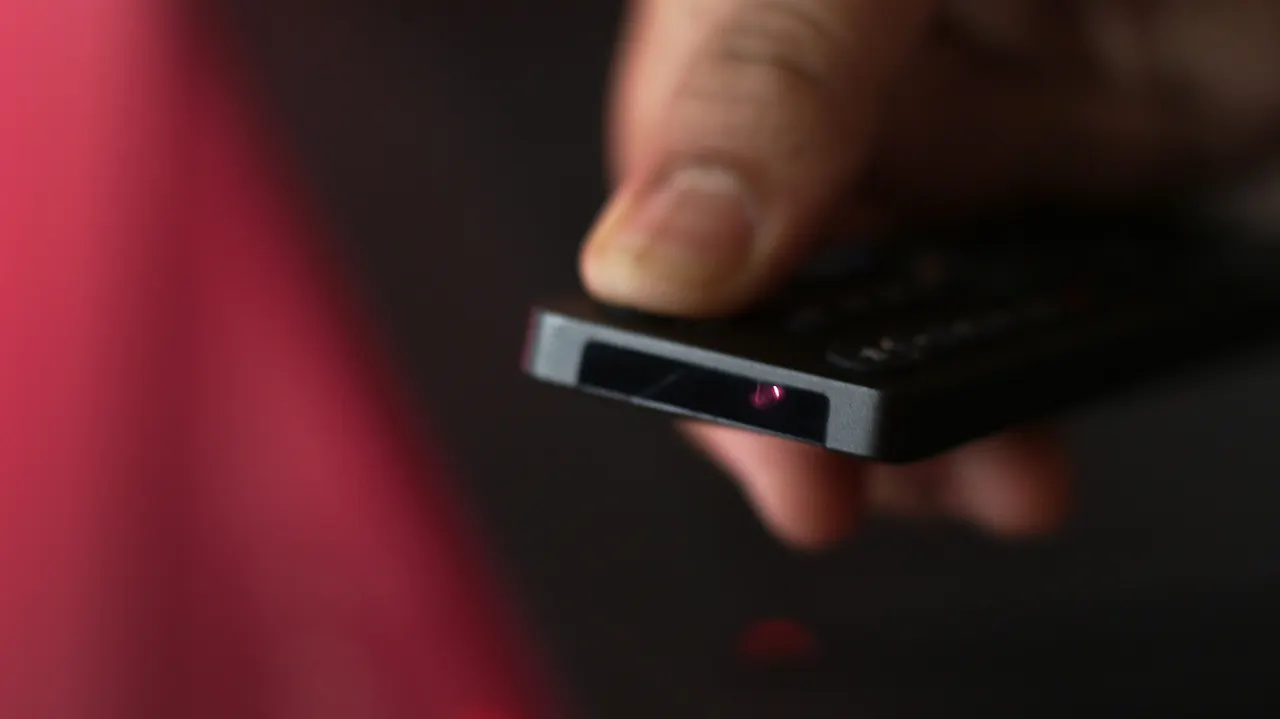
Your phone camera can see the infrared light a TV remote sends out. If it flashes when you press a button, the batteries are still alive.
 SUMO· the number puzzle
 Dialo· learn languages by speaking
 ediviewer· read EDI files like documents
 giftdetect· the right gift in minutes
Your phone camera can show you whether a remote control's batteries are dead, and it takes about ten seconds. The trick works because a remote talks to your TV with infrared light, which your eyes can't see but a phone camera usually can.
The emitter is a tiny LED at the front of the remote. It's normally easy to spot, though some newer remotes hide it behind a dark plastic window.
How do you test a remote control battery with your phone?
- Open your phone's Camera app.
- Point it at the front of the remote.
- Press and hold a button while you watch the phone screen. The power button is the best choice, because many Bluetooth remotes still use infrared for that command.
- If you see a flashing light, usually slightly purple, the batteries still have enough power.
The same trick tells you how a remote works. Press something like the volume button, and if nothing flashes, that command goes over Bluetooth instead of infrared.
What the test can't tell you
It won't diagnose every problem. A damaged button may not register your press at all, so you could see no flash even though the batteries are fine.
Can you use your phone as the remote instead?
Often, yes. Some Android phones have a built-in IR blaster, and with an IR remote app they can act as a virtual remote for your TV.
Phones without one can still work. Smart TV systems such as Android TV and Fire OS let you control the TV from a companion app. Install the app, log in to the same account as your TV and put both devices on the same Wi-Fi network.
The Google Home app, for example, works with TVs running Google TV and Android TV. You get D-pad controls, volume buttons and a way to search for titles using your phone's keyboard, which beats typing with arrow keys. If the virtual remote won't switch the TV on, check the TV's network standby settings. Some models call this Wake-on-LAN.
Apps worth a look
SUMO: the number puzzleTap the right tiles, add them up, hit the target. Easy to learn, hard to master. Free, for all ages.
Dialo: learn languages by speakingTalk to an AI conversation partner; every sentence comes back corrected and explained in your language. 9 languages, A1 to C2.
ediviewer: read EDI files like documentsOpen EDIFACT and X12 messages, see every segment explained, convert to JSON/XML, export PDF and Excel. Runs locally, no upload.
giftdetect: the right gift in minutesPick who it is for, the occasion and their personality. The search engine reads product descriptions from local shops and ranks what fits. Free, no sign-up.
More from this day
See all →
South Korea's Suneung exam alert caught 49 students with phones

Kh-101 missiles found at three crash sites in Poland, prosecutors say
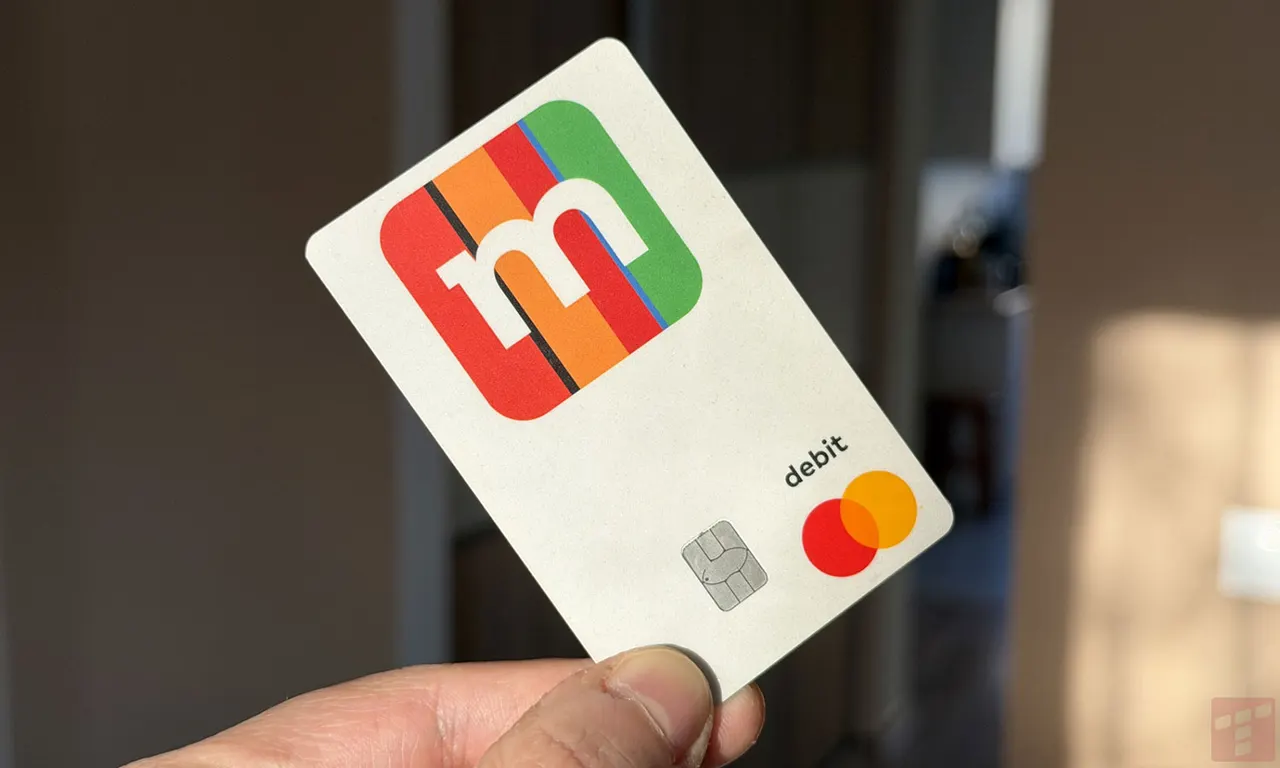
mBank warns of card scams after the Autopay data leak
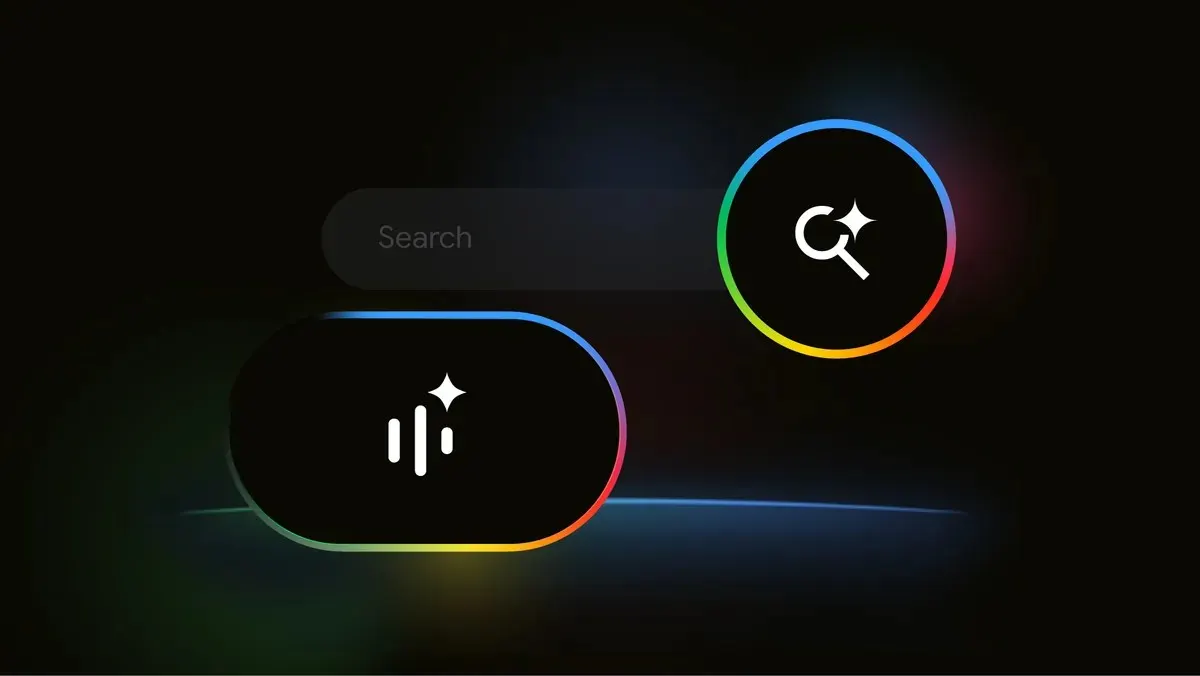
Google homepage drops the Search button for AI tools
More in: Mobile
See all →
iOS 27 Connectivity Assist: Your iPhone Can Now Pair Wi-Fi With Mobile Data
iPhone Duo Lock Screen Widgets: Apple Tested a Second Column
Clicks Communicator delayed to 2027 by a circuit board shortage