iPhone Duo Lock Screen Widgets: Apple Tested a Second Column
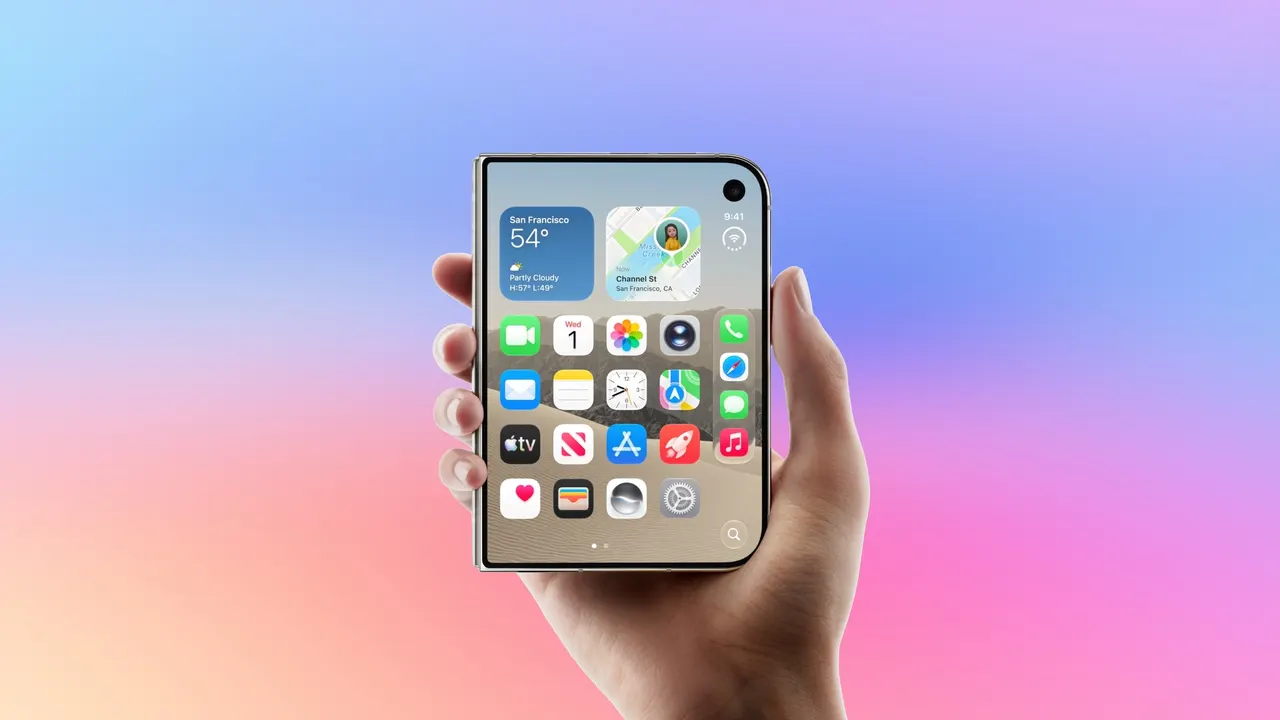
Apple has reportedly tested a hidden "Complication Column" for the iPhone Duo, adding two round widgets down the right edge of the Lock Screen.
 SUMO· the number puzzle
 Dialo· learn languages by speaking
 ediviewer· read EDI files like documents
 giftdetect· the right gift in minutes
The iPhone Duo Lock Screen may be able to hold more widgets than any iPhone before it. A leaker known as "pdfu" says Apple has tested a second widget area, and that it can run alongside the usual row at the bottom.
Pdfu shared the findings on November 22. The unreleased layout is called a "Complication Column". It fits two circular widgets in a vertical pair on the right side of the screen. Apple calls this kind of small widget a complication, a name borrowed from watches.
Where does the iPhone Duo widget column sit?
The column goes above the customizable shortcuts that normally handle the flashlight and camera. The network status indicators stay above it, so the widgets use the space in between. According to pdfu, it works together with the existing bottom row, which means more information on one screen without giving anything up.
Is the Complication Column available now?
No. The feature is switched off. Pdfu says an internal "SpringBoard/Ionic" setting controls it, and that it was first spotted in iOS 27.1. SpringBoard is the part of iOS that manages the Home Screen and Lock Screen.
There is a catch. Nobody has seen any later changes to its code since then. That leaves it unclear whether Apple is still working on the column or has quietly shelved it. Features like this often exist only as internal experiments.
For now, treat it as a glimpse of what Apple has been trying on the iPhone Duo, not a promise. If it does ship, it would give the Lock Screen a second place for glanceable data, such as the things you check without unlocking the phone.
Apps worth a look
SUMO: the number puzzleTap the right tiles, add them up, hit the target. Easy to learn, hard to master. Free, for all ages.
Dialo: learn languages by speakingTalk to an AI conversation partner; every sentence comes back corrected and explained in your language. 9 languages, A1 to C2.
ediviewer: read EDI files like documentsOpen EDIFACT and X12 messages, see every segment explained, convert to JSON/XML, export PDF and Excel. Runs locally, no upload.
giftdetect: the right gift in minutesPick who it is for, the occasion and their personality. The search engine reads product descriptions from local shops and ranks what fits. Free, no sign-up.
More from this day
See all →
South Korea's Suneung exam alert caught 49 students with phones

Kh-101 missiles found at three crash sites in Poland, prosecutors say
mBank warns of card scams after the Autopay data leak
Google homepage drops the Search button for AI tools
More in: Mobile
See all →
iOS 27 Connectivity Assist: Your iPhone Can Now Pair Wi-Fi With Mobile Data
Clicks Communicator delayed to 2027 by a circuit board shortage

iPhone mobile data settings that stop surprise overage bills