Google homepage drops the Search button for AI tools
The Google homepage is losing its "Google Search" button. Three AI buttons take its place, while "I'm Feeling Lucky" somehow survives.

 SUMO· the number puzzle
 Dialo· learn languages by speaking
 ediviewer· read EDI files like documents
 giftdetect· the right gift in minutes
The Google homepage is about to lose the one button that built the company: "Google Search". In its place sit three buttons, all tied to AI.
Robby Stein, who runs Google Search, laid out the changes in a post on X, with a short demo video. The company first tested the idea last August. It now looks ready to go through with it.
The three new buttons let you create images with Nano Banana, "query" a file using AI, and brainstorm. Oddly, "I'm Feeling Lucky" is still there, even though it fits the new priorities about as well as a paper map fits a self-driving car.
Can you still search on Google?
Yes. Pressing Enter in the search box still launches a search, and so does the browser's address bar. The homepage just no longer puts plain search front and centre.
A new sidebar for AI conversations
The desktop homepage also gets a collapsible sidebar on the left. It lets you start new AI "threads", see current search trends, and get back to your Gemini history and NotebookLM. The result looks a lot more like Gemini, Google's chatbot, than like the old minimalist page.
Stein says people increasingly come to Search with questions that are not one and done, and that in testing the sidebar helped them keep exploring. The idea is that you stay inside Google's AI interface instead of hopping off to other websites.
The sidebar is rolling out now and should reach almost everywhere in the coming days and weeks.
Apps worth a look
SUMO: the number puzzleTap the right tiles, add them up, hit the target. Easy to learn, hard to master. Free, for all ages.
Dialo: learn languages by speakingTalk to an AI conversation partner; every sentence comes back corrected and explained in your language. 9 languages, A1 to C2.
ediviewer: read EDI files like documentsOpen EDIFACT and X12 messages, see every segment explained, convert to JSON/XML, export PDF and Excel. Runs locally, no upload.
giftdetect: the right gift in minutesPick who it is for, the occasion and their personality. The search engine reads product descriptions from local shops and ranks what fits. Free, no sign-up.
More from this day
See all →
South Korea's Suneung exam alert caught 49 students with phones

Kh-101 missiles found at three crash sites in Poland, prosecutors say
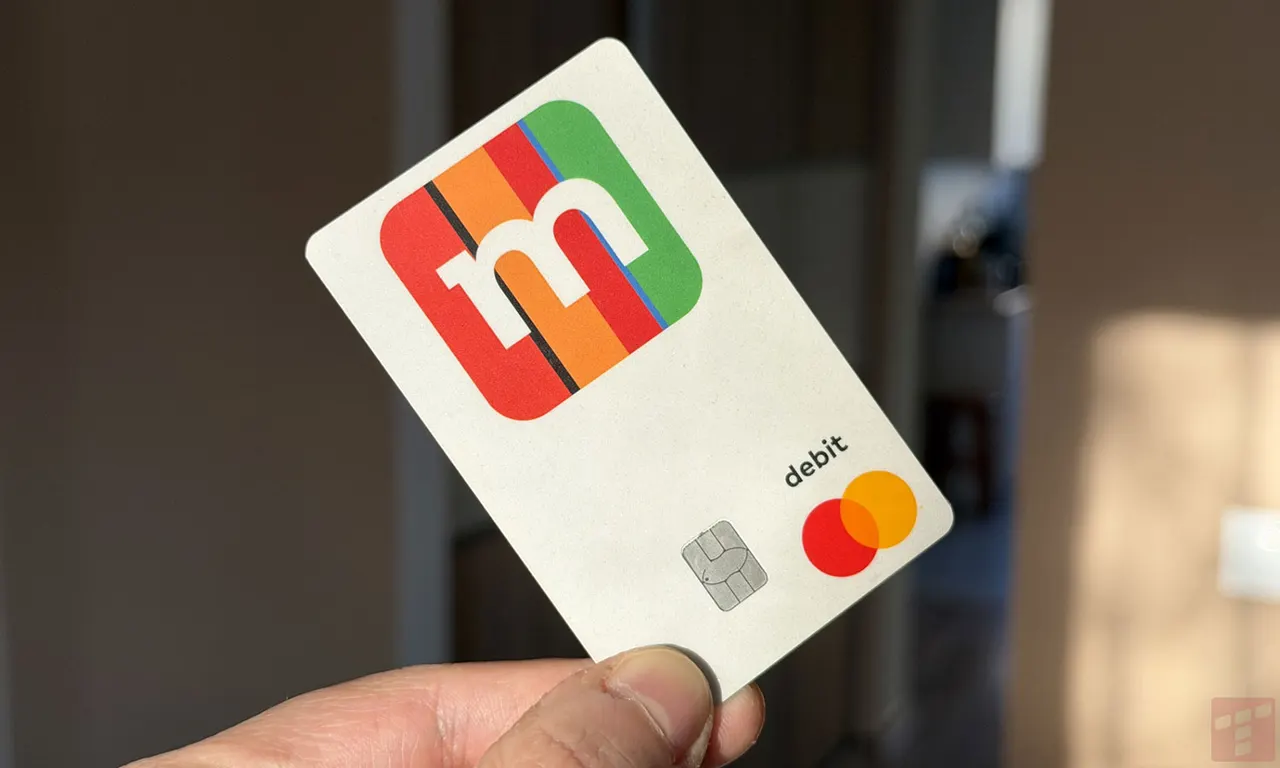
mBank warns of card scams after the Autopay data leak

iOS 27 Connectivity Assist: Your iPhone Can Now Pair Wi-Fi With Mobile Data
More in: Software
See all →
nospeaker makes a MacBook trackpad talk using its haptic motor
Microsoft To Do shuts down June 2027, with no Planner for home users

Google Home app replaces Nest app, with Gemini as voice assistant