mBank warns of card scams after the Autopay data leak
After the Autopay card data leak, mBank says scammers may phone customers about a "threatened" card. Three words on the call are the giveaway.
 SUMO· the number puzzle
 Dialo· learn languages by speaking
 ediviewer· read EDI files like documents
 giftdetect· the right gift in minutes
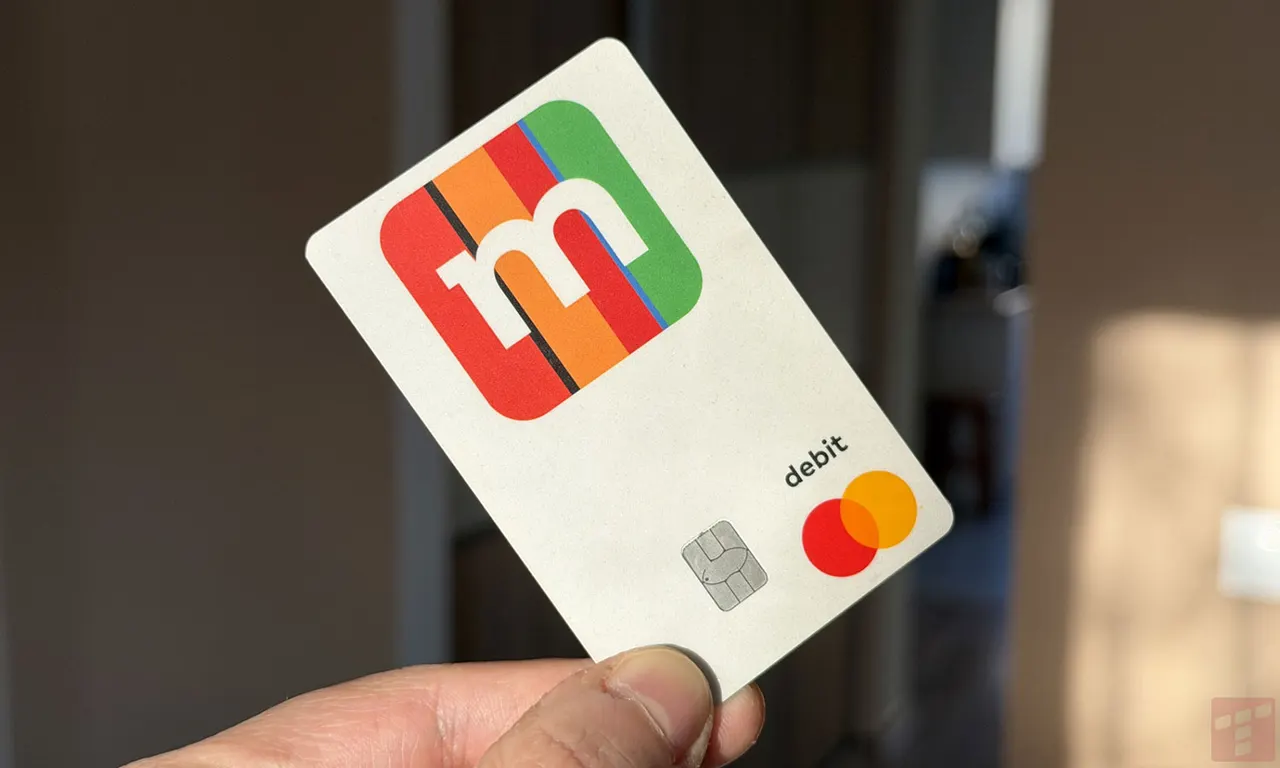
If someone calls you about your payment card and tells you to "replace", "secure" or "hand over for destruction" it, hang up. That is the warning mBank has sent to its customers after the Autopay card data leak, one of the most talked-about security stories in Poland in recent days.
The bank stresses that the incident had nothing to do with its own systems. But it expects criminals to use the news as cover. A believable story and a sense of urgency are their usual tools, and a leak that people have just read about makes both easier.
How does the mBank card scam work?
According to mBank, fraudsters may ring randomly chosen people and claim their card is at risk. The fix, they say, must happen fast: replace it, secure it, or pass it on to be destroyed. Hearing any one of those three words is a reason to be suspicious.
There are other routes. Scammers may send messages with links to a supposed card verification page. They may also try to add your card to a mobile wallet such as Google Pay or Apple Pay on their own device, which would let them pay with it.
What does mBank say it will never do?
The bank says its staff will never ask you to destroy or replace a card, never ask for card details, and never send links in messages.
So the advice is simple. Do not give out personal data, do not hand over the card, and do not approve any operation because someone on the phone asks you to. If a call or message feels off, end it and contact the bank yourself through its official channels.
Apps worth a look
SUMO: the number puzzleTap the right tiles, add them up, hit the target. Easy to learn, hard to master. Free, for all ages.
Dialo: learn languages by speakingTalk to an AI conversation partner; every sentence comes back corrected and explained in your language. 9 languages, A1 to C2.
ediviewer: read EDI files like documentsOpen EDIFACT and X12 messages, see every segment explained, convert to JSON/XML, export PDF and Excel. Runs locally, no upload.
giftdetect: the right gift in minutesPick who it is for, the occasion and their personality. The search engine reads product descriptions from local shops and ranks what fits. Free, no sign-up.
More from this day
See all →
South Korea's Suneung exam alert caught 49 students with phones

Kh-101 missiles found at three crash sites in Poland, prosecutors say
Google homepage drops the Search button for AI tools

iOS 27 Connectivity Assist: Your iPhone Can Now Pair Wi-Fi With Mobile Data
More in: Security
See all →
MoEngage data breach: WazirX and ZebPay users affected

IBM data breach report 2026: AI now behind 1 in 4 attacks

Samsung Securities data breach exposes 8,241 customers' details