Smart Plant OS: a DIY wireless soil sensor on one CR123A battery
A maker built the first case for his open-source plant sensor, then found he had measured everything except room for a finger to pull out the battery.
 SUMO· the number puzzle
 Dialo· learn languages by speaking
 ediviewer· read EDI files like documents
 giftdetect· the right gift in minutes
The battery fit exactly as calculated. It just sat so deep that nobody could get a finger under it. That is the funniest lesson from the first enclosure of Smart Plant OS, a home-built wireless plant sensor.
The idea starts with a simple problem. A soil sensor says "47%", but one reading does not tell you whether the soil really dries faster after you moved the pot closer to the window. So the author wants a history that shows readings next to his own actions: when he watered, how moisture changed afterwards, what changed after a move. Later the system could water plants itself, run a grow lamp and spot yellowing leaves in photos.
For now the project is split in two, and he is focusing on the autonomous wireless sensor. Automatic watering waits until the sensor is reliable.
What is inside the Smart Plant OS sensor?
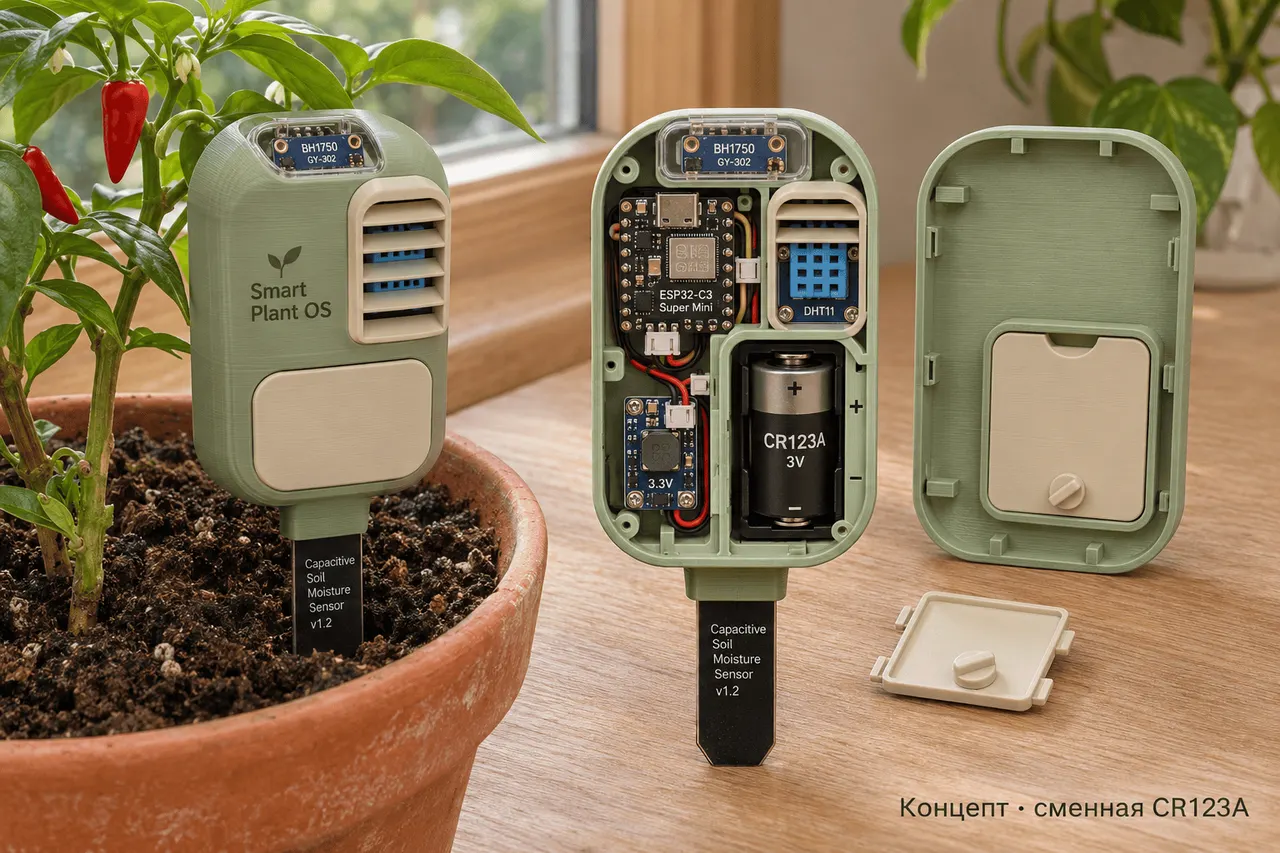
The sensor runs on an ESP32-C3 Super Mini. In the soil goes a Capacitive Soil Moisture Sensor v1.2. Above ground sit a BH1750 for light and a DHT11 for air temperature and humidity. Everything is on separate modules for now, so parts are easy to swap. A custom ESP32 board is planned later.
Power comes from a replaceable CR123A battery, so you can open the lid, swap it and leave the probe at the same depth. The lid is held by magnets. The first printed case had too much empty space, too many magnets and the finger problem, so version two starts with a test of changing the battery while the sensor stands in a pot.
The sensor sleeps most of the time. A permanently powered ESP32-S3, called the Hub, collects readings and serves a local PWA, a web app you can add to a phone's home screen.
Why the Hub now uses HTTP by default
The self-signed certificate warning on first login was the biggest annoyance, so the Hub defaults to HTTP. On an iPhone the page opened from the home network with no warning, and owner key login still works. HTTP sends the key and data unencrypted, so it is meant for a trusted home network with no port forwarded to the internet. HTTPS can be enabled when building the firmware. Over-the-air updates needed a fix too: the browser cannot use crypto.subtle on plain HTTP, though the Hub itself still checks a SHA-256 of the whole image before switching boot partitions.
The next question is battery life. The first target is two months, ideally three to six. The author will measure sleep current, wake-up cost and what happens when the Hub is offline. The app will also need to know the measurement schedule, so normal sleep does not look like lost contact.
Apps worth a look
SUMO: the number puzzleTap the right tiles, add them up, hit the target. Easy to learn, hard to master. Free, for all ages.
Dialo: learn languages by speakingTalk to an AI conversation partner; every sentence comes back corrected and explained in your language. 9 languages, A1 to C2.
ediviewer: read EDI files like documentsOpen EDIFACT and X12 messages, see every segment explained, convert to JSON/XML, export PDF and Excel. Runs locally, no upload.
giftdetect: the right gift in minutesPick who it is for, the occasion and their personality. The search engine reads product descriptions from local shops and ranks what fits. Free, no sign-up.
More from this day
See all →
Rakuten Securities leak: how to check if you were affected

Rokkatei online shop breach: about 8,000 card numbers may be exposed

Volvy's Adventure: Reslimed is free if you delete GTA VI
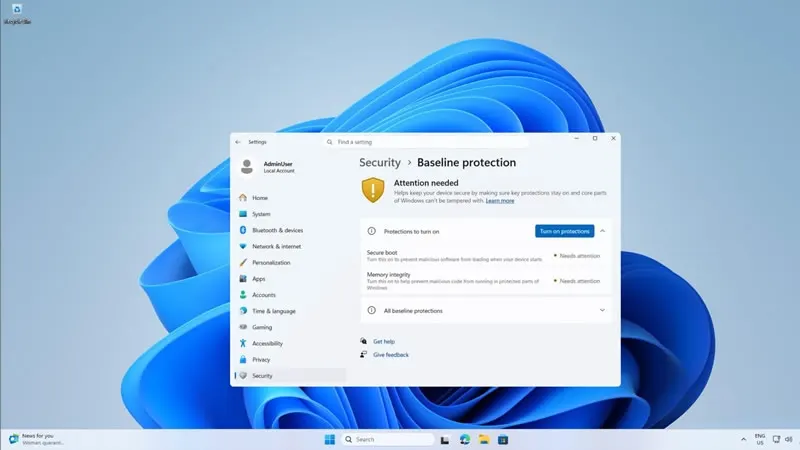
Windows Baseline Protection lets apps refuse to run on your PC
More in: Hardware
See all →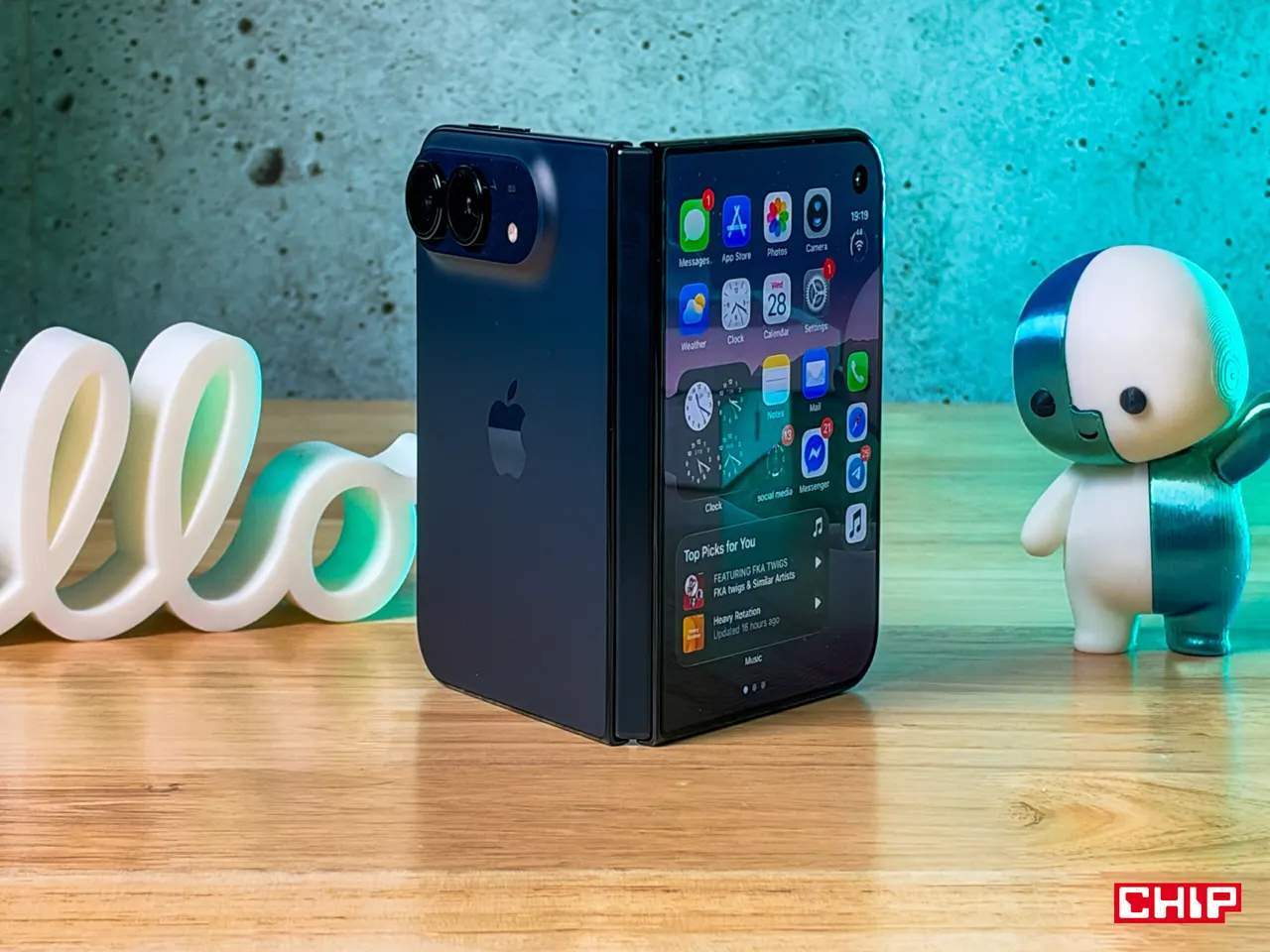
iPhone Duo repair costs: inner screen alone is 4,999 zloty
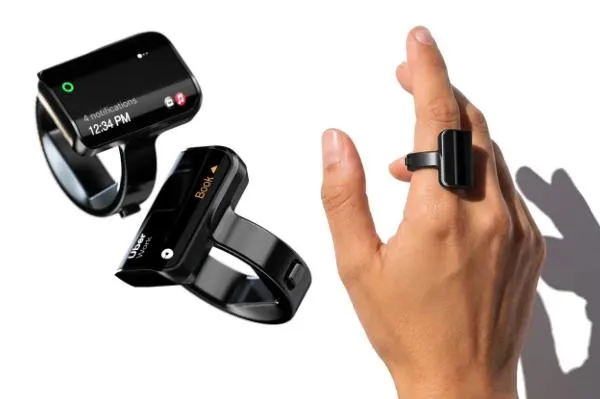
Aina Ring: a smart ring with a screen that suggests your next task
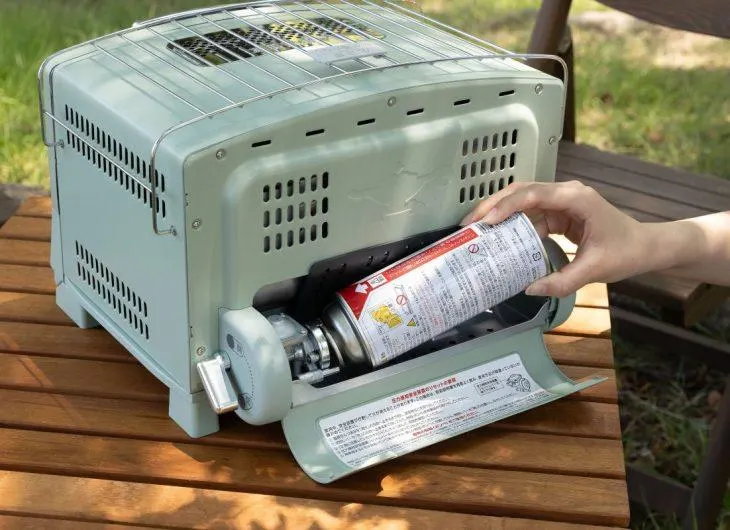
Aladdin's Gas Toaster Runs on Camping Fuel Canisters, No Outlet