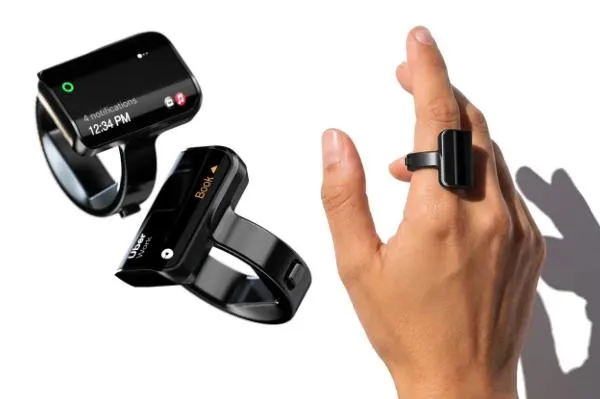
Aina Ring: a smart ring with a screen that suggests your next task
The Aina Ring has a tiny OLED screen and a thumb joystick. It learns your routine and offers three next steps, so you mostly just say yes.
 SUMO· the number puzzle
 Dialo· learn languages by speaking
 ediviewer· read EDI files like documents
 giftdetect· the right gift in minutes
The Aina Ring wants to be the AI assistant that speaks first. This smart ring from Aina Computers Inc. has a small screen on it, learns what you usually do and then proposes what to do next. Most of the time, your job is to say yes.
The examples from the company are very everyday. Heading out for a jog? It suggests starting a music playlist. Changing clothes before leaving the house? It offers to book an Uber. Running late for a meeting? It offers to email the people waiting. It shows three suggestions at a time, and a small button-style joystick on the thumb side of the ring lets you accept or choose. Suggestions can also appear on a Mac screen.
How does the Aina Ring know what to suggest?
It draws on your phone, apps, AI agents, Mac usage and calendar. Once it knows your routine, it can work out what deserves a nudge, and a one-off entry such as a 3 pm dentist appointment gets surfaced from the calendar too.
That is the difference from today's AI tools, which mostly sit and wait until you open them and ask a question. The Aina Ring reads context and speaks up on its own. Because suggestions come from your habits, the idea is that they are usually right, so you answer yes or pick from a short list instead of typing out a request.
It also has a microphone and speaker, so you can dictate voice notes, give spoken instructions to an AI, take calls, control music, and operate smart home devices and TVs.
Specs, price and release date
Development took 15 months. The display is a 0.9-inch OLED at 180 ppi, covered by custom curved Corning Gorilla Glass 3. A charging dock fills it in under two hours, and a charge lasts up to 18 hours. It is IP65 rated, so rain and splashes are fine.
It comes in black, gold, silver and titanium. The list price is $449, with an early-bird preorder price of $399. Shipping is planned for early 2027.
Apps worth a look
SUMO: the number puzzleTap the right tiles, add them up, hit the target. Easy to learn, hard to master. Free, for all ages.
Dialo: learn languages by speakingTalk to an AI conversation partner; every sentence comes back corrected and explained in your language. 9 languages, A1 to C2.
ediviewer: read EDI files like documentsOpen EDIFACT and X12 messages, see every segment explained, convert to JSON/XML, export PDF and Excel. Runs locally, no upload.
giftdetect: the right gift in minutesPick who it is for, the occasion and their personality. The search engine reads product descriptions from local shops and ranks what fits. Free, no sign-up.
More from this day
See all →
South Korea's CSAT AI cheating rules: buttons get stickers, memes follow

AI glasses and exam cheating: Naver, Coupang crack down on sales
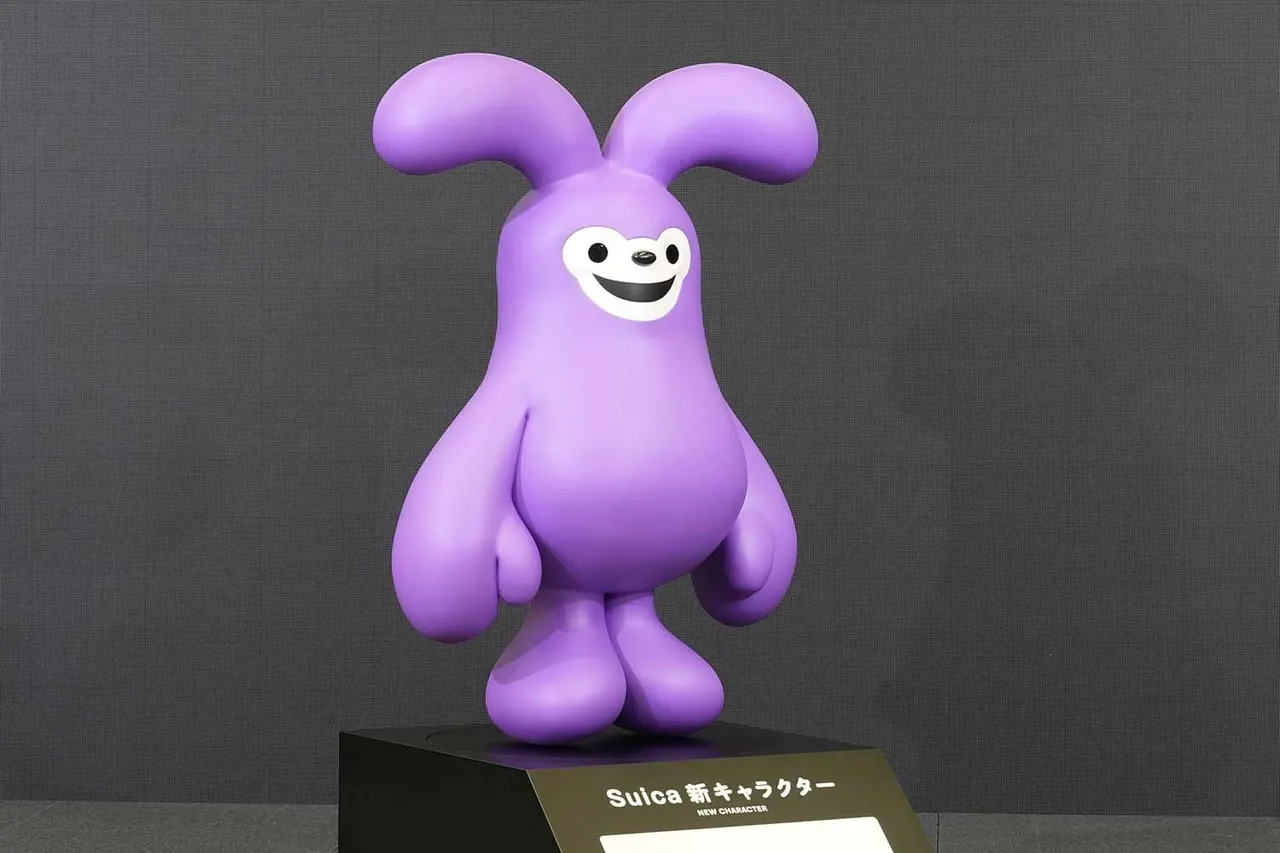
New Suica mascot: a purple rabbit replaces the Suica Penguin