Nvidia driver SSD writes: up to 30 GB an hour at idle, users say
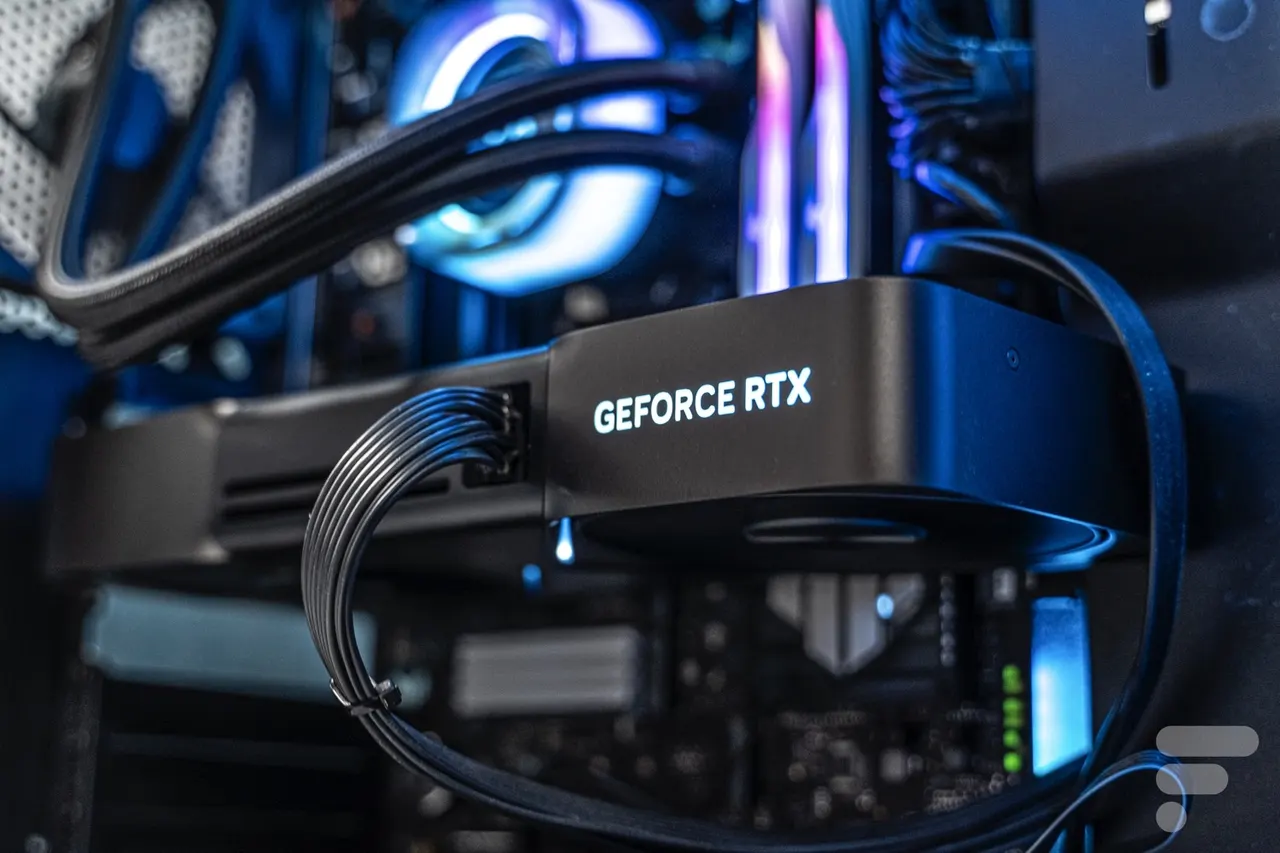
Some GeForce users say Nvidia's driver writes up to 30 GB an hour to their SSD while the PC does nothing. AMD just fixed a similar Radeon bug.
 SUMO· the number puzzle
 Dialo· learn languages by speaking
 ediviewer· read EDI files like documents
 giftdetect· the right gift in minutes
If your PC has a GeForce card, it may be quietly chewing through your SSD. Users are reporting that a background Nvidia process writes up to 30 GB an hour to the system drive, even when the machine is idle.
The story follows AMD, which admitted a few days ago that its Radeon drivers wrote constantly to the SSD and shipped a fix. Now a report published on 18 November gathers similar complaints about Nvidia drivers, and says Nvidia reproduced the problem on one of its own machines. It matters because an SSD can only take so many writes in its lifetime. Every gigabyte written for nothing wears it down a little.
What is writing to the SSD?
The suspect is NVDisplay.Container.exe, a background process for the NVIDIA Display Container LS service, which the Nvidia control panel and the NVIDIA App both need. According to users, it keeps rewriting a log file, nvlog.nvlgstg, in C:\ProgramData\NVIDIA Corporation\nvtopps\nct, instead of just appending new lines.
On Nvidia's official forum, one user measured about 515 MB written in five minutes at idle with driver 621.14, released on 4 November. The previous driver, 621.01, wrote under 2 MB. Another saw more than 3 GB in ten minutes. A third, on driver 621.24, reports roughly 30 GB an hour, or 720 GB a day on a PC left on around the clock.
The bug is not new. A Dell support forum post flagged the same looping file in January 2025, and complaints about Nvidia's logging go back to 2021. Nvidia has not acknowledged the issue publicly, and the release notes for 621.24, published on 12 November, do not list it as a known problem.
How to check if your PC is affected
Press Windows + R, type resmon and hit Enter to open Resource Monitor. Look for NVDisplay.Container.exe and see whether it writes continuously to nvlog.nvlgstg.
Results vary. Some Reddit users stopped the writes by turning off Highlights or ShadowPlay, Nvidia's game recording tools. Others still see them with the overlay fully disabled, and several see nothing odd at all.
Affected users say a temporary fix is to stop the NVIDIA Display Container LS service, delete the log file, then restart the service. Rolling back to driver 621.01 worked for some. Don't disable the service permanently: the control panel and NVIDIA App stop working properly without it.
Apps worth a look
SUMO: the number puzzleTap the right tiles, add them up, hit the target. Easy to learn, hard to master. Free, for all ages.
Dialo: learn languages by speakingTalk to an AI conversation partner; every sentence comes back corrected and explained in your language. 9 languages, A1 to C2.
ediviewer: read EDI files like documentsOpen EDIFACT and X12 messages, see every segment explained, convert to JSON/XML, export PDF and Excel. Runs locally, no upload.
giftdetect: the right gift in minutesPick who it is for, the occasion and their personality. The search engine reads product descriptions from local shops and ranks what fits. Free, no sign-up.
More from this day
See all →
CNIL fine for plain-text passwords: Grok names Macif Vie

Naver news partnership: 607 outlets applied, none passed in 2026

INFOBAR ZERO is a calls-and-SMS-only phone for 32,780 yen

2.8 million basketwork eels packed onto a Tasmanian seamount
More in: Hardware
See all →
Rotation Station lets you scratch Spotify live on a DIY deck

Magnetic tape is back: Fujifilm plans 5x output as AI eats memory
Flipper One on Kickstarter: a million raised in ten minutes