Retromac gives your Mac the Aqua look, or OS/2 and BeOS
A free Mac app called Retromac can dress macOS up as Aqua, Windows XP, BeOS or even IBM's OS/2 Warp 4, complete with a working replacement Dock.
 SUMO· the number puzzle
 Dialo· learn languages by speaking
 ediviewer· read EDI files like documents
 giftdetect· the right gift in minutes
Want your current Mac to look like it did in 2002? Or like BeOS, Windows 3.1 or IBM's OS/2 Warp 4? A free app called Retromac does exactly that.
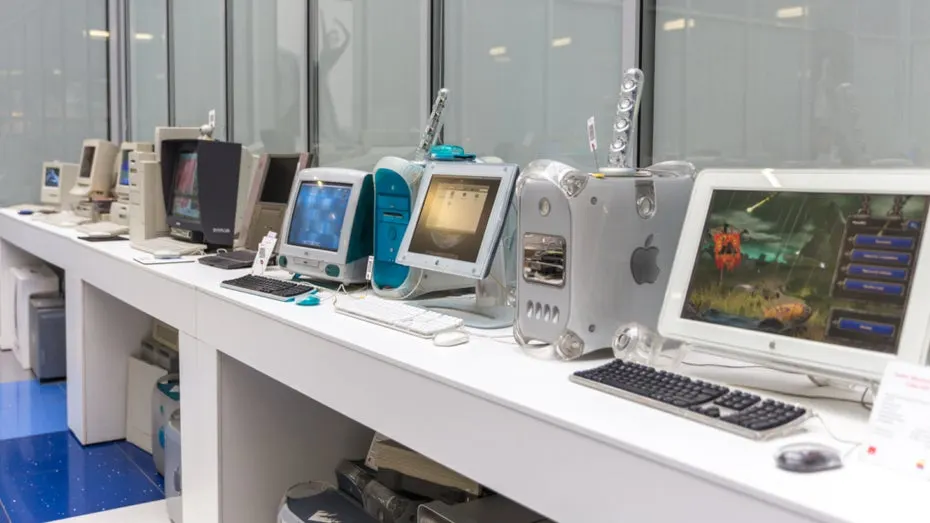
Around the turn of the millennium, Apple overhauled its desktop interface with Aqua, and Microsoft gave Windows a brighter look at about the same time. That was roughly 25 years ago, yet screenshots of both still stir up nostalgia for people who used them. Going back to Mac OS X 10.2 Jaguar or Windows XP is not really an option, though. Those systems barely run on current hardware outside an emulator, and they would not be much use if they did.
Retromac skips the time travel. It restyles the macOS you already have.
What can Retromac do?
Once installed, you pick which operating system look you want. Your Dock is replaced to match, but it keeps working. That means you can get the Deskbar from BeOS, the classic taskbar from Windows 98, the Control Strip from Mac OS 9 or the Warpcenter from OS/2. Each theme also comes with a set of the wallpapers that originally shipped with that system.
There are also shaders, which imitate the look of old CRT (tube) monitors. How close they get to the real thing is debatable.
How much does Retromac cost?
The app is free. A one-time payment of 8.88 euros unlocks extra shaders and operating system themes, and lets you build your own themes for Retromac.
The result can be a bit surreal. A current version of macOS can end up looking like OS/2, and with the shader switched on, it can look like Snow Leopard.
Apps worth a look
SUMO: the number puzzleTap the right tiles, add them up, hit the target. Easy to learn, hard to master. Free, for all ages.
Dialo: learn languages by speakingTalk to an AI conversation partner; every sentence comes back corrected and explained in your language. 9 languages, A1 to C2.
ediviewer: read EDI files like documentsOpen EDIFACT and X12 messages, see every segment explained, convert to JSON/XML, export PDF and Excel. Runs locally, no upload.
giftdetect: the right gift in minutesPick who it is for, the occasion and their personality. The search engine reads product descriptions from local shops and ranks what fits. Free, no sign-up.
More from this day
See all →
Austria bans smart glasses in schools after problems there

North Korea's AI chatbot "Source of Wisdom" bans political questions

Flipkart CEO Kalyan Krishnamurthy out after Walmart review

Telegram warns iPhone users to update iOS, says hacks are spreading
More in: Software
See all →
WhatsApp voice stickers: how to add your own sound to a sticker
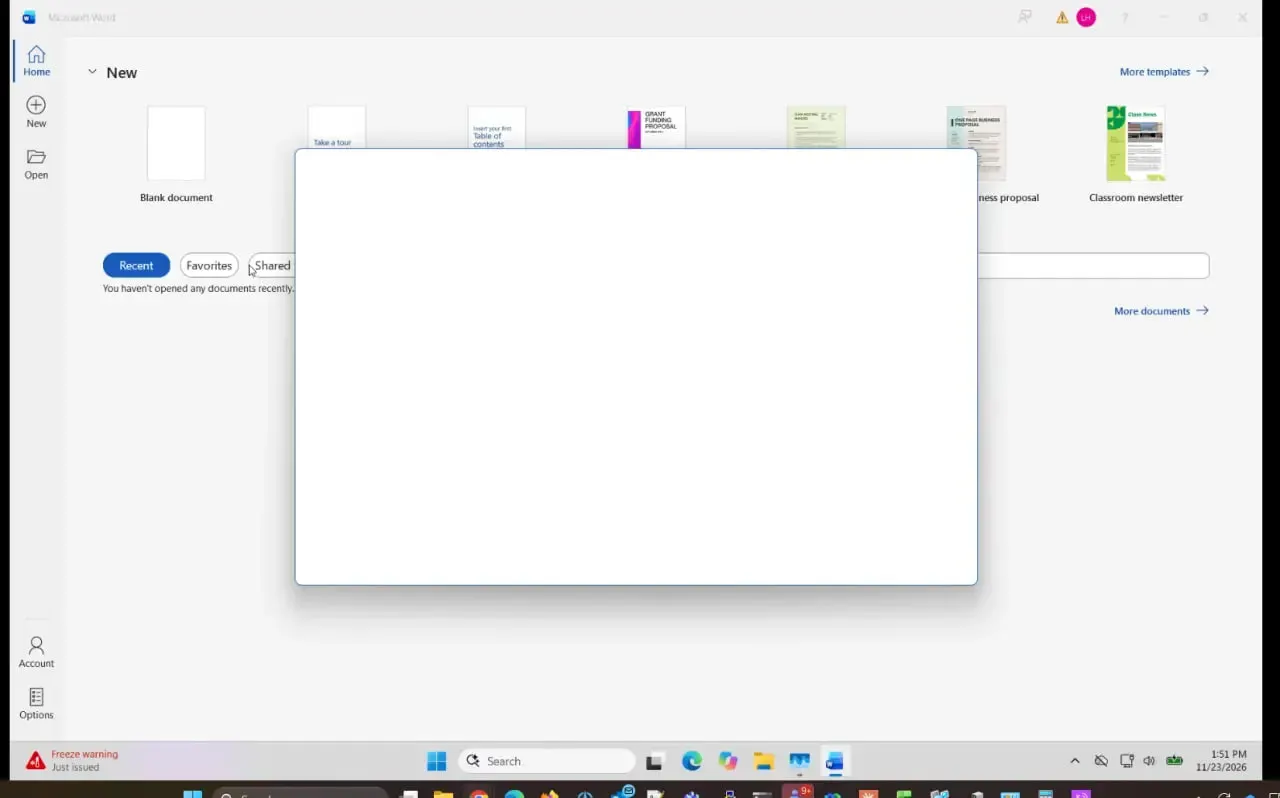
Microsoft fixes Office blank window bug that froze Excel and Word
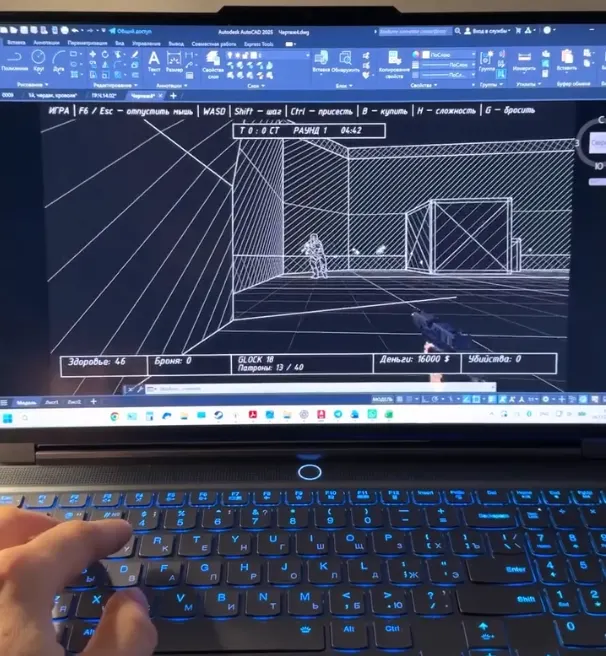
AutoCAD-CS lets you play Counter-Strike 1.6 inside AutoCAD