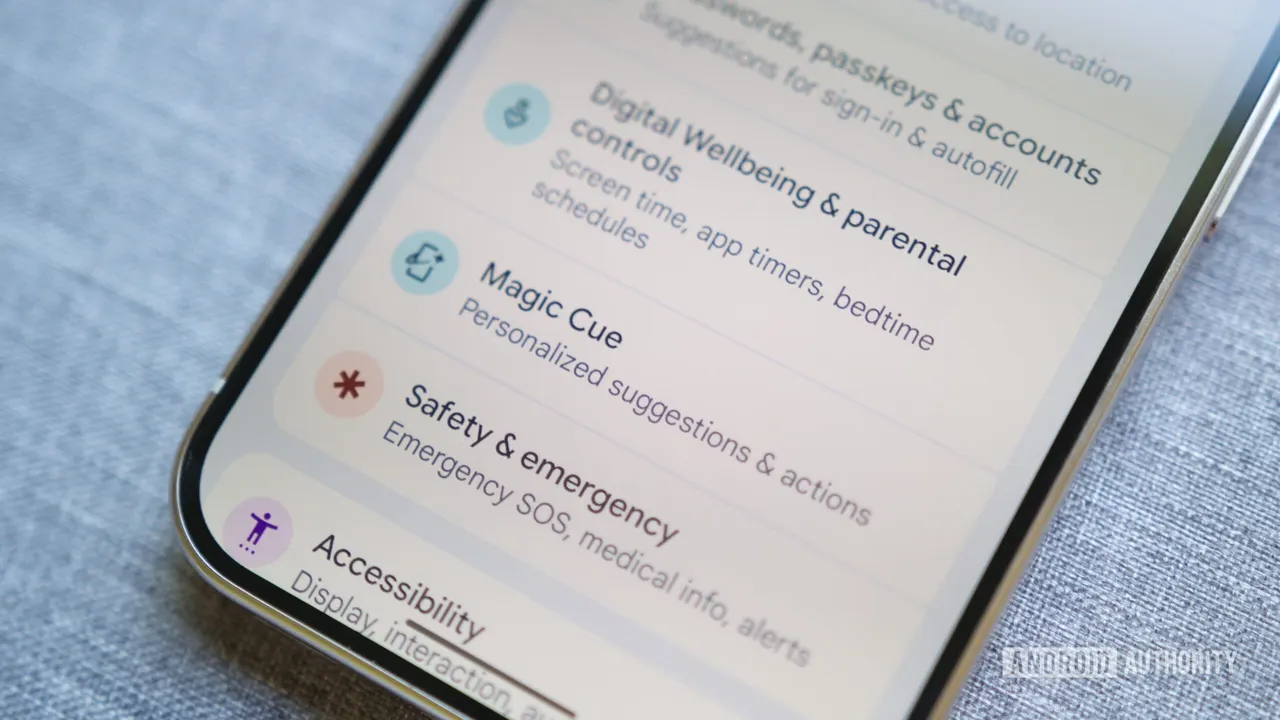
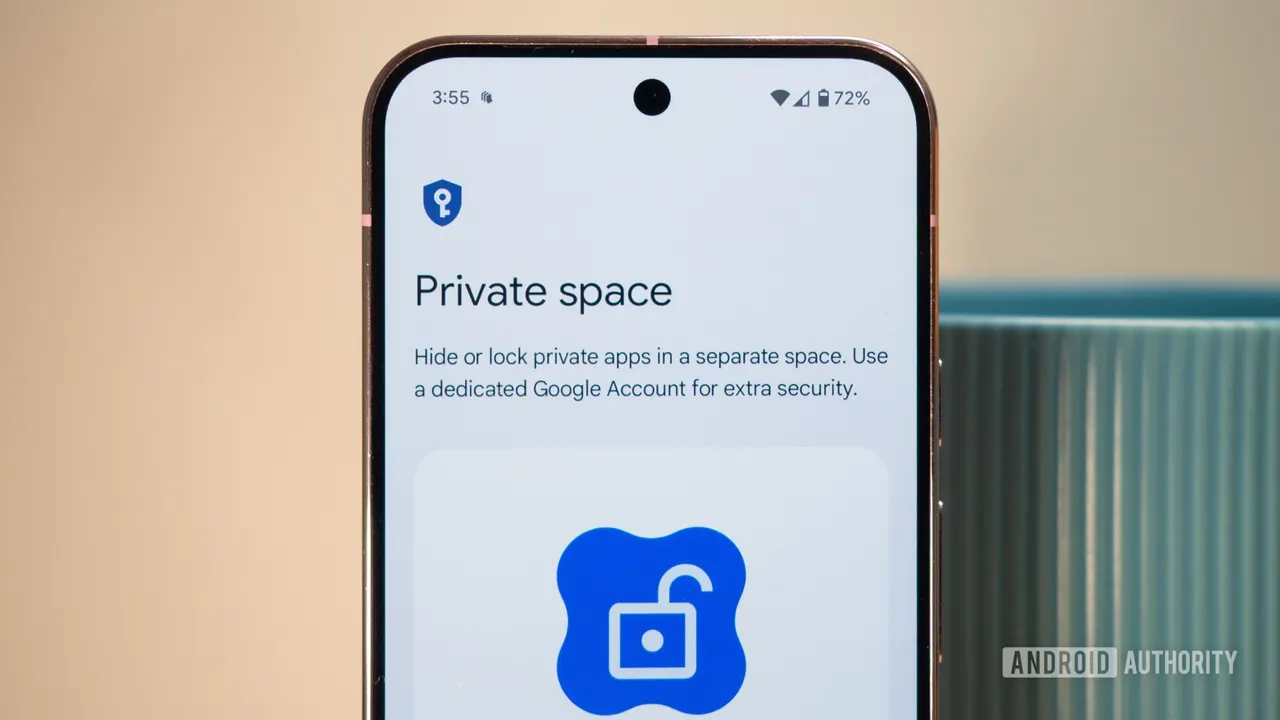
Pixel Private Space bug: switching dark mode unhides it
A Pixel bug makes a hidden Private Space pop back into the app drawer whenever the phone switches between light and dark mode. November's update didn't fix it.
 SUMO· the number puzzle
 Dialo· learn languages by speaking
 ediviewer· read EDI files like documents
 giftdetect· the right gift in minutes
If you hid your Pixel's Private Space so nobody would know it exists, check your app drawer after the sun goes down. A bug that first appeared in September makes the hidden space reappear when the phone switches between light and dark mode, and Google's big November update did not fix it.
The problem started after Android 17 QPR1 in September and is still there in Android 17 QPR2. The video Android Authority saw was recorded on a Pixel 8 running the November update, and Reddit users say they see the same thing. One confirmed it two days ago.
What is Pixel's Private Space?
Private Space is a locked sandbox inside your phone, where you can keep apps, folders and files away from prying eyes. It normally sits at the bottom of the app drawer. You can also hide it completely, so that someone casually browsing your phone wouldn't know you had set one up. That hiding is exactly what breaks.
How does the bug trigger?
Switching between light and dark mode brings the hidden section back into the app drawer. You don't even have to do it yourself. If your phone changes theme automatically in the morning and evening, Private Space could show up without you noticing.
For many people that's a shrug. For a parent whose kids sometimes borrow the phone, it could matter, though the space itself stays locked and, in the scenario described, a child would need to know your passcode to get in.
Has Google fixed it?
Not yet. A related report on Google's Issue Tracker was marked as fixed, but it doesn't mention light and dark mode. Another report describes Private Space randomly appearing even after being hidden. Google acknowledged that one, with an engineer writing that the report had been passed to the development team and would be updated when more information is available. The two issues may be connected, especially given automatic theme changes.
It's unclear whether Google knows about the exact trigger. Android Authority has asked the company whether a fix is coming. Until then, the only workaround implied is avoiding theme switches, which is awkward if yours is on a schedule.
Apps worth a look
SUMO: the number puzzleTap the right tiles, add them up, hit the target. Easy to learn, hard to master. Free, for all ages.
Dialo: learn languages by speakingTalk to an AI conversation partner; every sentence comes back corrected and explained in your language. 9 languages, A1 to C2.
ediviewer: read EDI files like documentsOpen EDIFACT and X12 messages, see every segment explained, convert to JSON/XML, export PDF and Excel. Runs locally, no upload.
giftdetect: the right gift in minutesPick who it is for, the occasion and their personality. The search engine reads product descriptions from local shops and ranks what fits. Free, no sign-up.
More from this day
See all →
Prediction markets: House Oversight eyes limits on federal staff bets

FaceStealer scam: fake 'you're on mute' calls tied to $400M
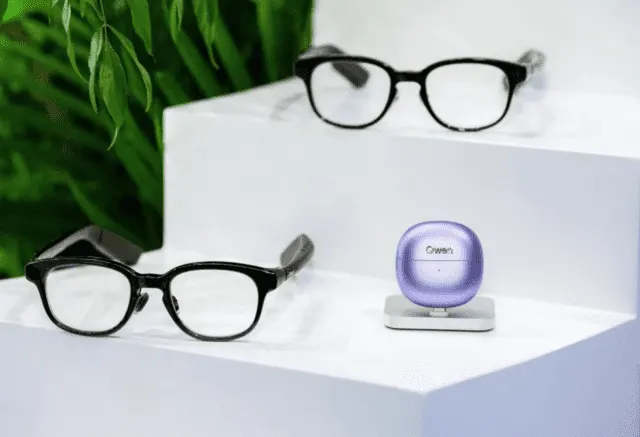
AI smart glasses with health tracking: heart rate and eye strain

Chinese medical drone fires emergency drugs into wounded soldiers
More in: Mobile
See all →
WhatsApp Status Location Sharing: A Map Post Is Coming
Apple HomeView reviews: Siri says it has no camera
Android Auto skips two songs per press, and there's no fix yet