Android Auto skips two songs per press, and there's no fix yet
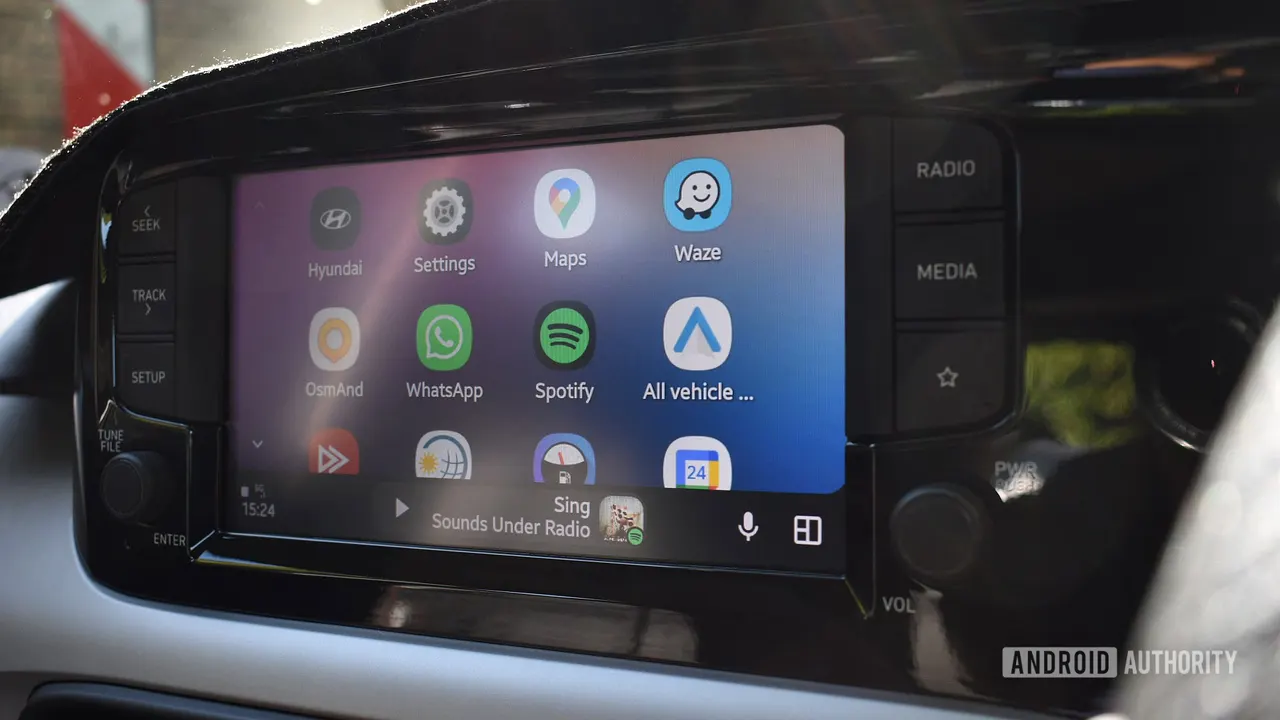
One tap on the steering-wheel button, two tracks gone. The Android Auto double-skip bug first hit Toyota RAV4 owners and has now spread to other cars and stereos.
 SUMO· the number puzzle
 Dialo· learn languages by speaking
 ediviewer· read EDI files like documents
 giftdetect· the right gift in minutes
You tap "next" on the steering wheel and Android Auto jumps two songs ahead. Annoying, and according to fresh user reports, it still hasn't gone away.
The Android Auto skipping two songs problem first came up earlier this year among owners of the 2026 Toyota RAV4. Pressing next or previous on the wheel registered two commands instead of one. It happened in several music apps, including Spotify and YouTube Music, over both wired and wireless connections.
Eight months later, complaints keep arriving, and they no longer come only from Toyota drivers. On October 25, a driver with a 2011 Acura TSX and a Pioneer AVH-2550NEX stereo described the same double skip in Tidal on a Samsung Galaxy S26 Plus. Switching to a Galaxy S23 Plus, with the same stereo and app versions, made the problem vanish. Reinstalling apps, clearing caches and resetting Bluetooth did nothing.
This week another user reported identical behaviour with a Galaxy S23 Plus and a CONVOX EVO-810 head unit (the screen-and-radio unit in the dash). Spotify and YouTube Music were both affected, while the head unit's own music controls worked fine.
Is there a fix for the Android Auto double-skip bug?
Not yet. Another 2026 RAV4 owner says the bug persists on Android Auto 18.0. In that case, pressing the wheel control twice made YouTube Music seek 10 seconds instead of changing tracks. Normal Bluetooth playback and Android Auto's on-screen buttons worked correctly.
Google hasn't ignored the complaints. An Android Auto community specialist emailed the Acura owner on October 27, and another specialist confirmed this week that the issue had been passed to the Android Auto team. There is no confirmed cause or fix, and it's unclear whether every affected setup shares the same underlying problem.
Until then, the on-screen controls seem to be the safest workaround, since they behaved normally in the reports. Google has been asked for comment.
Apps worth a look
SUMO: the number puzzleTap the right tiles, add them up, hit the target. Easy to learn, hard to master. Free, for all ages.
Dialo: learn languages by speakingTalk to an AI conversation partner; every sentence comes back corrected and explained in your language. 9 languages, A1 to C2.
ediviewer: read EDI files like documentsOpen EDIFACT and X12 messages, see every segment explained, convert to JSON/XML, export PDF and Excel. Runs locally, no upload.
giftdetect: the right gift in minutesPick who it is for, the occasion and their personality. The search engine reads product descriptions from local shops and ranks what fits. Free, no sign-up.
More from this day
See all →
Apple HomeView reviews: Siri says it has no camera

Meta Takes app: a prediction market that pays in 'cred', not cash

Bomb pulse: Canada's sugar maples held Cold War carbon for 60 years