Pixel lock screen animation missing after November update
Press the power button on some Pixels and the screen now cuts to black instead of fading. Owners blame the November update, and Google's support team is asking questions.
 SUMO· the number puzzle
 Dialo· learn languages by speaking
 ediviewer· read EDI files like documents
 giftdetect· the right gift in minutes
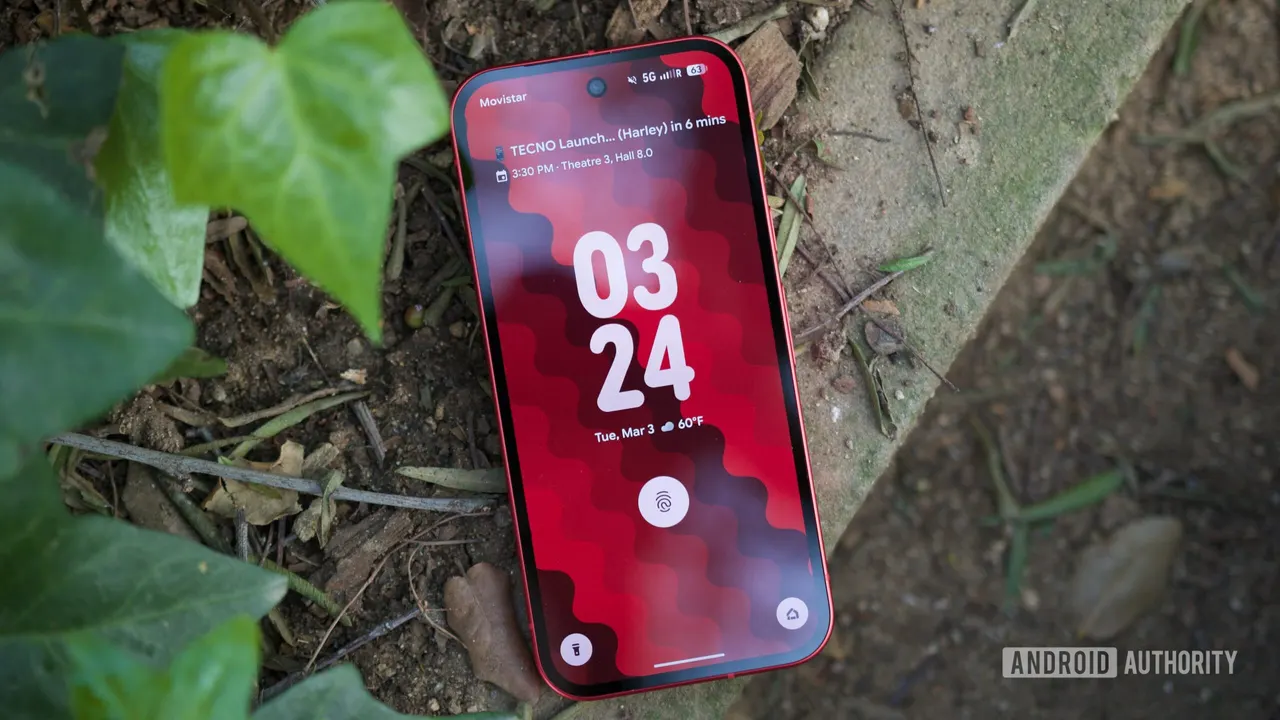
If your Pixel suddenly turns off with a hard cut instead of a soft fade, it isn't your imagination. The Pixel lock screen animation has gone missing for a number of owners, and they all point to the same suspect: the November update.
Normally, pressing the power button makes the screen fade gradually to black before it shuts off. Waking the phone uses the same fade in reverse. It's a small touch, but it makes the screen feel less like a light switch. Now, according to user reports, the display goes dark the instant the button is pressed. One user describes the opposite: the lock animation is fine, but nothing plays when the phone wakes.
Which Pixel phones are affected?
So far the reports come from owners of the Pixel 8, Pixel 10 and Pixel 11 series. That is a wide spread of models, which suggests the problem isn't tied to one piece of hardware. The common thread users mention is having installed the November update shortly before the animation vanished.
Is there a fix for the missing animation?
Not yet. The cause is unclear, and nothing confirms the update is really to blame, though it's the only pattern owners have spotted. The Pixel Support Team has replied in one of the user threads and asked for more details so it can investigate. Google has not yet commented publicly on the issue.
This isn't the only animation oddity on Pixels lately. A separate bug reported a day earlier causes visual ghosting when you close an app from the recent apps screen. Neither is dangerous, but both are the kind of polish glitch that is easy to notice once you've seen it.
If you're affected, the useful step is to report it in the Pixel support threads, since the support team is explicitly asking for more information.
Apps worth a look
SUMO: the number puzzleTap the right tiles, add them up, hit the target. Easy to learn, hard to master. Free, for all ages.
Dialo: learn languages by speakingTalk to an AI conversation partner; every sentence comes back corrected and explained in your language. 9 languages, A1 to C2.
ediviewer: read EDI files like documentsOpen EDIFACT and X12 messages, see every segment explained, convert to JSON/XML, export PDF and Excel. Runs locally, no upload.
giftdetect: the right gift in minutesPick who it is for, the occasion and their personality. The search engine reads product descriptions from local shops and ranks what fits. Free, no sign-up.
More from this day
See all →
Also TM-B e-bike deliveries paused over battery drain bugs

Taung Child skull redated to 3 million years, and it upends the family tree

US tech outages: White House says no attack behind them