Phone credit disappearing? How to find paid subscriptions
If your prepaid balance keeps shrinking and you haven't made calls, an auto-renewing subscription may be draining it. Here is how to track it down and stop it.

 SUMO· the number puzzle
 Dialo· learn languages by speaking
 ediviewer· read EDI files like documents
 giftdetect· the right gift in minutes
If your phone credit keeps vanishing and you can't say why, a paid subscription you never meant to sign up for is a likely culprit. These are quietly renewed and charged to your balance, and most people never notice.
The usual suspects are news-message services, quizzes and competitions, games and entertainment content. Many people end up in one by tapping an ad or a link, or by agreeing to an offer without reading the price and the renewal date.
How to find paid subscriptions draining your balance
Start with your text messages. Some services send a confirmation or a renewal notice that names the subscription, the price and the date of the charge. That often points straight at the service responsible.
If that turns up nothing, contact your mobile operator and ask for a review of the deductions and the services active on your line. Operators also have official apps where you can see active services, check usage and manage subscriptions, so open yours and look at what is tied to your number.
The charge may also come from inside an app. On an iPhone, check the subscriptions in your Apple ID settings. On Android, open the payments and subscriptions section in Google Play. Pay attention to any renewal or deduction message for a service you don't remember, and confirm who is actually charging you before you cancel anything.
How to stop unwanted subscriptions
Once you know which service it is, cancel it through your operator's app or its other official channels. You can also call customer service, ask them to stop the service and make sure the cancellation went through.
Subscriptions bought through app stores must be cancelled in the subscription settings of Apple or Google Play. Deleting the app from your phone does not necessarily cancel the paid subscription.
To avoid a repeat, don't tap ads or links that ask you to activate vague services, and read the terms and the cost before you agree. Checking the services active on your line from time to time, along with your deduction history, helps you spot unused ones early.
Apps worth a look
SUMO: the number puzzleTap the right tiles, add them up, hit the target. Easy to learn, hard to master. Free, for all ages.
Dialo: learn languages by speakingTalk to an AI conversation partner; every sentence comes back corrected and explained in your language. 9 languages, A1 to C2.
ediviewer: read EDI files like documentsOpen EDIFACT and X12 messages, see every segment explained, convert to JSON/XML, export PDF and Excel. Runs locally, no upload.
giftdetect: the right gift in minutesPick who it is for, the occasion and their personality. The search engine reads product descriptions from local shops and ranks what fits. Free, no sign-up.
More from this day
See all →



More in: Mobile
See all →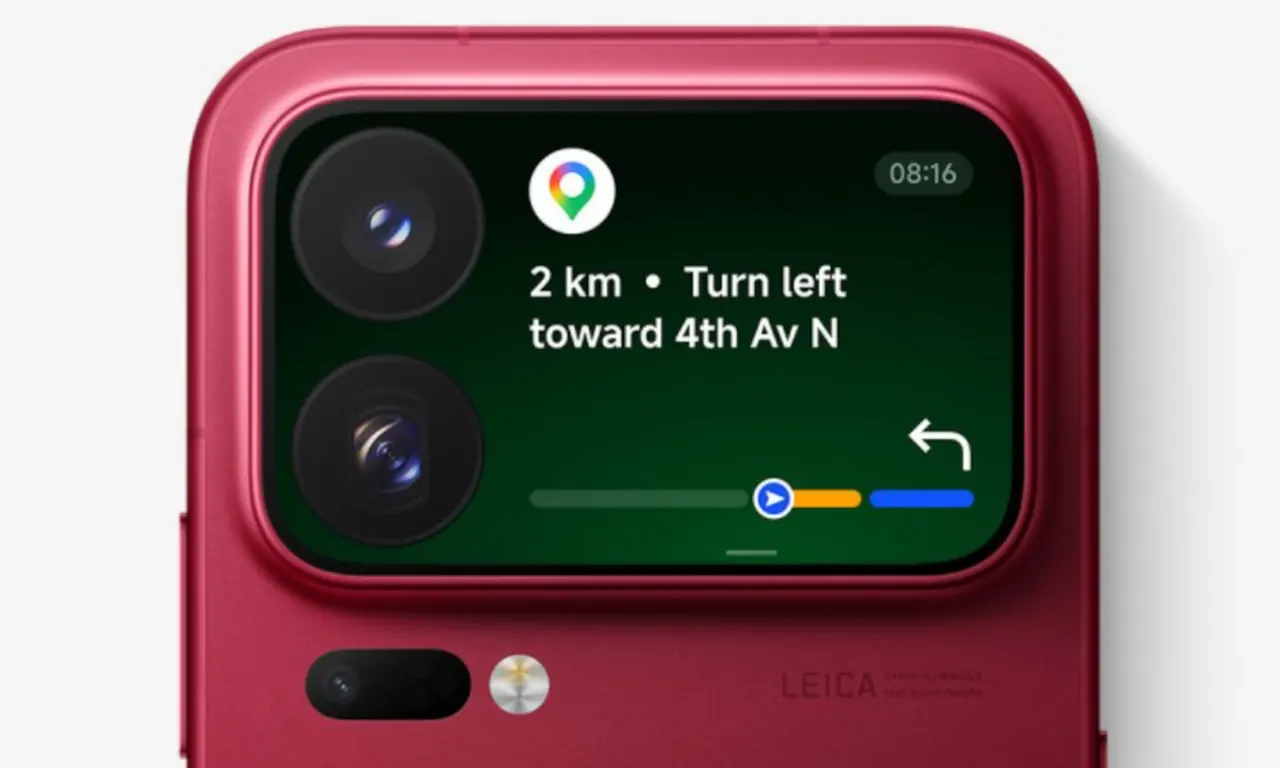
Xiaomi 18 Pro rear screen: Google Maps on the back of a phone

Navigo pass on Samsung: what you lose by moving to Google
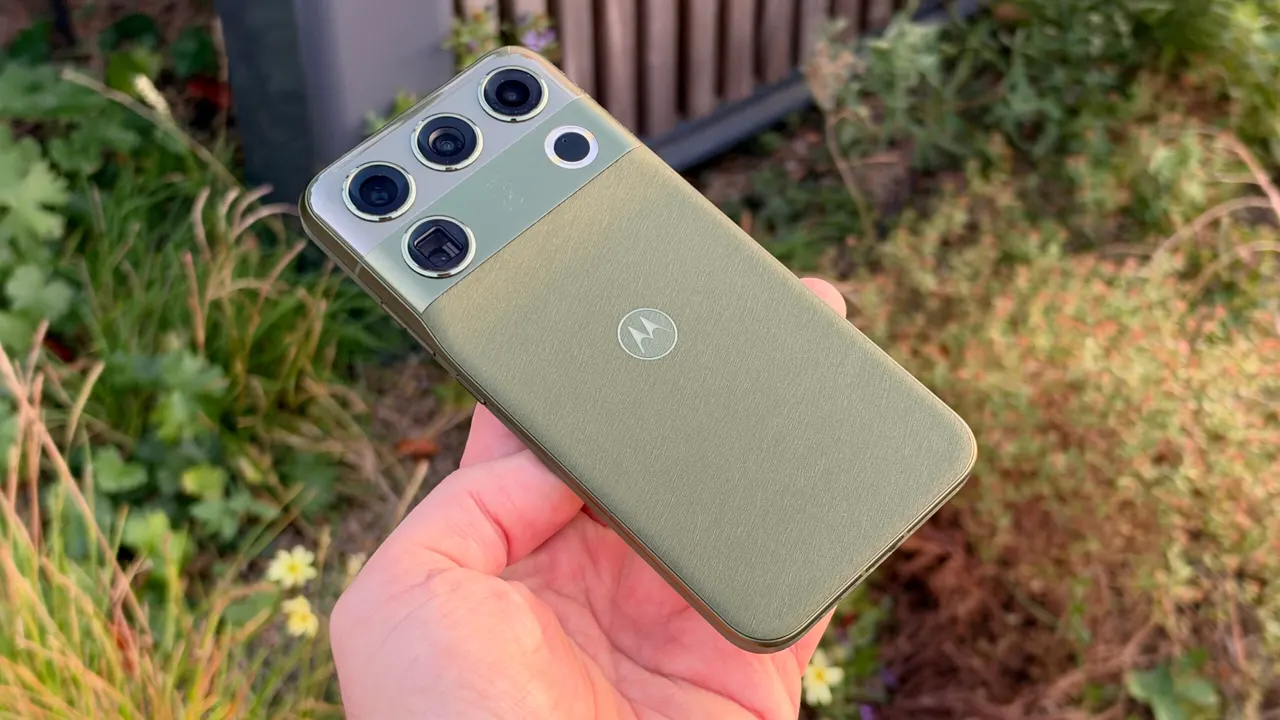
Motorola Signature 27 may ship with a 5,500mAh battery in some markets