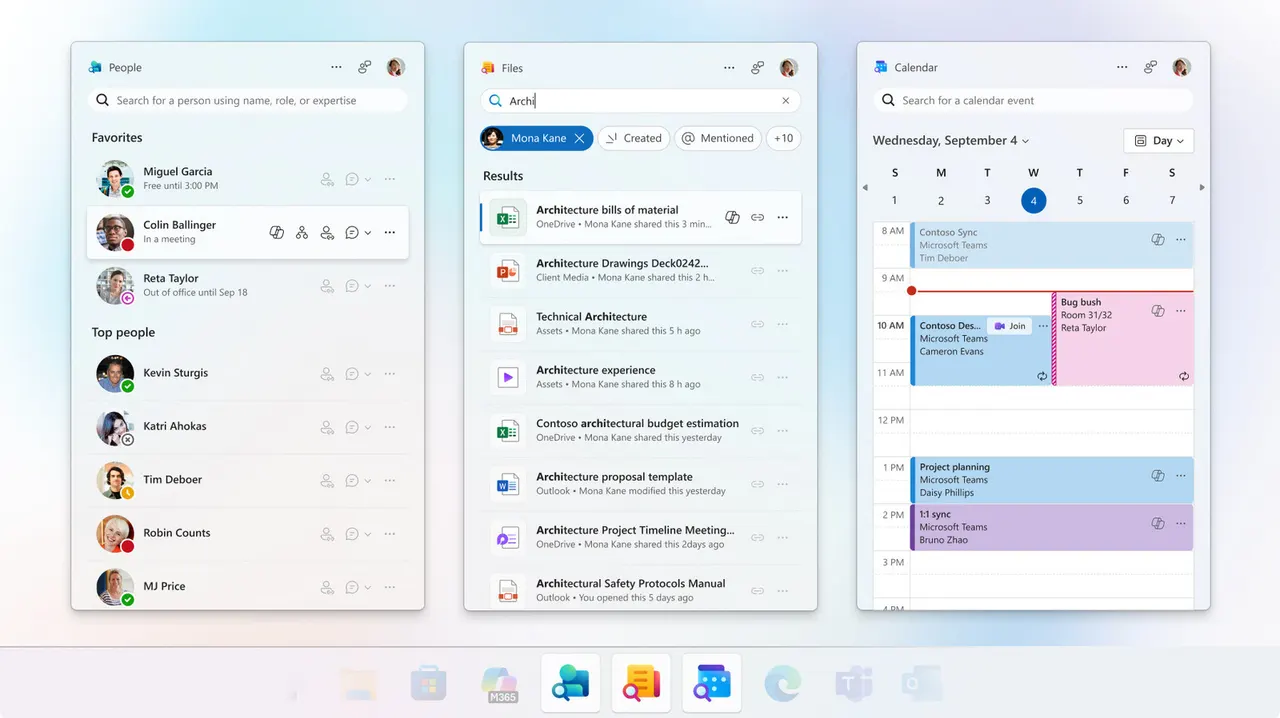
Microsoft outage compensation: how to claim after Outlook and Teams went down
Outlook and Teams were down for more than 36 hours. Business customers may be able to claim service credits from Microsoft, but only until 31 December 2026.

 SUMO· the number puzzle
 Dialo· learn languages by speaking
 ediviewer· read EDI files like documents
 giftdetect· the right gift in minutes
If your company lost a day and a half of email and meetings to the Outlook and Teams outage, Microsoft may owe you something. Not cash, though. Credits.
The outage on 12 November 2026 lasted more than 36 hours and disrupted work for millions of people who rely on Microsoft 365 for email and daily tasks. Services are back to normal now, so the question is whether affected customers can get anything for the downtime.
How does Microsoft outage compensation work?
Business subscriptions come with a service level agreement (SLA) that promises 99.9% monthly availability, including Exchange Online and Outlook. If Microsoft misses that target, eligible customers can claim service credits. These are not refunds. They reduce future subscription bills, and depending on the agreement's terms they can reach 25%, 50% or even 100% of the fee for the affected service.
Downtime is measured in "user-minutes", which factors in how long a service was down and how many users were hit. Credits are calculated per service, so an Outlook failure does not automatically earn credit on your whole Microsoft 365 subscription.
Who can claim?
Mainly business customers with eligible plans, such as Microsoft 365 Business, Exchange Online and Teams Premium. People on Microsoft 365 Personal or Family may not be covered by the business SLA. They can still ask for a refund, but Microsoft decides whether to grant it.
How to file a claim
Companies that bought directly from Microsoft start in the Microsoft 365 admin center: sign in, open Billing, then Bills & Payments to check the subscription and affected services. Next, use the Help & Support icon at the bottom right, go to the contact page and choose Email.
The request should describe the outage, how long services were unavailable, which services were hit, and how many users were affected and where. Include the incident numbers Microsoft assigned: EX1550543 for Exchange, MO1550821 for Outlook and TM1550488 for Teams.
You should receive a case number, but that is not approval. Microsoft reviews each request. Companies that bought through a partner or Cloud Solution Provider (CSP) must go through that provider, which files the claim for them.
The deadline for claims tied to the 12 November outage is 31 December 2026.
Apps worth a look
SUMO: the number puzzleTap the right tiles, add them up, hit the target. Easy to learn, hard to master. Free, for all ages.
Dialo: learn languages by speakingTalk to an AI conversation partner; every sentence comes back corrected and explained in your language. 9 languages, A1 to C2.
ediviewer: read EDI files like documentsOpen EDIFACT and X12 messages, see every segment explained, convert to JSON/XML, export PDF and Excel. Runs locally, no upload.
giftdetect: the right gift in minutesPick who it is for, the occasion and their personality. The search engine reads product descriptions from local shops and ranks what fits. Free, no sign-up.
More from this day
See all →
Comet 220P/McNaught suddenly got 1,000 times brighter. Here's why

Coral Hart used AI to write 370 books in 20 months
WhatsApp Zaps: self-deleting photos and videos for any chat

Green SM taxis: Karnataka halts new registrations, eyes mandatory meters
More in: Software
See all →
Siri AI daily limits: Apple tests caps tied to iCloud Plus
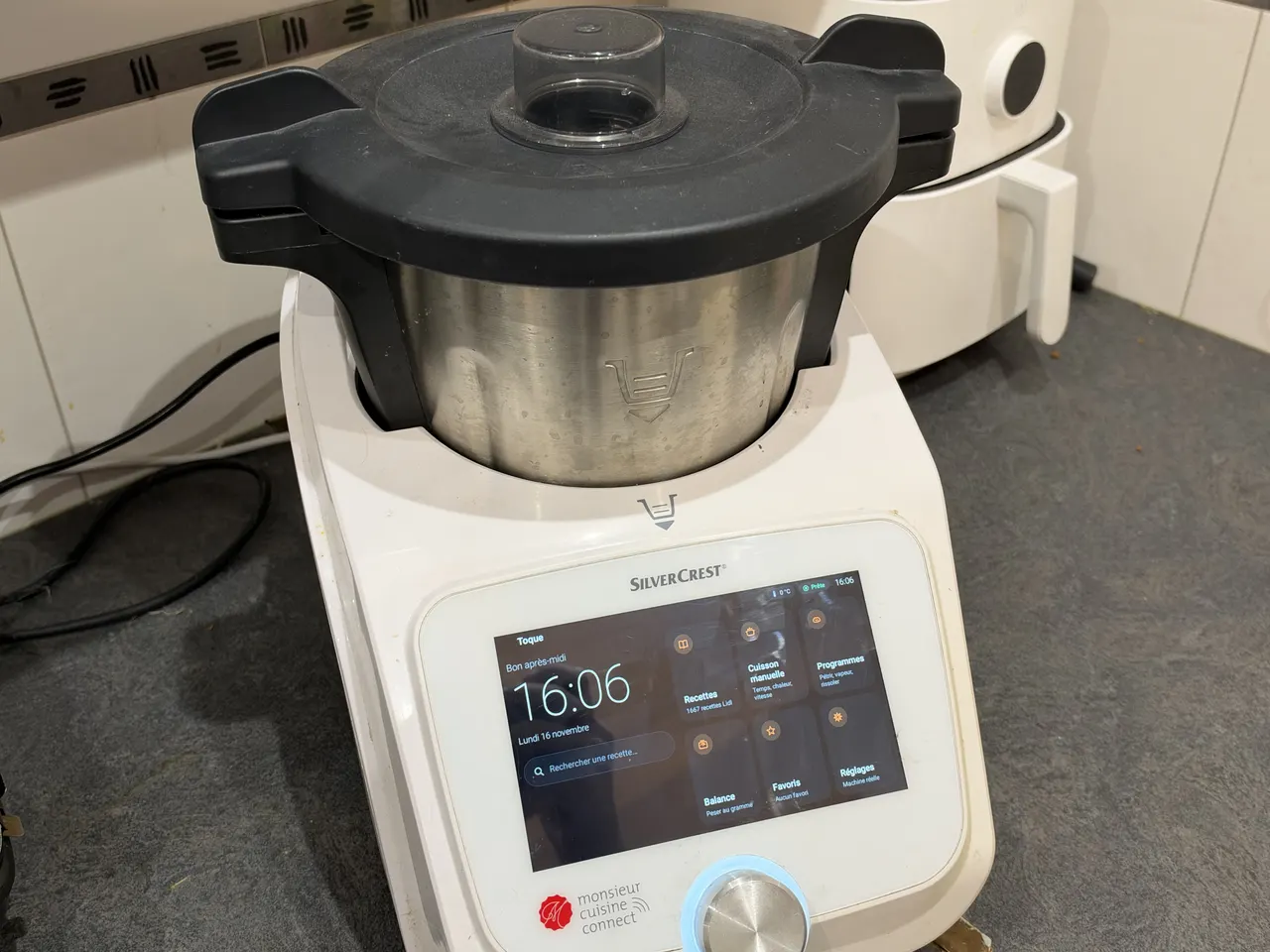
Toque for Lidl Monsieur Cuisine Connect makes the slow robot fast

Android Time Machine lets you run Android 2.1 to 7.1 in a browser