iOS 27 Impersonation Risk Detection: How to Turn It On
iOS 27 adds Impersonation Risk Detection, which tells banking apps when your iPhone sees signs of a scam. It is off by default, so you have to switch it on.
 SUMO· the number puzzle
 Dialo· learn languages by speaking
 ediviewer· read EDI files like documents
 giftdetect· the right gift in minutes
If someone calls pretending to be your bank, your iPhone may soon be able to tell your banking app. Apple has added a feature called Impersonation Risk Detection to iOS 27, aimed at scams where criminals pose as bank staff, government officials or people you know.
The idea is simple. The iPhone assesses the risk on the device itself, then shares that rating with participating apps, such as banking apps. The apps can then deal with a suspected scam before any damage is done.
How does Impersonation Risk Detection protect you?
Many of these scams work the same way. A fraudster poses as a bank employee, an official or an acquaintance, then convinces the victim that something urgent needs fixing, usually by sending money or handing over login details.
When an app gets a risk rating, it can respond in several ways. It might ask for extra identity checks, delay a large transfer, or show a warning that you may be the target of a scam.
The rating has three levels: Unknown, when the iPhone sees no clear signs of risk; Medium, when it spots some signs of suspicious activity; and High, when the signs are strong. Only the level is shared. The details the iPhone used to reach it stay on the device, which is meant to protect your privacy.
How to turn on Impersonation Risk Detection in iOS 27
The feature is off by default. Apple apparently chose that to avoid false alarms that could block services or add pointless steps in apps. To enable it:
- Open Settings.
- Go to Privacy & Security.
- Choose Impersonation Risk Detection.
- Turn on Share with App Developers.
It can take up to 24 hours before the feature starts working normally.
There is one catch. It only helps if your apps support it and take part. If your bank has not added support, switching it on will not change much.
Apps worth a look
SUMO: the number puzzleTap the right tiles, add them up, hit the target. Easy to learn, hard to master. Free, for all ages.
Dialo: learn languages by speakingTalk to an AI conversation partner; every sentence comes back corrected and explained in your language. 9 languages, A1 to C2.
ediviewer: read EDI files like documentsOpen EDIFACT and X12 messages, see every segment explained, convert to JSON/XML, export PDF and Excel. Runs locally, no upload.
giftdetect: the right gift in minutesPick who it is for, the occasion and their personality. The search engine reads product descriptions from local shops and ranks what fits. Free, no sign-up.
More from this day
See all →
Sleep tracker test: 11 wearables, 58 vs 16 minutes awake

Binding of Isaac: Repentance Plus drops AI music from its GTA-style section

Planet X2: a Hidden World Beyond Neptune Could Explain Odd Orbits

Amber Wallin's GTA 6 voice role stayed secret, even from her husband
More in: Mobile
See all →
OnePlus US website now empty after the company's market exit

Kindle 10th gen and Paperwhite lose software support at Amazon
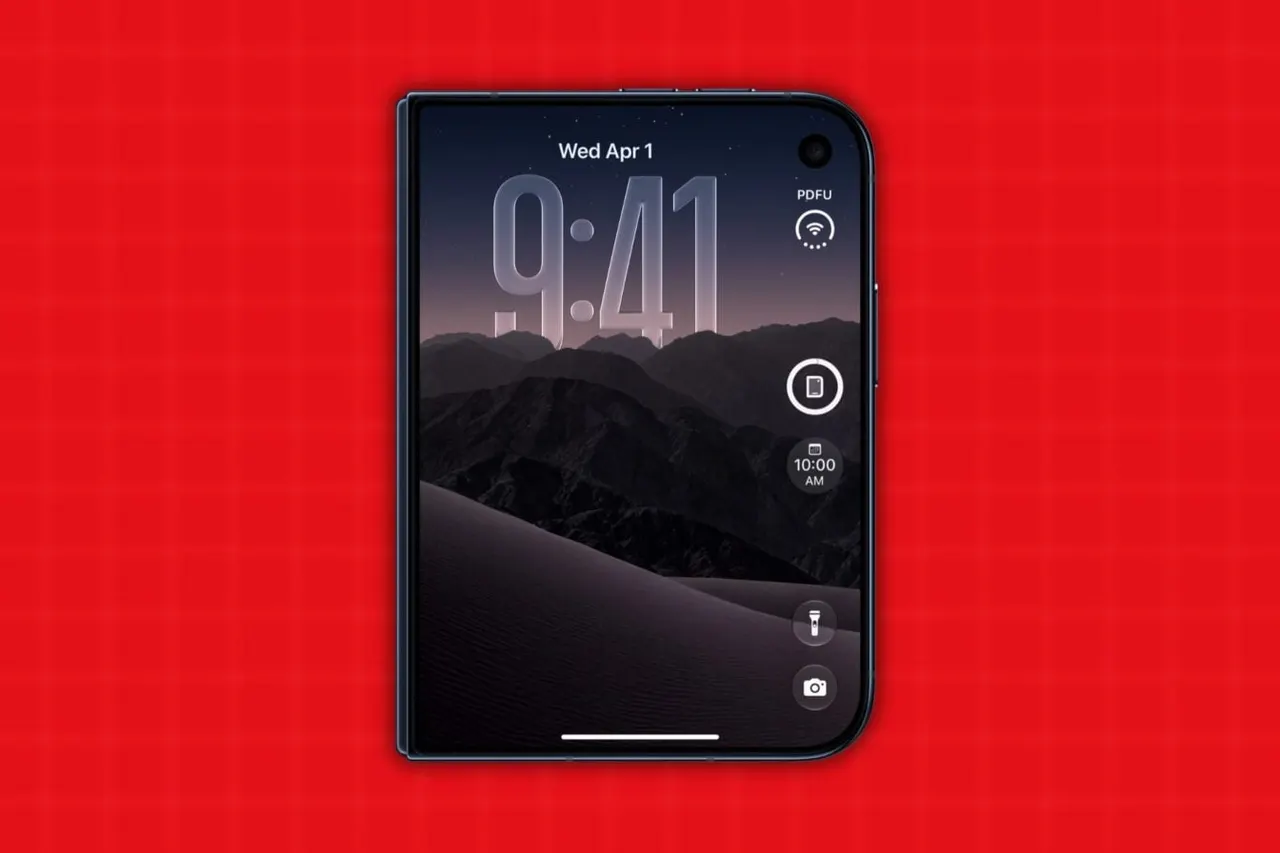
iPhone Duo lock screen has a hidden widget column, switched off