iOS 27 alarm volume setting splits it from your ringtone
A quiet ringtone used to mean a quiet alarm. iOS 27 adds a setting that gives alarms and timers their own volume, so you can wake up properly.
 SUMO· the number puzzle
 Dialo· learn languages by speaking
 ediviewer· read EDI files like documents
 giftdetect· the right gift in minutes
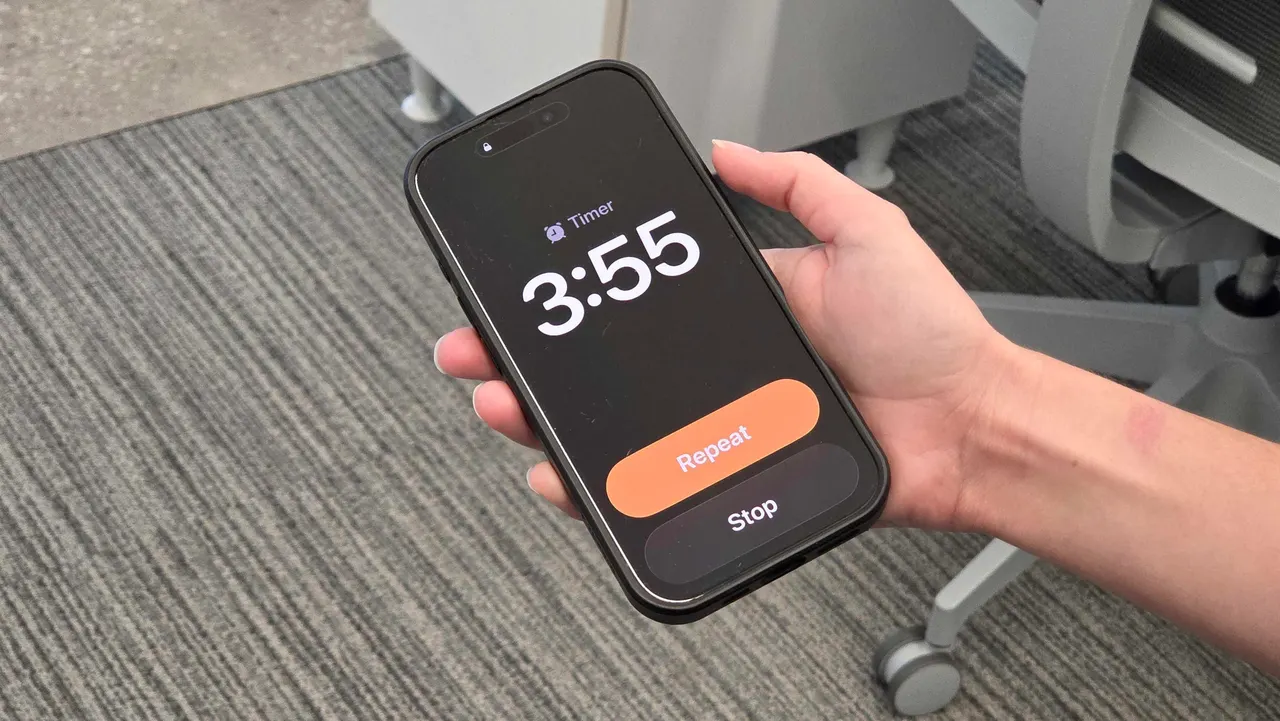
Lower your ringtone volume and your morning alarm quietly follows it down. A lesser-known iOS 27 feature is meant to stop that: the new iOS 27 alarm volume setting gives alarms and timers a volume of their own.
Until now, alarms, timers, alerts and system sounds all followed the same level as your ringtone. That is still the default in iOS 27. The change is that you can switch the link off and set alarms and timers separately from alerts and system sounds. You can turn the alarm all the way up while the phone stays discreet when someone calls or a notification arrives.
How do you set alarm volume separately in iOS 27?
The option lives in the Sounds and Haptics settings. Scroll down to the toggle for Alarms and Timers. By default it ties them to the ringtone volume. Turn that off, and you can set the volume for upcoming alarms on its own.
Isn't there already an alarm volume setting?
Sort of. For a few years, Sleep Schedule alarms have had a dedicated volume slider, set inside the Sleep focus, so they go off at a fixed volume no matter what the phone's shared volume is. That only covered alarms tied to the Sleep Schedule.
The iOS 27 version is broader. It applies to all alarms and timers, including the ones you set by hand for an early flight or a pasta pot. If you never bothered with a Sleep Schedule, this is the first proper way to keep your alarm loud and your ringtone polite.
The feature is easy to miss because it sits in a settings screen most people open rarely. If your ringtone is on the quiet side, it is worth a look before tomorrow morning.
Apps worth a look
SUMO: the number puzzleTap the right tiles, add them up, hit the target. Easy to learn, hard to master. Free, for all ages.
Dialo: learn languages by speakingTalk to an AI conversation partner; every sentence comes back corrected and explained in your language. 9 languages, A1 to C2.
ediviewer: read EDI files like documentsOpen EDIFACT and X12 messages, see every segment explained, convert to JSON/XML, export PDF and Excel. Runs locally, no upload.
giftdetect: the right gift in minutesPick who it is for, the occasion and their personality. The search engine reads product descriptions from local shops and ranks what fits. Free, no sign-up.
More from this day
See all →
iOS 27 Notification Center: the swipe moves to the top-left

SNET puts a Super Nintendo on Wi-Fi through its controller port

No Humans Allowed: a browser game where you pretend to be an AI