iCloud security settings: the ones worth switching on now
Your iCloud holds photos, notes, passwords and payments. A handful of settings decide whether a thief or hacker gets in, and some are off by default.
 SUMO· the number puzzle
 Dialo· learn languages by speaking
 ediviewer· read EDI files like documents
 giftdetect· the right gift in minutes
If you use an iPhone, iPad or Mac, you use iCloud, and whoever controls your Apple Account controls a lot of your life. The good news: the iCloud security settings that matter most take a few minutes to check.
Start with the password. NordPass lists 123456, admin and 12345678 as the world's three most common ones, so please don't. Use a long mix of letters, numbers and symbols, and don't reuse it anywhere else. The Passwords app will flag leaked or weak ones. Then confirm two-factor authentication is on (Settings > [Your Name] > Sign-In & Security). It should be by default. Remove any old phone numbers or emails you no longer use.
What is Stolen Device Protection?
It stops a thief who knows your passcode from taking over your Apple Account. Your iPhone learns familiar places such as home and work. Anywhere else, it demands Face ID or Touch ID for sensitive tasks. Changing critical settings needs two successful biometric scans and a one-hour wait. Turn it on in Settings > Face ID & Passcode > Stolen Device Protection.
How do you get back in if you're locked out?
Three tools live in Sign-In & Security. Recovery Contacts let you name up to five trusted people who can generate a code to help you in. A Recovery Key is a 28-character key that replaces Apple's own recovery process. It's very secure, but lose it and your trusted devices and you could be locked out for good. A Legacy Contact can access your photos, notes and documents after your death, with a death certificate.
Does Apple encrypt everything in iCloud?
Not fully. Data is encrypted in transit, but Apple can decrypt much of what's stored, including iCloud Drive, Photos and Notes. Passwords, health data, Safari history and payments are always out of Apple's reach. Advanced Data Protection extends that to everything except Mail, Contacts and Calendar. It isn't available in the UK, and it requires a Recovery Contact or Recovery Key, because Apple can't help you decrypt your data afterwards.
Smaller extras
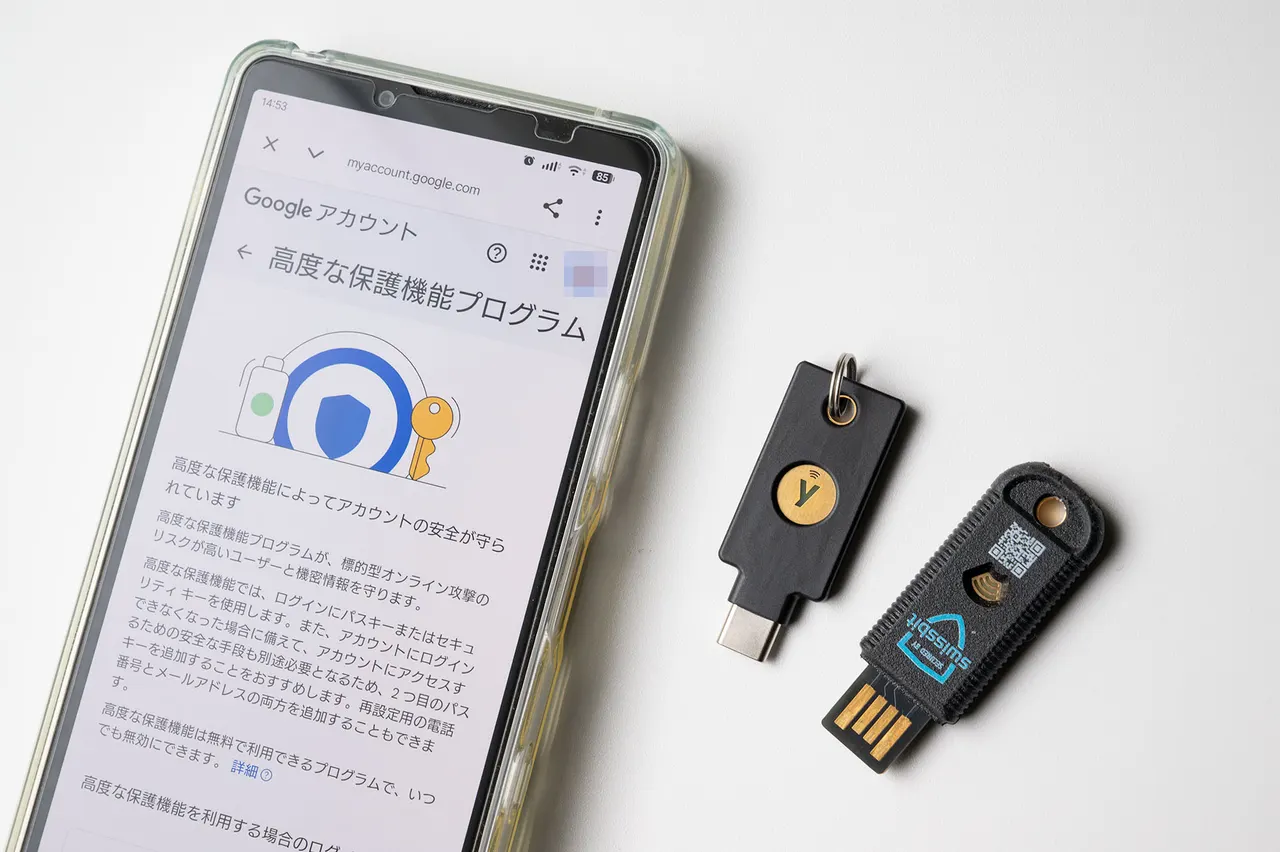
iCloud Private Relay hides your IP address and location from sites in Safari. It's similar to a VPN, but not a replacement. Hide My Email, part of iCloud+, creates random forwarding addresses for forms and Sign in With Apple. FIDO-certified physical security keys can replace codes for two-factor authentication, with the same risk of lockout if you lose them.
Finally, Apple will never ask for a verification code, so never share one. Run Safety Check (Settings > Privacy & Security > Safety Check) to see who can access your information. If something looks unfamiliar, tap Emergency Reset.
Apps worth a look
SUMO: the number puzzleTap the right tiles, add them up, hit the target. Easy to learn, hard to master. Free, for all ages.
Dialo: learn languages by speakingTalk to an AI conversation partner; every sentence comes back corrected and explained in your language. 9 languages, A1 to C2.
ediviewer: read EDI files like documentsOpen EDIFACT and X12 messages, see every segment explained, convert to JSON/XML, export PDF and Excel. Runs locally, no upload.
giftdetect: the right gift in minutesPick who it is for, the occasion and their personality. The search engine reads product descriptions from local shops and ranks what fits. Free, no sign-up.
More from this day
See all →

More in: Security
See all →
Telegram warns iPhone users on older iOS to update now
Can AI break RSA encryption before quantum computers do?
Google Advanced Protection Program: what two weeks in is like