Why your AirTag keeps beeping: the common reasons
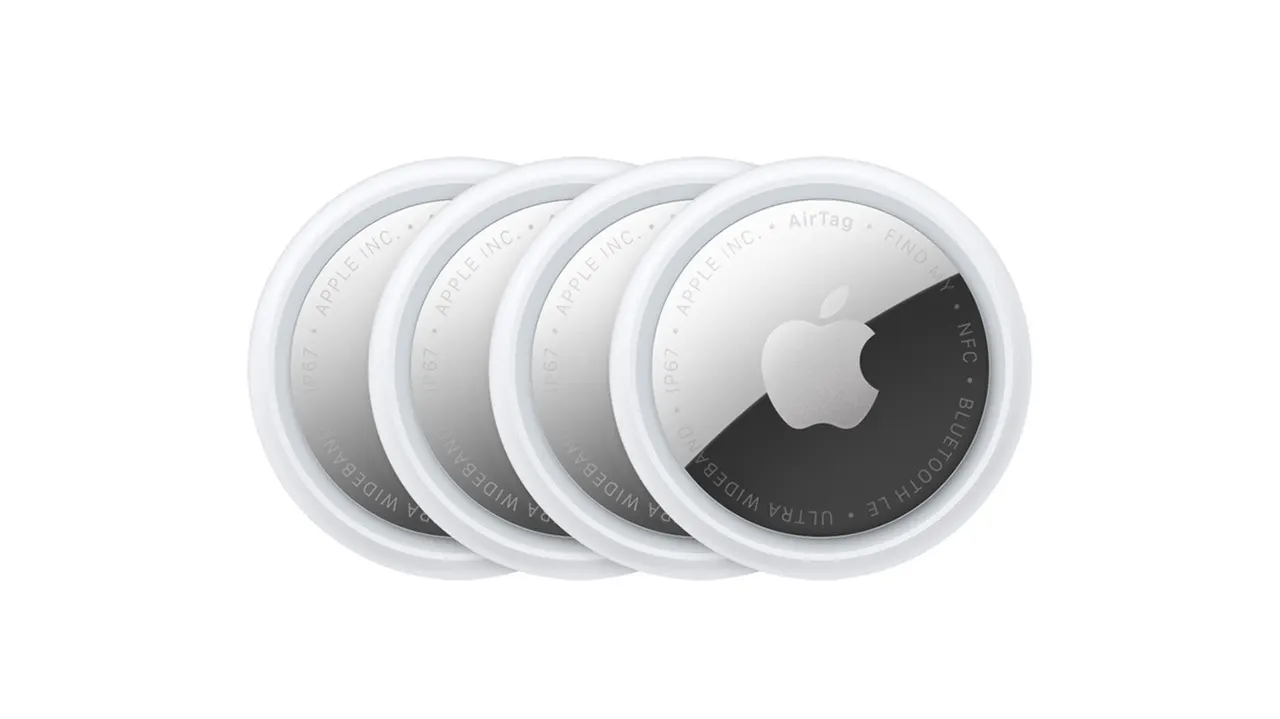
An AirTag can chime without you asking. A lost Bluetooth link, an anti-stalking alert or a dying battery are the usual suspects.
 SUMO· the number puzzle
 Dialo· learn languages by speaking
 ediviewer· read EDI files like documents
 giftdetect· the right gift in minutes
If your AirTag is beeping and you didn't tell it to, there's usually a boring explanation. Sometimes it's the tracker doing exactly what Apple designed it to do.
You can make an AirTag sound off on purpose by tapping Play in the Find My app, or by marking it as lost. It also plays its own chime pattern when you start setting it up and again when setup finishes. Beyond that, a few things can set it off by itself, and not all of them are in your hands.
Why is my AirTag beeping on its own?
The most common cause is a lost Bluetooth connection to the iPhone it's paired with. Leave an AirTag behind and, a few hours later, it will start beeping if it detects movement. That's also why it's not the best tracker for a pet. A cat or dog wandering away from you may get startled by the sound.
If the AirTag beeps while it's right next to you, try switching Bluetooth off and on again on your iPhone.
Apple built in this behaviour as an anti-stalking measure. With Location Services on and Tracking Notifications switched on in Settings, your iPhone will alert you if it spots a location tracker that isn't yours and has been moving with you over time. The AirTag itself may beep too, so you can find it and get rid of it if it belongs to someone else.
Could the battery be the problem?
Yes. A low battery can also make an AirTag chime. The fix is cheap and needs no tools. Press down on the metal back cover, twist it counterclockwise, take off the cover and swap the old CR2032 lithium coin cell for a new one.
Apps worth a look
SUMO: the number puzzleTap the right tiles, add them up, hit the target. Easy to learn, hard to master. Free, for all ages.
Dialo: learn languages by speakingTalk to an AI conversation partner; every sentence comes back corrected and explained in your language. 9 languages, A1 to C2.
ediviewer: read EDI files like documentsOpen EDIFACT and X12 messages, see every segment explained, convert to JSON/XML, export PDF and Excel. Runs locally, no upload.
giftdetect: the right gift in minutesPick who it is for, the occasion and their personality. The search engine reads product descriptions from local shops and ranks what fits. Free, no sign-up.
More from this day
See all →

More in: Hardware
See all →
Old console browsers: why none can run a modern Chrome

Home battery without solar panels: buy power at 3 cents, use it at 20

Ninkear MBOX18 mini PC: a full Windows 11 desktop in 0.36 litres